098-00720-000 Revision D1 – February, 2018 SyncServer 600 Series User’s Guide 141
Chapter 4
Navigation Windows
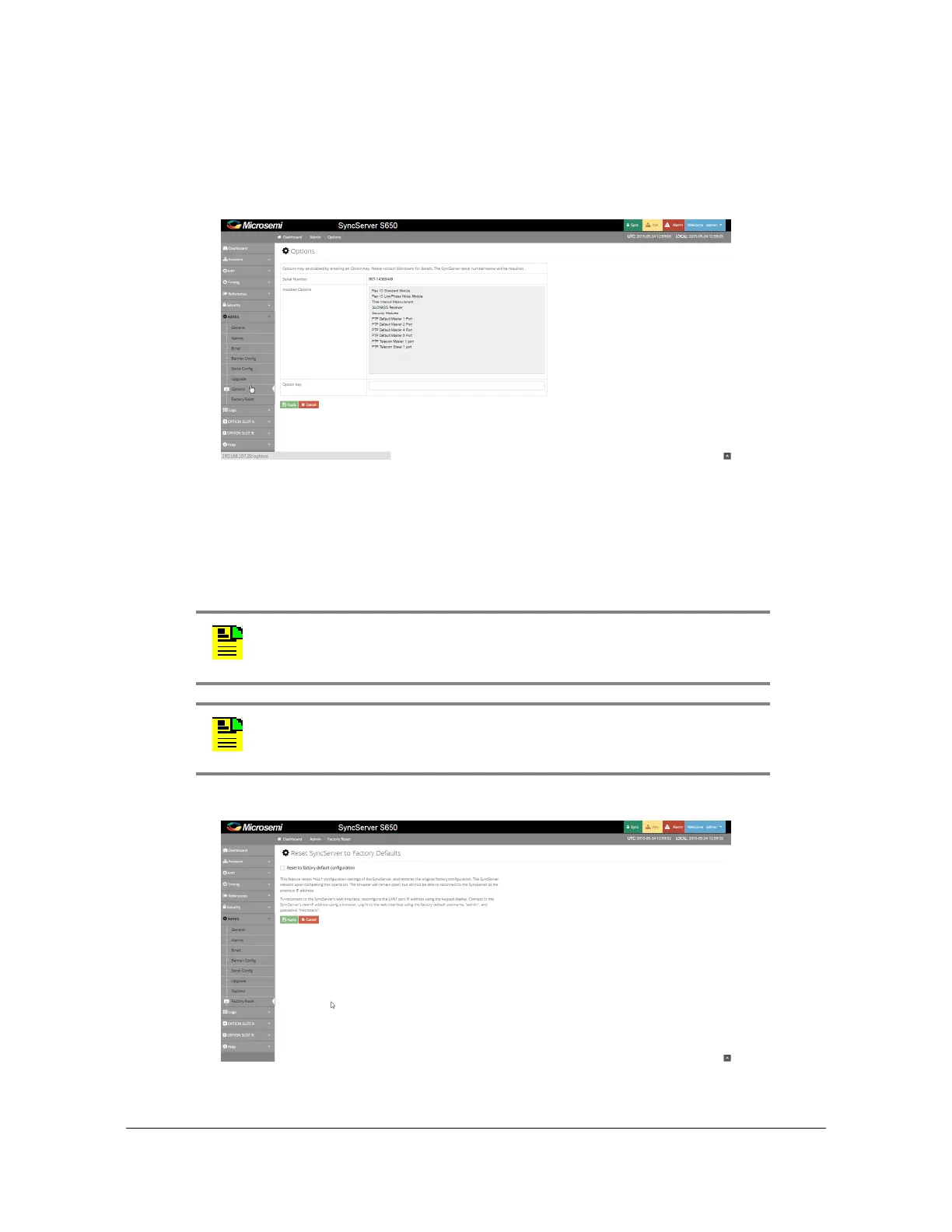
Admin - Options Configuration Window
Use this window to enter option keys to enable SyncServer options. See Figure
4-57.
Figure 4-57. Admin - Options Configuration Window
Admin - Configuration Backup / Restore / Reset
Use this window to back up, restore, or reset the SyncServer S6x0 to factory
configuration. See Figure 4-58.
Figure 4-58. Admin - Factory Reset Window
Note: For a configuration restore, the system will reject a
configuration file that was generated from a unit running system
software that is newer than the software currently running in the unit.
Note: If an HTTPS certificate was installed, the system will return to
using the self-signed HTTPS certificate after a configuration restore.



 To Next Page