178 SyncServer 600 Series User’s Guide 098-00720-000 Revision D1 – February, 2018
Chapter 6 Provisioning
Establishing a Connection to the SyncServer S6x0
Communicating Through the Serial Port
An EIA-232 serial port is available on the rear panel for a direct serial connection to
a terminal or a computer with terminal emulation. Use the following procedure to
connect the SyncServer S6x0 to a terminal or a computer with terminal emulation
via a straight through serial cable:
1. Connect one end of a straight through serial cable to the serial port on the
computer or terminal and the other end to the EIA-232 connector labeled
“Console” on the rear panel of the SyncServer S6x0.
2. Configure the emulation software for 8 data bits, 1 stop bit, no parity, 115.2 kbps
baud rate, and no flow control.
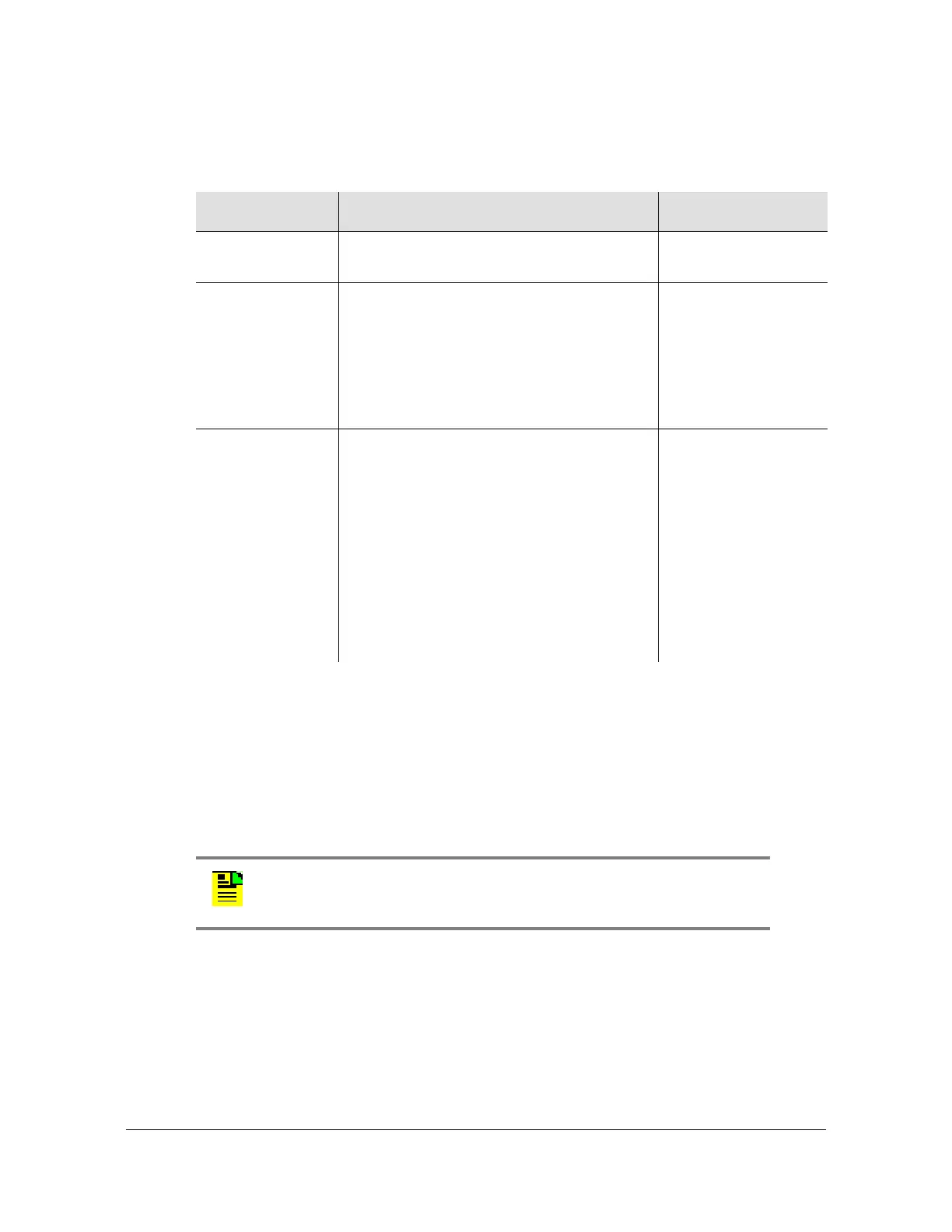
Table 6-1. Configuring the LAN1 Port
Method Steps Notes
Web Interface
Path
Network > Ethernet
CLI Command set ip ip-address lan1 ipv4
address <addrv4_value> netmask
<maskv4_value> gateway
<gatewayv4_value>
set ip address-mode lan1
{ipv4|ipv6} dhcp
Front Panel Menu button
Select “1) LAN1”
Select “1. Configure”
Select “1) IPv4” or “2) IPv6 (DHCPv6)
If IPv4, select Addressing Type “1) Static
Addr” or “2) DHCP”
If IPv4 Static Addr,
enter IPv4 address and press Enter
button
enter netmask and press Enter button
enter gateway and press Enter button
This method can only
be used to configure
LAN1.
Note: For information on restricting user access, see Managing the
User Access List, on page 179.



 To Next Page