134 SyncServer 600 Series User’s Guide 098-00720-000 Revision D1 – February, 2018
Chapter 4
Navigation Windows
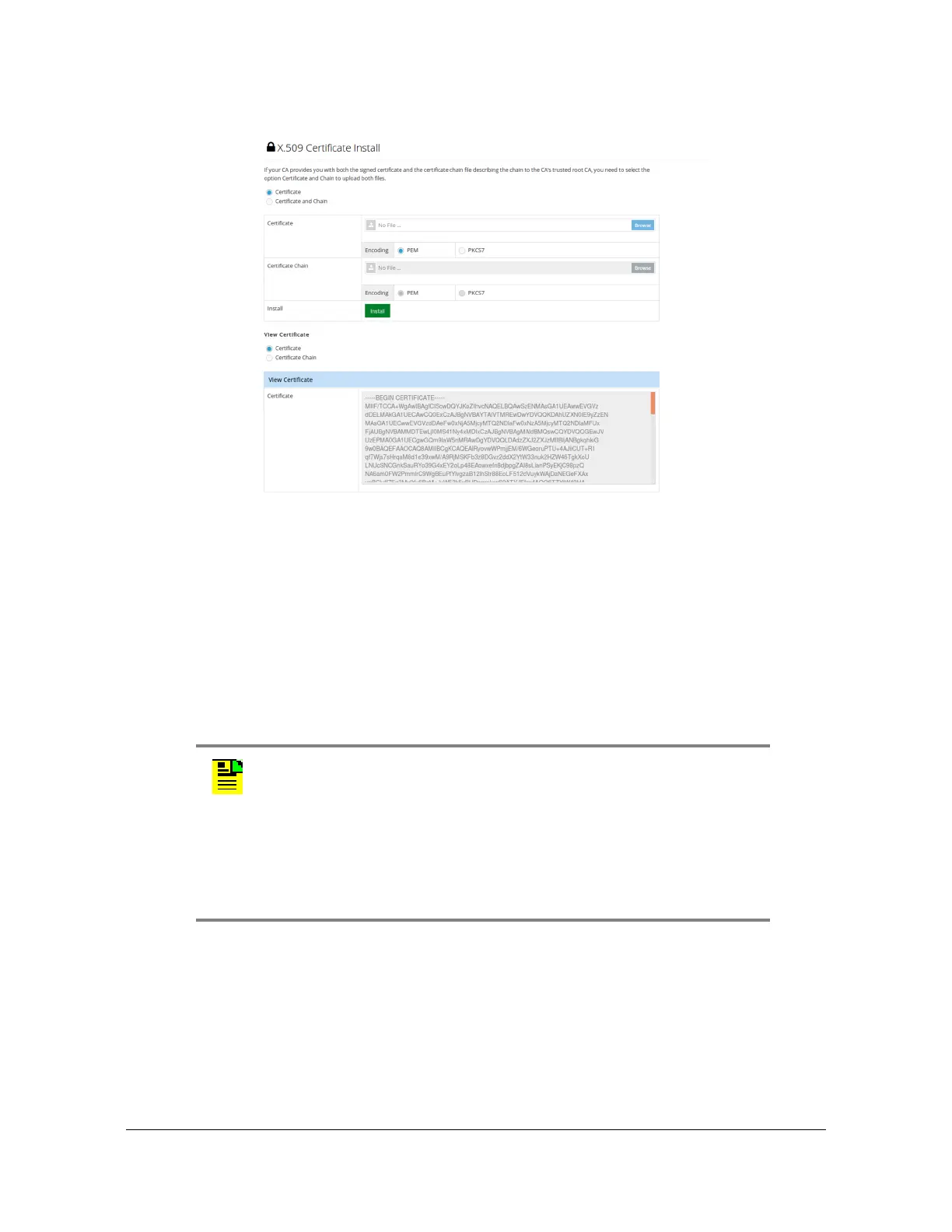
Figure 4-49. Security - X.509 Install Window
Admin Configuration Windows
Admin - General Configuration Window
Use this window to configure system identification and to check for software
updates. See Figure 4-50. Enables the SyncServer to check the Microsemi upgrade
notification site at http://update.microsemi.com every day at noon local time for new
software updates. Displays a notice on the Status page and can send and SNMP
trap when an upgrade is available. Requires that the SyncServer management port
have firewall access to the internet.
Note: Only alphanumeric characters, hyphen, and underline are
allowed for the hostname. The hostname can be from 1 to 63
characters long.
abcdefghijklmnopqrstuvwxyz
ABCDEFGHIJKLMNOPQRSTUVWXYZ
0123456789
-_



 To Next Page