098-00720-000 Revision D1 – February, 2018 SyncServer 600 Series User’s Guide 81
Chapter 4
Status / Information Windows
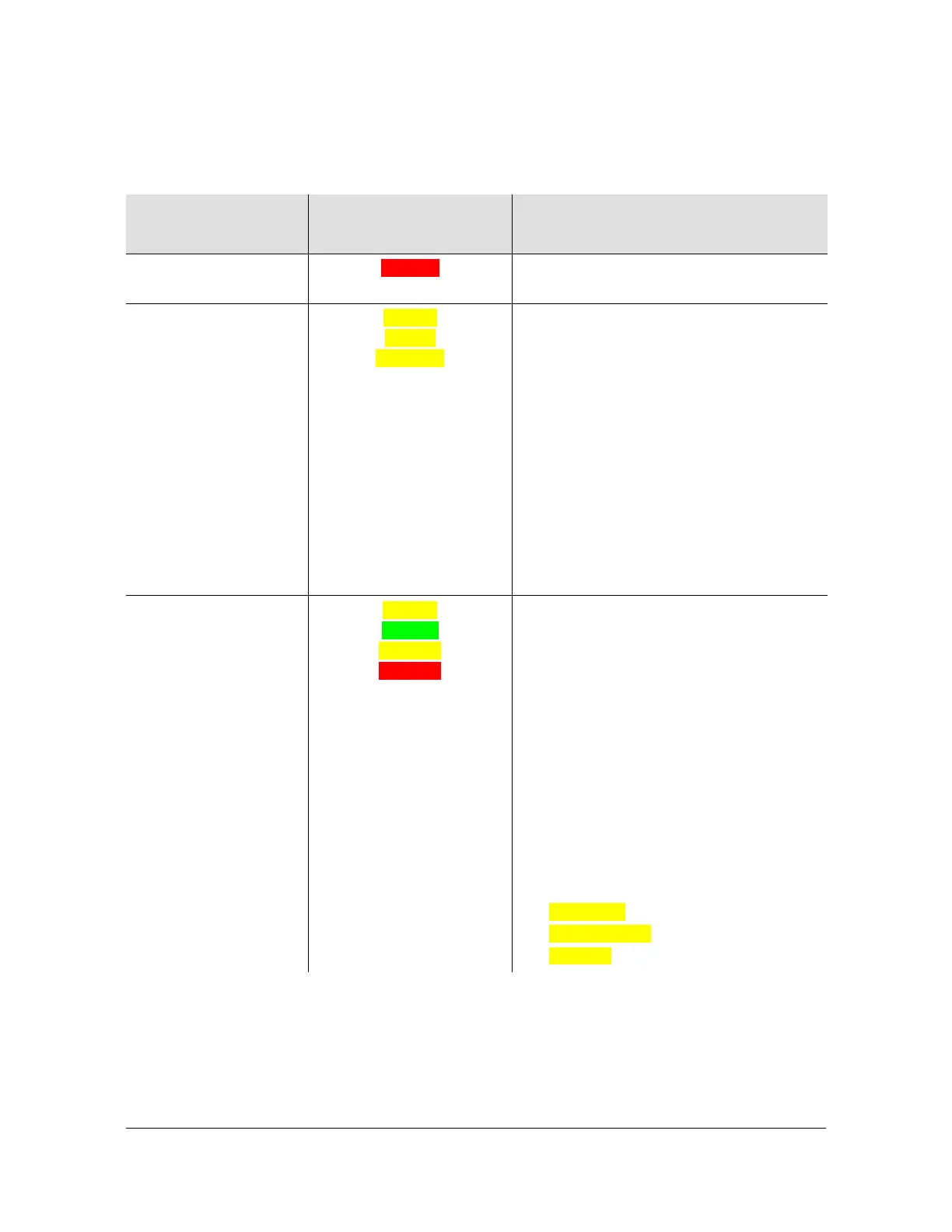
Table 4-3. Status - Current Source Details
Item
Status Where it Will
Happen
Details
No current source Warmup Directly equal to the common warmup
clock state (to both freq and time)
Current Source taken
from Timing
References
Locking
Locked
Relocking
When the status is any of these there
MUST be a selected time source, which
takes precedence in the Current Reference
row (more important than if there is also a
qualified frequency reference). There must
be at least one green item in the Timing
References row. The leftmost green one
will be identically indicated in the Current
Reference row. This is because the
leftmost green item in Timing References is
the highest priority time source and
therefore must be selected. For example, if
it is GNSS it will appear identically as
Current Reference and in Timing
References row.
Current Source taken
from Frequency
References
Freerun
Bridging
Holdover
Holdover
For any Status in this category there cannot
be a qualified Timing Reference (nothing
green in that row), so it is certain that
SyncServer is using frequency-only
reference. If there is a qualified Frequency
Reference (meaning something green in
this row), then the leftmost green one will
be the current source.
If there is no qualified Frequency
Reference (nothing green in that row) then
all that remains is the SyncServer internal
reference, which is what appears in the
Current Reference row. In this case the
entry will be one of the following,
depending on the specific SyncServer
product oscillator type:
Internal Rb,
Internal OCXO
Standard



 To Next Page