© 2014 Mold-Masters (2007) Limited. All Rights Reserved.
Revised 1 Oct, 2014
E-6
SEQUENCE VALVE GATE
Enabling Screw Input - contd.
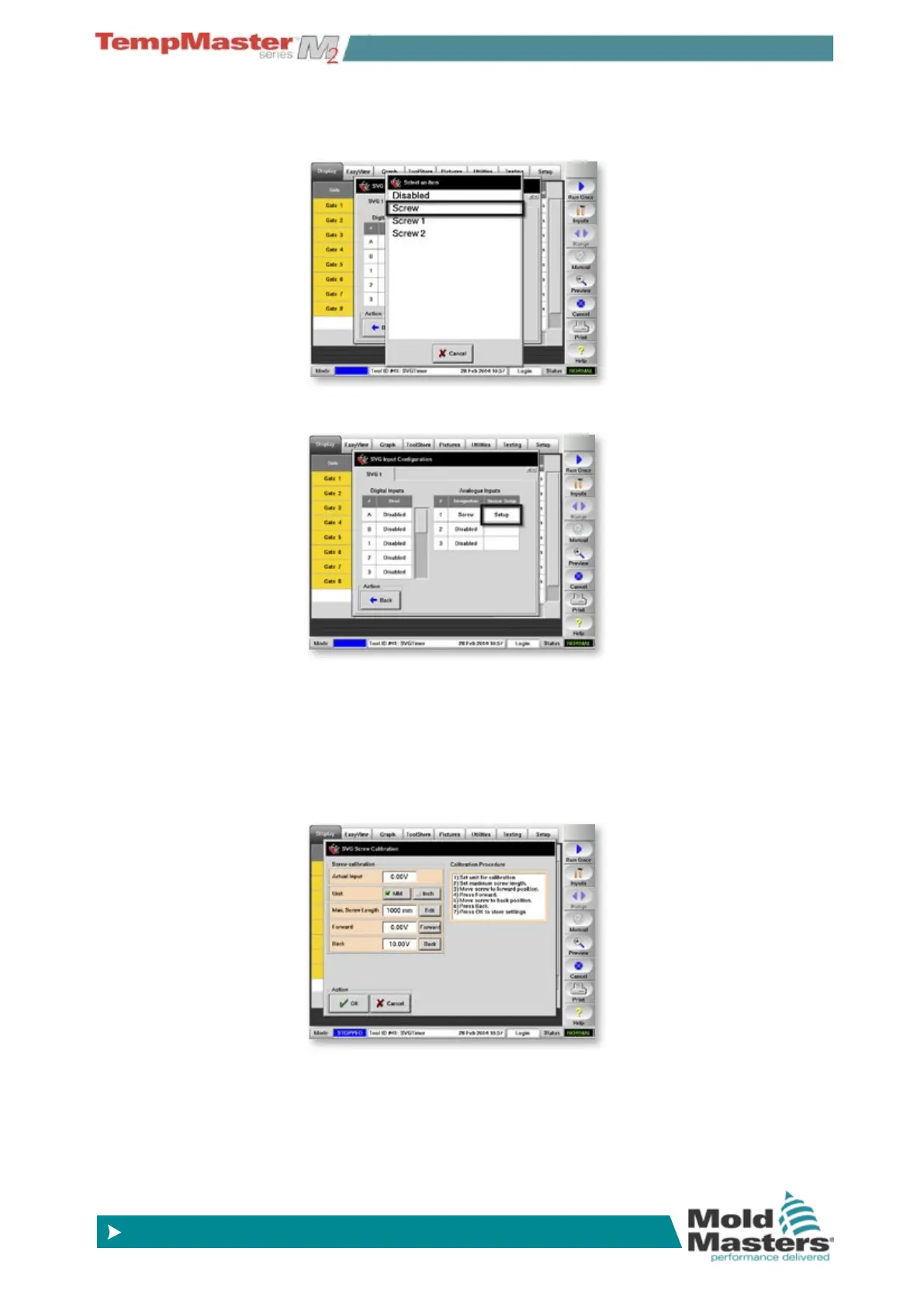
4. Then select the rst [Screw] input.
5. Choose [
Setup] which now appears alongside the Screw Input
6. Follow the Calibration procedure which is detailed on the screen…
• edit the actual screw travel length
• move screw to forward position and touch [
Forward]
• move screen to rear position and touch [
Back]
• choose [
OK] to save the settings and exit the screen



 To Next Page