Page 20 of 48
User Manual
Operation Instructions
Subject to modifications
2.1A-30008-A04
LINCOLN GmbH & Co. KG • Postfach 1263 • D-69183 Walldorf • Tel +49 (6227) 33-0 • Fax +49 (6227) 33-259
Mode of Operation, continuation
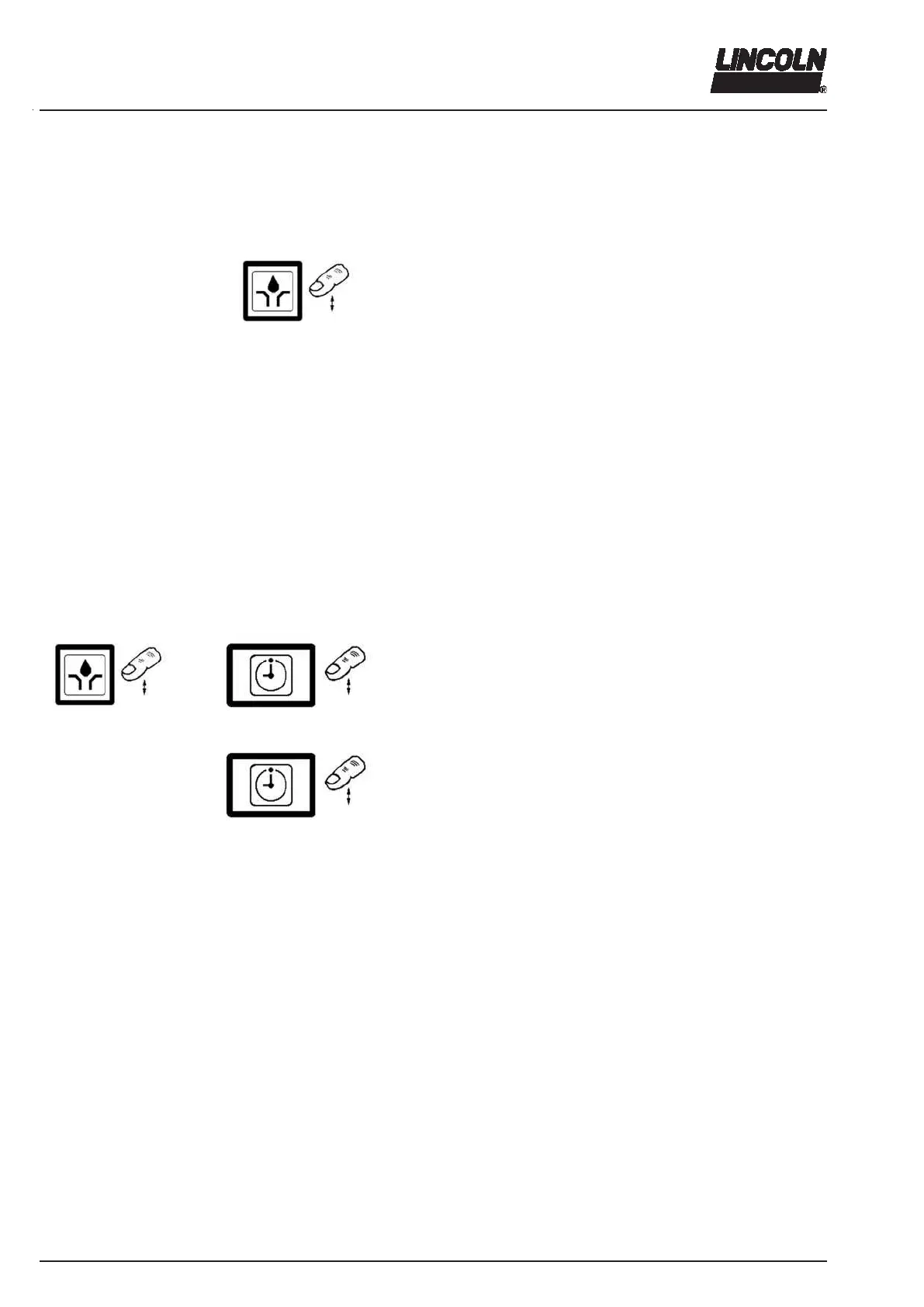
Operator keys of the membrane keypad
Operator keys of the keypad in the programming mode
4222a99
Fig. 32 Settings in the programming mode
Reset of the pause time
Setting of the pause time by
- single key activation for one hour/ minute
- permanent activation for quick run
Settings of the monitoring relay
How to set the metering device cycles:
The monitoring relay signalizes a malfunction over an
external lamp Lampe via the optional connection “X2“
(see connection diagrams).
In case of the standard setting “normally open contact
(NO)“ a malfunction is signalized by a permanently lit
lamp.
In case of the standard setting “normally closed contact
(NC)” the malfunction is signalized by a lamp that stopped
burning.
For VDC version ……………………………. 1 to 5 cycles
Termination of the programming mode
Terminate the programming mode.
4222a99
4214a99
4214a99
Fig. 33 Changing to the different programming levels
1. Changing to the different programming levels
Press key to change into the programming mode.
Settings: hours ……………………………. P1
minutes …………………………….. P2
metering device cycles………… P3
output potential-free contact …. P4
Termination of programming
Monitoring relay
The monitoring relay signalizes a malfunction (only in
combination with optional connector “X2”; see electrical
connection diagrams pages 39 ff).
In the first case the relay picks up (normally open con-
tact).
In the second case the relay releases (normally closed
contact, broken-wire interlock).
The signal is available via a potential free contact.
When the fault indication is confirmed, the relay releases.
The flashing display changes into a permanent display.



 To Next Page