Chapter 5 Ion Measurement (F-53,55)
5.2 Measurement Using a Calibration Curve
64 HORIBA
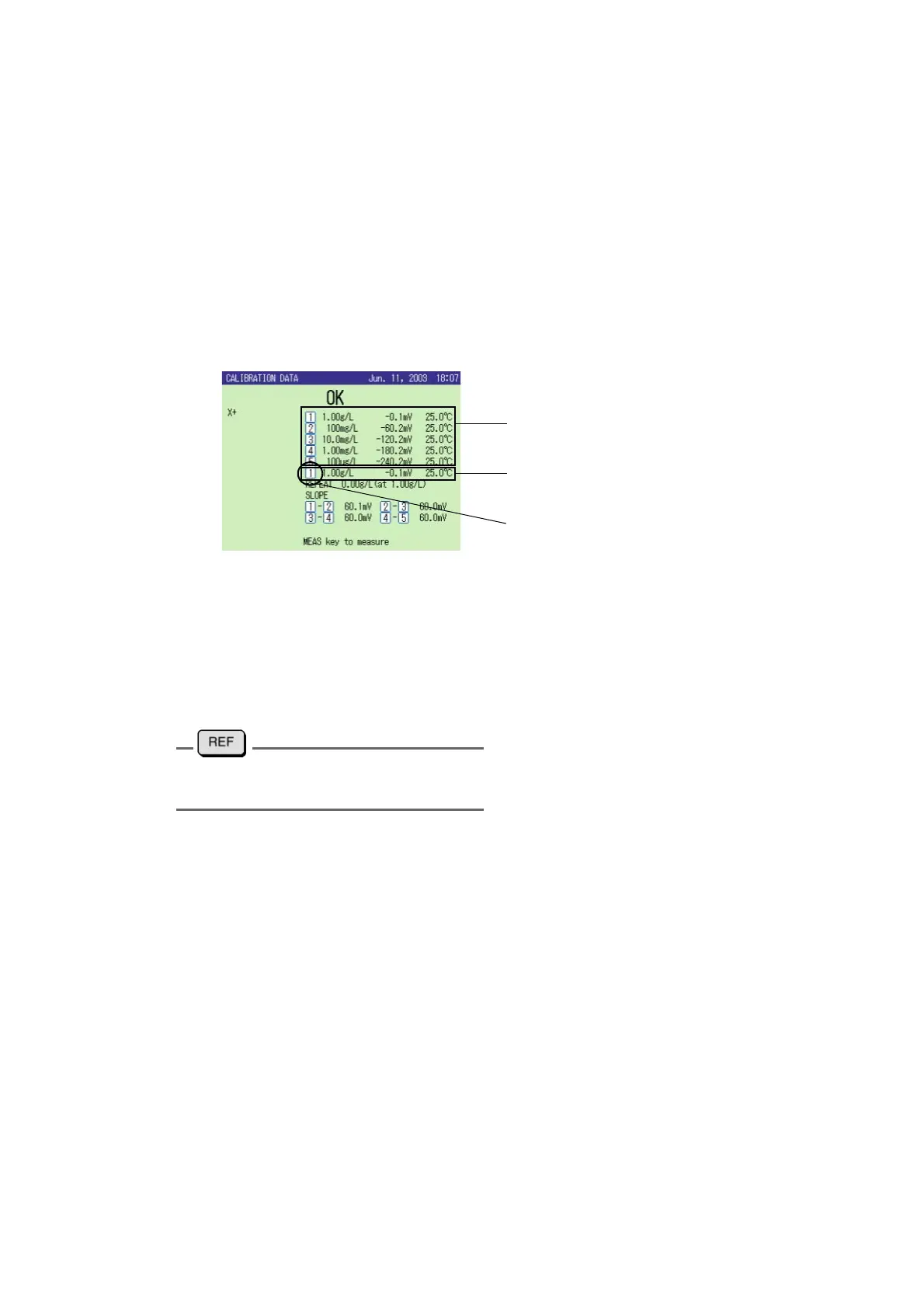
Repeatability check
To confirm the measurement accuracy in the Ion measurement, the repeatability check is
available.
1. After the calibration, press F4 (REPEATABILITY) in CAL screen.
2. Immerse the electrode in the standard solution calibrated by the first point, and
press the CAL key.
The difference between the calibrated value and measured value is displayed.
When the repeatability check is successfully completed, the electrode status “OK”
appears on the screen.
● Function key at Ion calibration
●
CHECK:
To perform periodical check, refer to " ● ION check" page 87
●
CAL DATA:
To review the former calibration status, refer to "5.5 Check Display" page 89
●
CAL CLEAR:
To clear all the calibrated values
For the repeatability setup, refer to " ●
Setting the Ion type" page 83
Potential, Concentration and Temperature
at calibration
Standard solution number for the check
result calculation
Potential, Concentration and Temperature
at repeatability check



 To Next Page