Firewall Protection
191
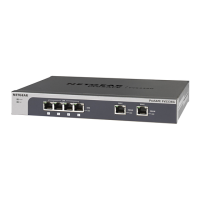
NETGEAR ProSAFE VPN Firewall FVS318G v2
a. In the address field of any of the qualified web browsers, enter https://192.168.1.1.
The NETGEAR Configuration Manager Login screen d
isplays.
b. In the Username
field, enter admin and in the Password / Passcode field, enter
password.
Use lowercase letters. If you changed the password, enter your personalized
password. Leave the domain as it is (geardomain).
c. Click
the Logi
n button.
The Router Status screen displays. After five minutes of inactivity
, which is the default
login time-out, you are automatically logged out.







 To Next Page