Pipeline Control Overview
Pipeline User’s Guide
97
74-0085-05
PIPELINE CONTROL OVERVIEW
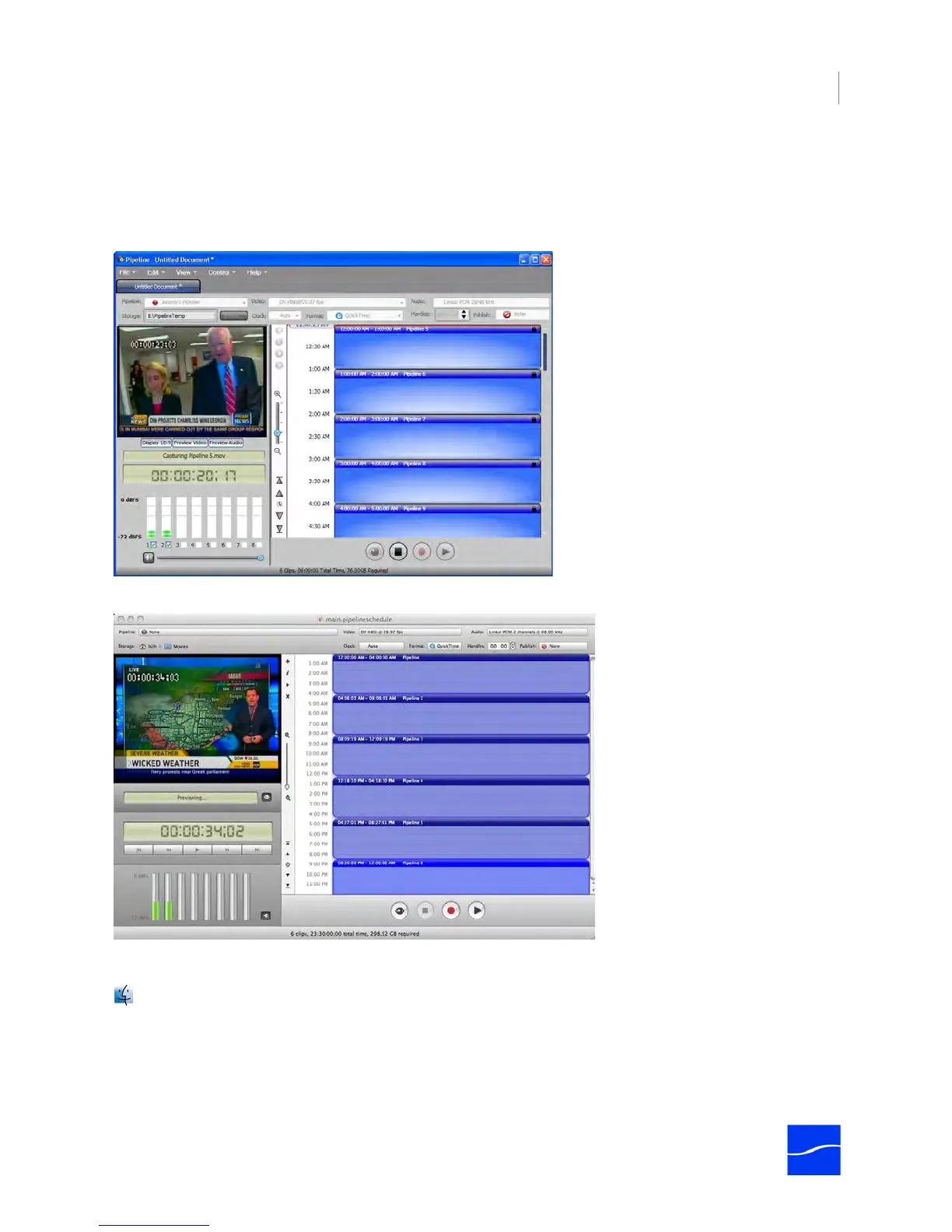
Pipeline Control has two types of windows: Log and Capture, and Scheduled Capture and Playout.
Pipeline Controls allows you to open several windows (or tabs, in Windows) at one time.
Figure 7–2. Pipeline Control window for Windows (schedule Playout and Capture window)
Figure 7–3. Pipeline Control window for Mac OS X (schedule Playout and Capture window)
Pipeline Control executes the events on each window tab independently.
If you have several windows open, select Window > Arrange All to automatically resize each window
to the minimum size, and arrange them on your monitor. If there is enough room, all windows are
arranged so that no part is obscured. If not, windows are staggered so that the document title and
settings are visible.



 To Next Page