Preferences – Mac OS X
Pipeline User’s Guide
119
74-0085-05
PREFERENCES – MAC OS X
Use the Preferences panels to set up Pipeline the way you want to use it.
Capture Preferences
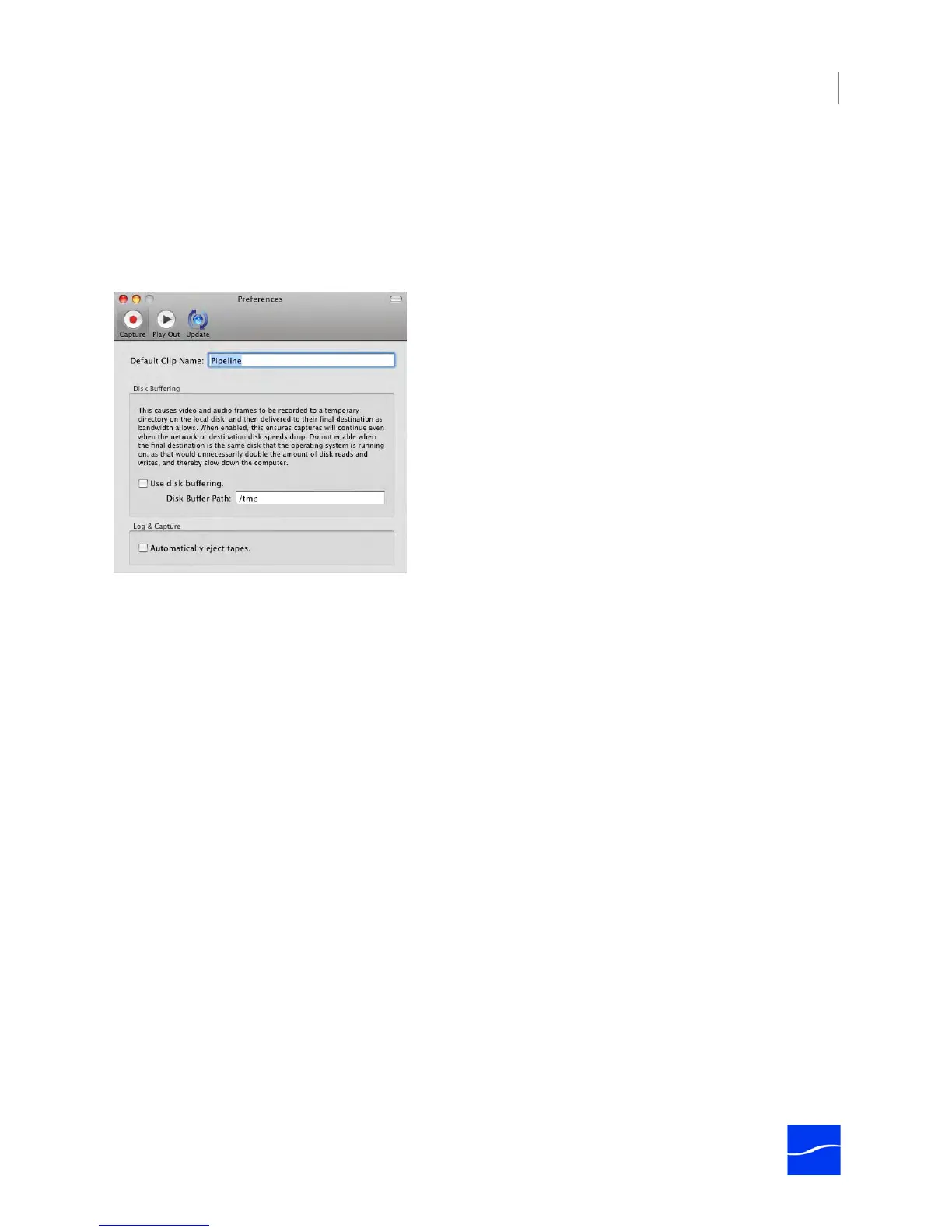
Figure 7–22. Capture Preferences
Default Clip Name. Enter the text you want Pipeline to use when creating new clip names. Pipeline
appends this string with a unique number to create unique clip names.
Use Disk Buffering. Check to use disk-based stream buffering during capture (Disk Buffering Details on
page 27).
Disk Buffer Path. When Disk Buffer is checked, enter the path specifying the directory (Unix format) on a
local disk where Pipeline Control should write the temporary buffer file during capture, before it is trans-
ferred to the final folder, as specified in the schedule's store (Storage Location for Captured Media (page
104)).
Automatically Eject Tapes. Check to have Pipeline Control eject the tape from the VTR when capture is
complete.



 To Next Page