Chapter 4
Using Pipeline Direct
44
March, 2009
USING THE QUAD PANEL
The Quad panel only displays when Pipeline Direct is connected to one of the Pipeline channels on a
Pipeline Quad. When you’re connected to a Pipeline SC, this page is not available.
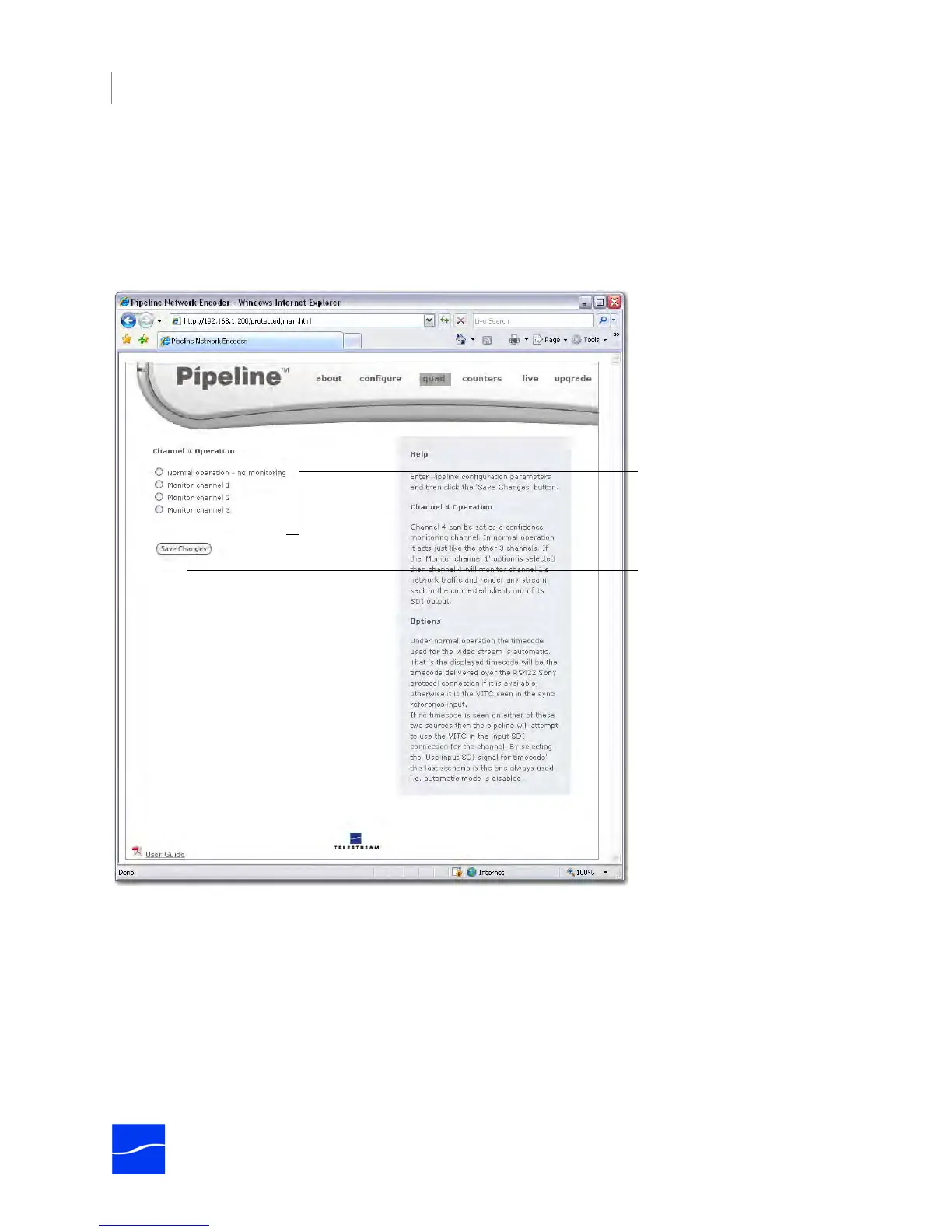
To display the Quad panel, click quad in the menubar at the top of the window:
Figure 4–6. Quad panel controls confidence monitoring
Use the Quad panel to set up confidence monitoring.
Be sure to click Save Changes
to make the change.
Choose which channel if any, to
monitor.



 To Next Page