Setting Preferences
Pipeline User’s Guide
79
74-0085-05
Check Now. Click to check for updates immediately. If Pipeline Plugin can make a connection to the
Telestream Web site, you’ll be notified if your software is up-to-date or an update is available.
Keyboard Preferences
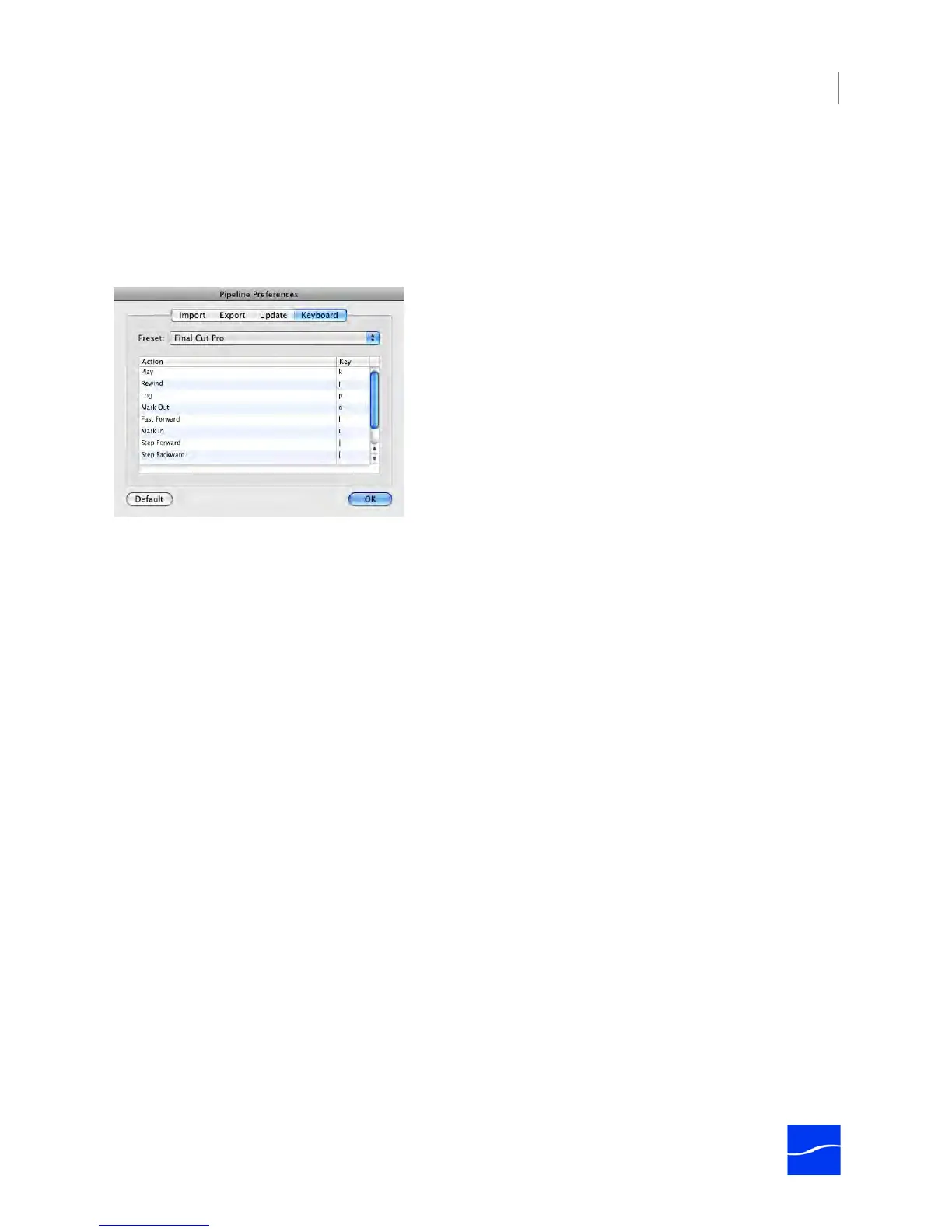
In the Pipeline Preferences dialog, click Keyboard to display the Keyboard panel:
Figure 6–6. Keyboard Preferences.
Preset. Select among available preset keyboard shortcuts (which updates the Action table), or select
Custom to set your own.
Action Table. Select a key on any row in the table to edit its value.



 To Next Page