Using the About Panel
Pipeline User’s Guide
39
74-0085-05
USING THE ABOUT PANEL
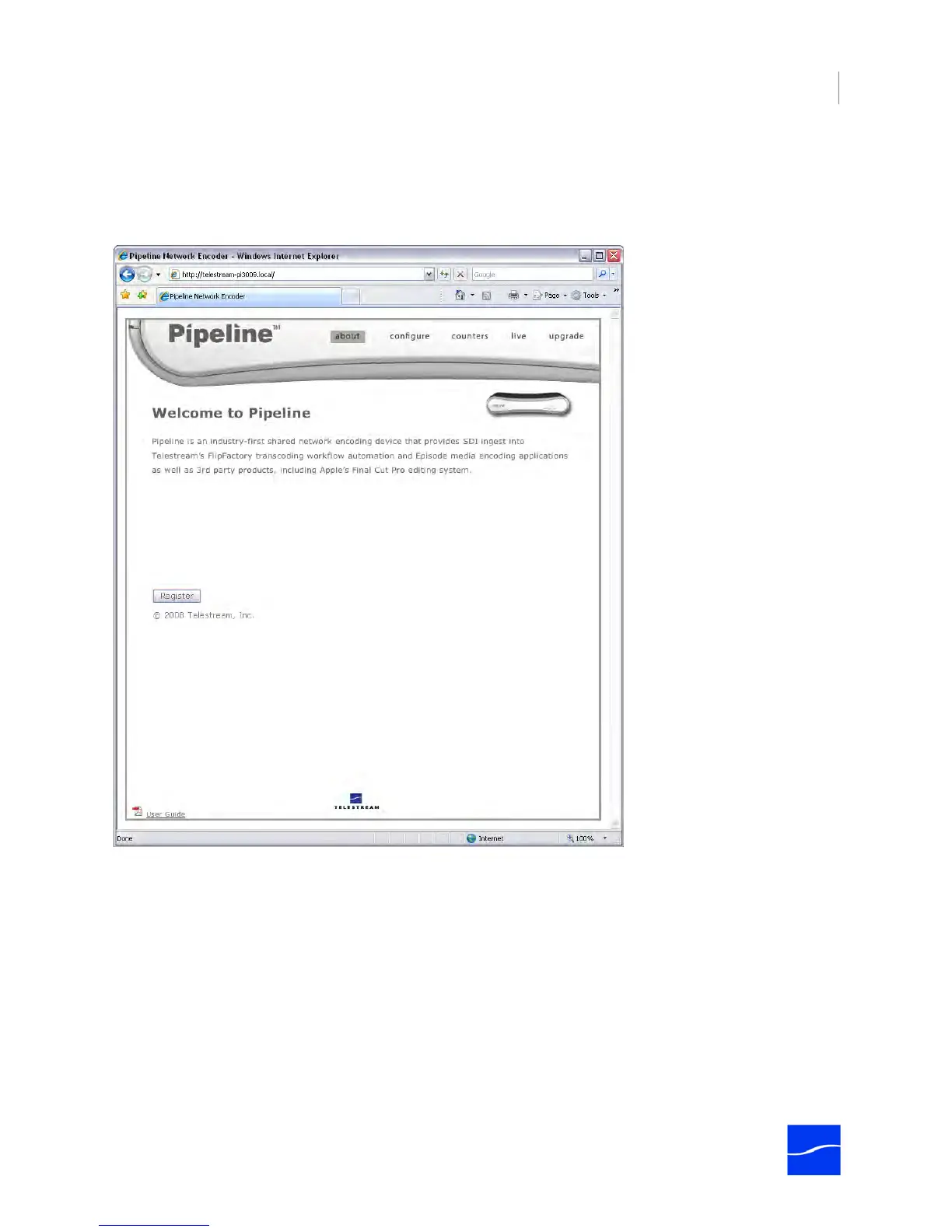
To display the About panel, click about in the menubar at the top of the window:
Figure 4–4. The About panel displays a link to product registration.
Register the Pipeline by clicking the Register button. Follow the steps on the Web page to complete
registration. If you’ve already registered this Pipeline, the Register button no longer displays.
If the computer you’re using is on a LAN without Internet access, use a computer that has Internet access
and go to dynamic.telestream.net/pipeline-register/register.asp to register your Pipeline. You should
register your Pipeline to ensure ongoing warranty service and customer support.
The About panel – as well as the other panels – provides online access to the Pipeline User’s Guide (this
document), by clicking the link in the lower left corner.



 To Next Page