Chapter 4
Using Pipeline Direct
40
March, 2009
USING THE CONFIGURE PANEL
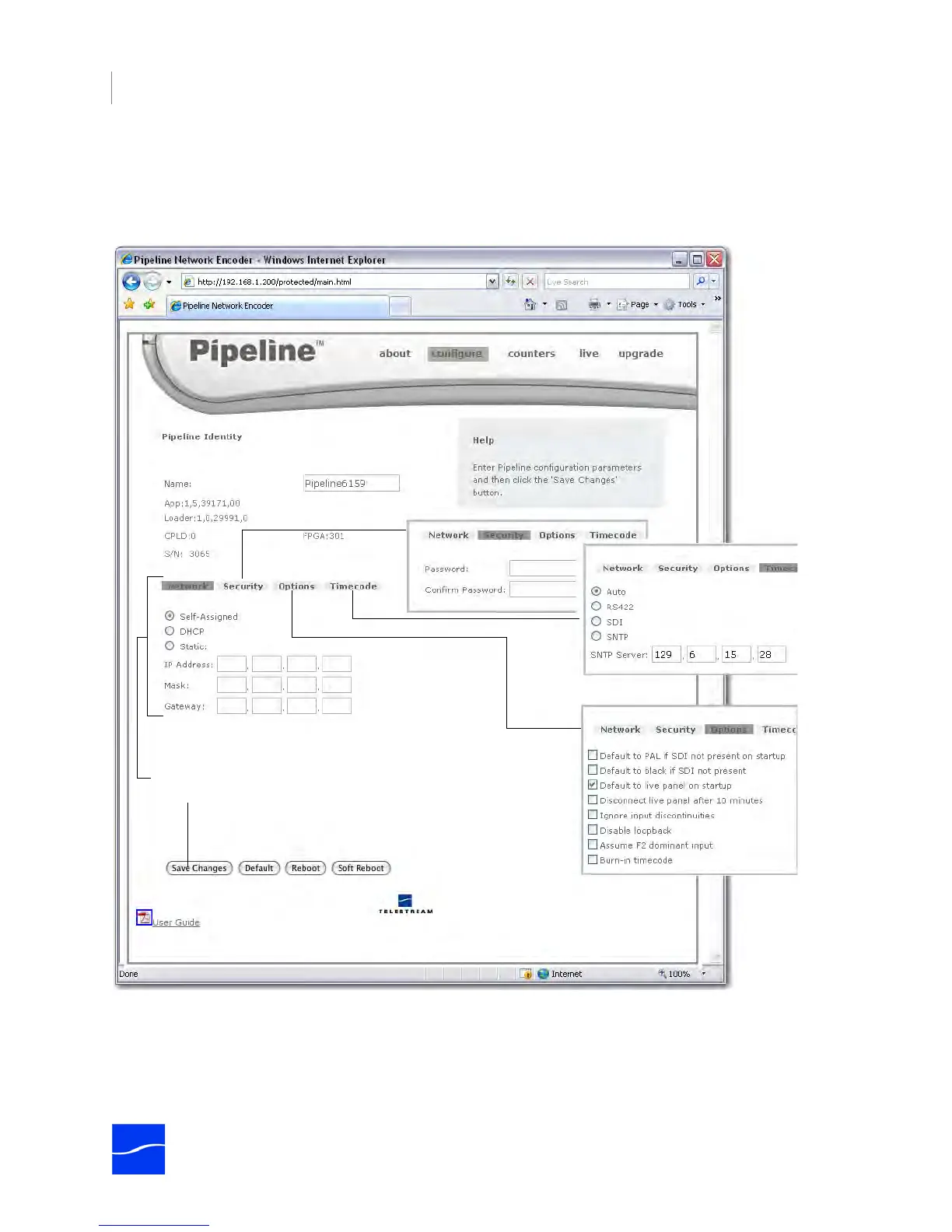
To display the Configure panel, click configure in the menubar at the top of the window:
Figure 4–5. Configure panel displays details & allows you to change settings
Use the Configure panel to view and make changes to Pipeline’s identity, IP settings, and options. Click
Network, Security, and Options to view their controls. Each control is described in the following table.
After updating these settings or changing options,
be sure to click Save Changes.



 To Next Page