Chapter 2
Pipeline Hardware, Installation & Setup
8
March, 2009
Reliable Earthing. Reliable earthing of rack-mounted equipment should be maintained. Particular
attention should be given to supply connections other than direct connections to the branch circuit (e.g.
use of power strips). Alternately, select a stable and level, smooth, hard surface. Avoid carpeted or cloth-
covered surfaces, which can inhibit airflow or reduce heat dissipation, and contribute to overheating.
Select an isolated area that provides a proper operating environment and protection from accidental
damage to the Pipeline. Route power and Ethernet and other cables to protect users from a tripping
hazard and damage to the Pipeline.
PIPELINE SC HARDWARE
The Pipeline SC is 7.5 inches (19.1 cm) wide, 5.5 inches (14.0 cm) deep, and 1.5 inches (3.8 cm) high.
Pipeline SC is a compact, network-ready SDI encoder/decoder device equipped with 10/100Mb Ethernet
using TCP/IP, UDP, RTSP, and RTP and Bonjour for service discovery, plus Serial Digital Interface (BNC,
SMPTE-259M 270mb/sec) with 8-channel embedded audio input and output ports with automatic
detection of 525/625, and an RS-422 deck control port using Sony 9 Pin Protocol.
Pipeline can encode and decode NTSC or PAL with DV/DVCPRO 25Mb, IMX 30, 40, 50, and MPEG2 I-
Frame 50Mb video (FlipFactory workflows), and 48 kHZ, 16 bit, uncompressed audio.
Processing VBI Closed Caption and Time Code
Pipeline automatically processes Vertical Blanking Interval (VBI) data on ingest operations to obtain closed
caption and time code data. Closed captions are extracted from line 21, and time code from lines 16
through 20 (5 lines beginning with line 16). The last line (usually 20) with a valid time code is the line whose
data is used. Pipeline encodes the closed caption and time code data into the data stream of the digital
output, making it available for processing by client applications, such as FlipFactory and Episode.
Front Panel Indicators
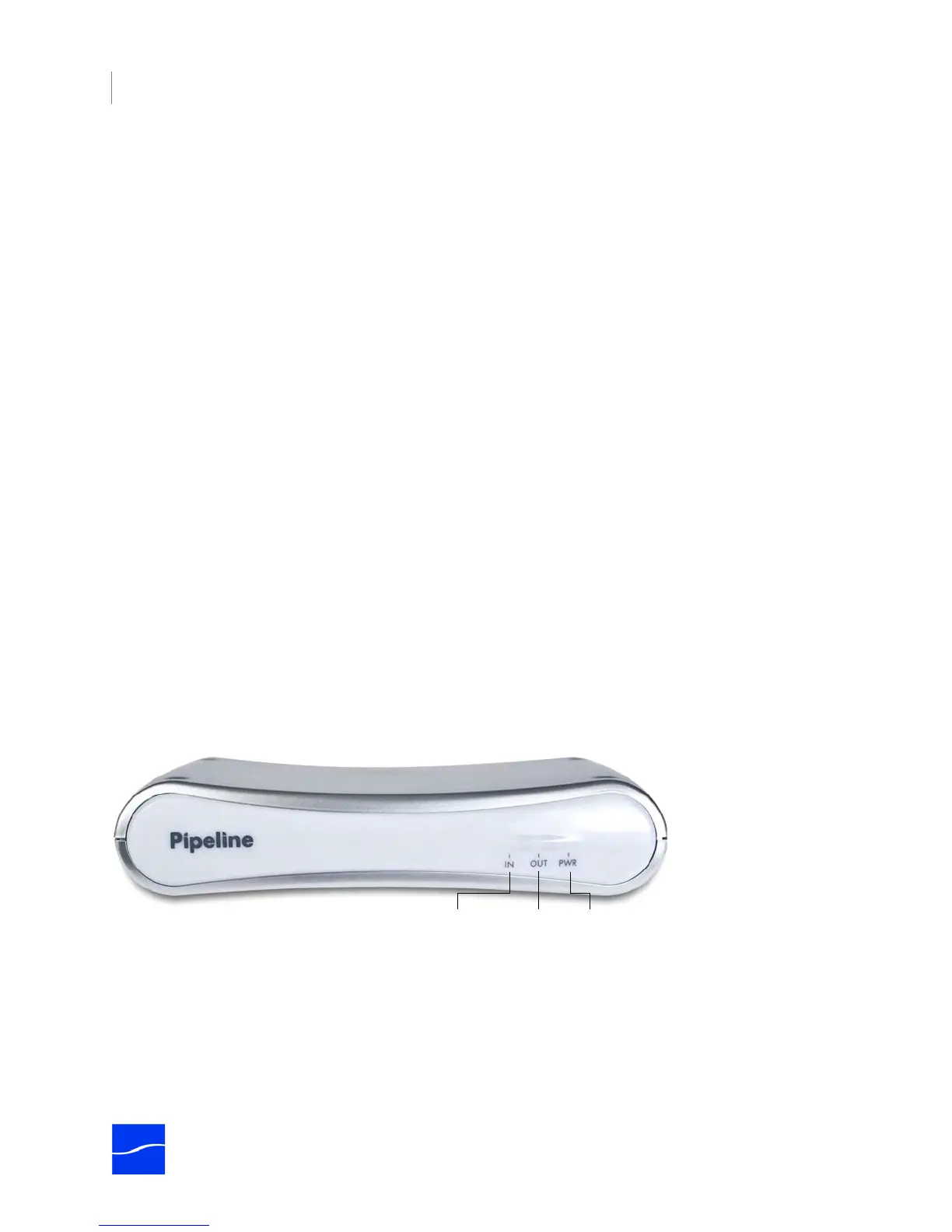
The front panel contains LED indicators, making it easy to check its status.
Figure 2–1. Pipeline SC front panel
There are three LEDs you use to determine the state of the Pipeline:
Power. Lights green when power is present.
SDI In. Lights green when Pipeline is configured to encode SDI In and send it out via Ethernet. How media
is encoded is determined by the selected codec. If the LED lights orange, data is being lost. The reason
should be corrected before continuing operation. During a firmware upgrade, this LED lights yellow until
you reboot.
Power On
LED
SDI In
LED
SDI Out
LED



 To Next Page