Preferences – Mac OS X
Pipeline User’s Guide
121
74-0085-05
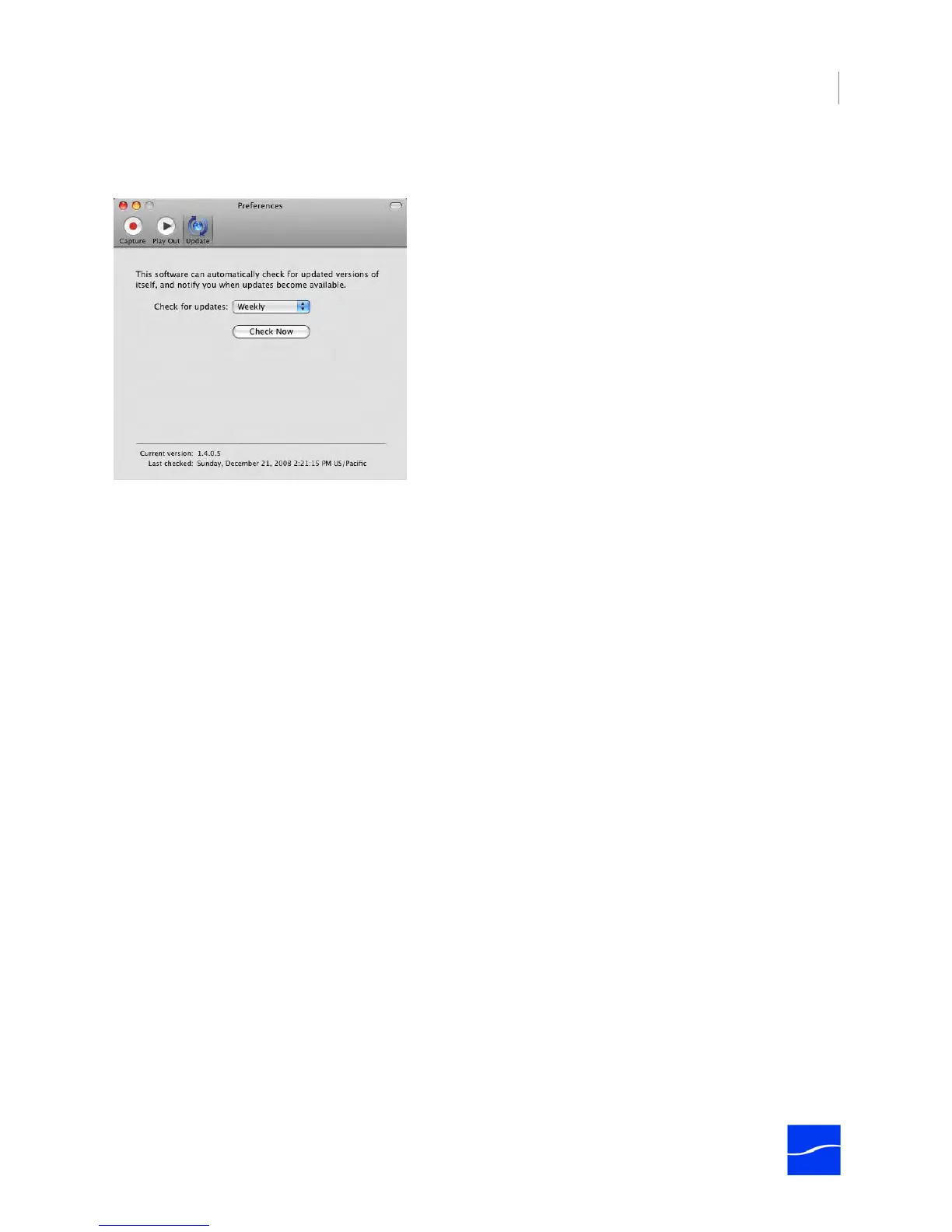
Update Preferences
Figure 7–24. Update Preferences
The Update panel enables you to determine when to check for updates from the Telestream Web site.
Check for Updates. Select Daily, Weekly, Monthly, or Never, to check for application updates.
Check Now. Click Check Now to check Telestream’s Web site for application updates right now, and let
you know if Pipeline Control is up to date or updates are available.



 To Next Page