Using the Live Panel
Pipeline User’s Guide
51
74-0085-05
VTR Controls
Start and End Timecodes. Timecodes that identify the mark-in and mark-out points on the current clip.
Click to set the start, or mark-in point. You can also set the start timecodes manually (HH:MM:SS:FF).
Click to set the end, or mark-out point. You can also set the stop timecodes manually (HH:MM:SS:FF).
When the VTR reports drop-frame timecode, the second/frame separator is a semicolon. For example:
00:29:30;16 is a drop-frame timecode. Non-drop frame notation applies a colon between the second and
frame values.
Use the VTR controls to adjust your timecode settings before setting them.
Duration. Timecode of the difference between the mark-in and mark-out values of the clip you just
marked.
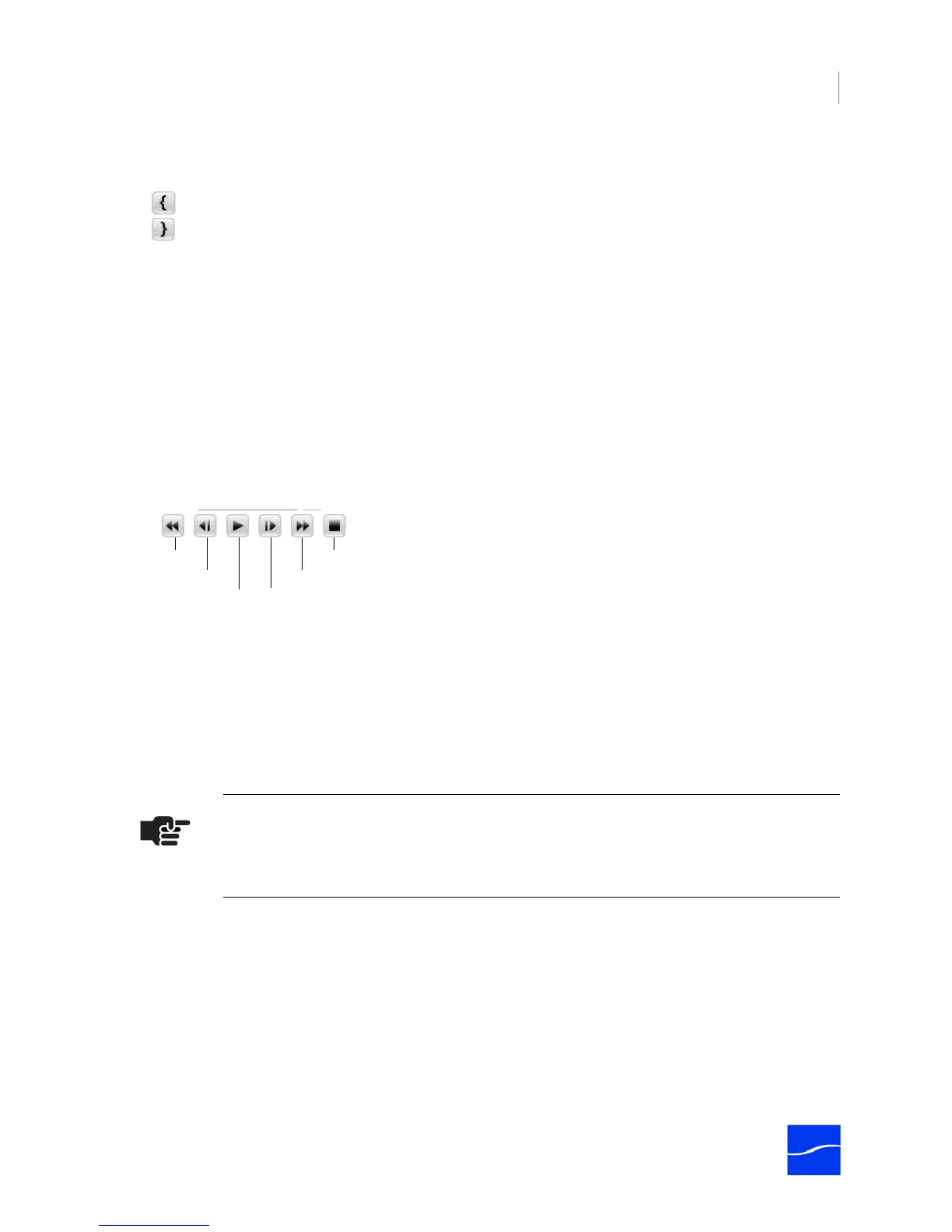
VTR Controls. Use the VTR controls to control video preview when a VTR is attached. These controls are
disabled if the deck is off, the RS422 cable is disconnected, or the deck is in local mode. The scrubber bar,
immediately below the VTR controls, displays when Pipeline is connected to a VTR deck with RS422
control in remote mode.
Figure 4–11. The virtual VTR panel allows you to control the VTR and create EDLs.
Shuttle. Use the shuttle to quickly play through the content at different speeds, in fast and slow motion. It
also shifts the pitch of audio (Internet Explorer only) as it plays at varying speeds. In slow motion, this can
make it easier to locate specific words and sounds for editing. Drag the slider to the right to fast-forward
and to the left to rewind. Playback speed varies depending on the distance of the slider from the center of
the control.
Clip Metadata. Enter text in these metadata fields for the current clip; stored with each clip and saved in
the EDL for further processing. In Firefox and Internet Explorer, you can enter metadata information, and
each time you create new mark-in/mark-out points and save the clip, the clip name increments by one.
The information is stored in a cookie, so it can be displayed in the metadata editor when you connect
again.
Note
The default clip name is PipelineIngest_x. If you want the name to automatically
increment, it must end in _# (underscore pound).
Rewind
Single-frame Back
Play Normal Single-frame Forward
Pause
Fast Forward



 To Next Page