Configuring Publishers
Pipeline User’s Guide
115
74-0085-05
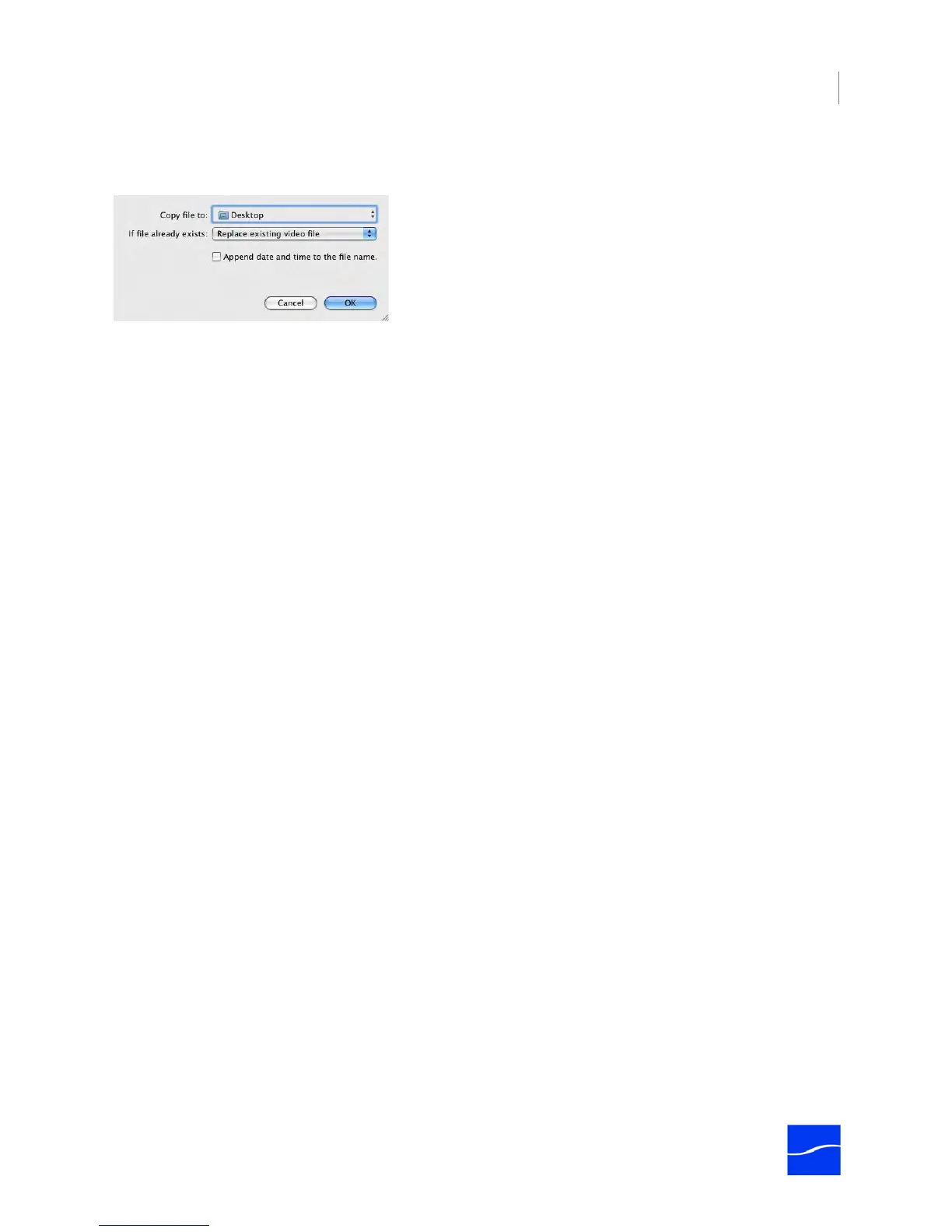
To select Copy File as a publisher, select Publish > Copy File. The following edit panel displays.
Figure 7–15. Copy File publisher allows you to duplicate just-completed clips.
Complete the panel and click OK. Save the schedule to save these settings. Make sure you test your
configuration before putting the schedule into production.
Copy File To. Click to display the File System dialog, and select the folder where you want to copy the file.
If File Already Exists. Select what action to take if there is already a file of the same name in this folder:
Replace the existing file, save the new file with a unique name, or don’t copy the new file.
Append date and time to file name. The date and time is appended, in the format YYYY-MM-DD HH-
MM-SS. For example, if the file Pipeline10.MOV was created on December 5, 2008 at 13:15 when copied,
it would be named Pipeline10 2008-12-05 13-15-00.MOV.



 To Next Page