Using the Counters Panel
Pipeline User’s Guide
47
74-0085-05
USING THE COUNTERS PANEL
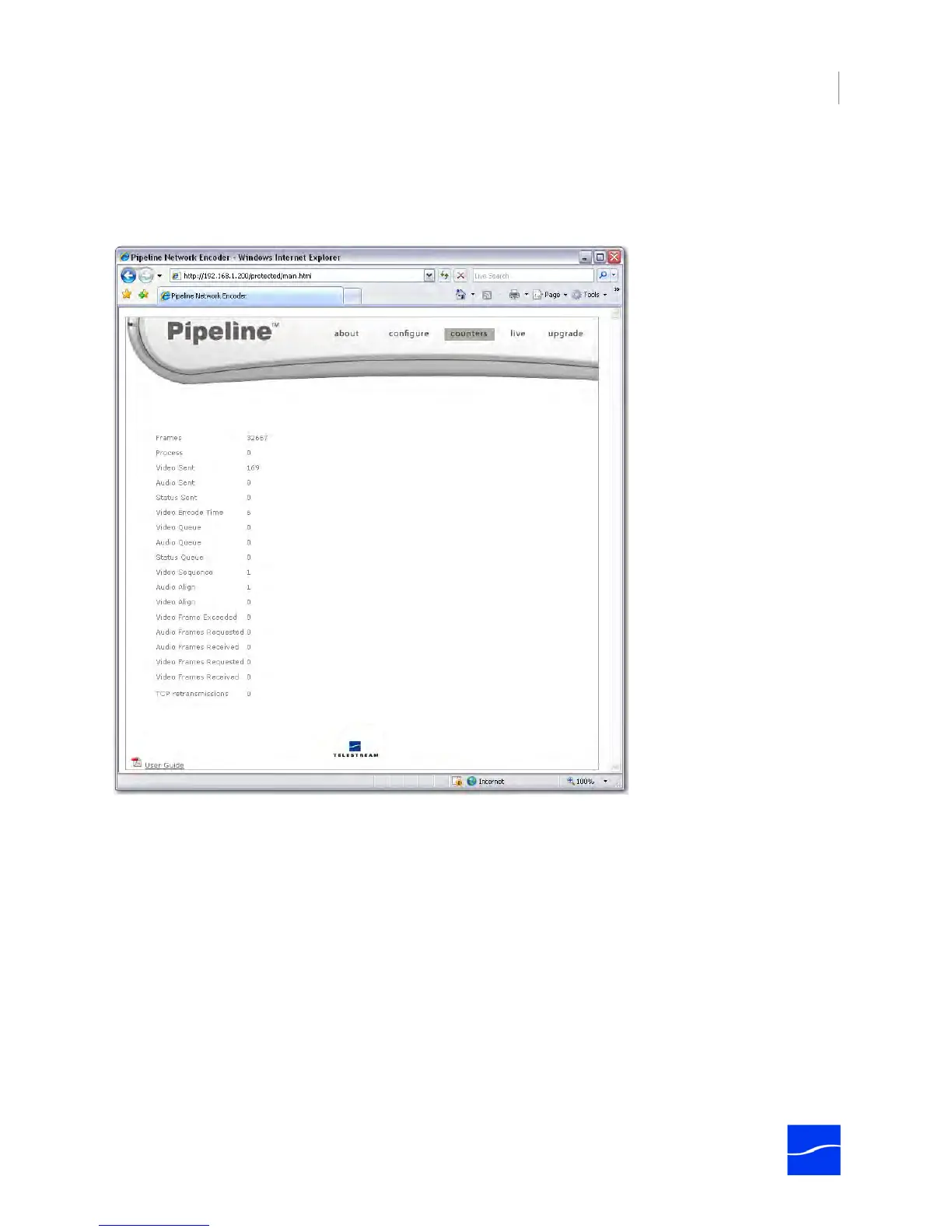
To display the Counters panel, click counters in the menubar at the top of the window:
Figure 4–9. Counters panel displays various processing values
Use the Counters panel to view various values related to encoding and decoding to determine of
operations are normal, or there are failures that must be corrected. These values are reset each time a
new RTSP connection is made. This information may also be utilized when you are working with
Telestream Customer Service to resolve an issue.
Table 4–3. Counters Panel controls and descriptions.
Value Description
Frames The number of frames processed during this RTSP session.
Process The number of frames dropped because of excessive CPU load. If this
number is greater than zero, you’re losing frames and quality. Determine
the cause of the error and reprocess the media.
Video Sent Number of video frames sent over RTP connection during an capture
operation. Note: in TIFO mode, the Video Sent value counts both the
video and audio frames sent, multiplexed over the same RTP connection.



 To Next Page