Using Schedule Windows
Pipeline User’s Guide
133
74-0085-05
Values in the Standard label are embedded in the file that is created.
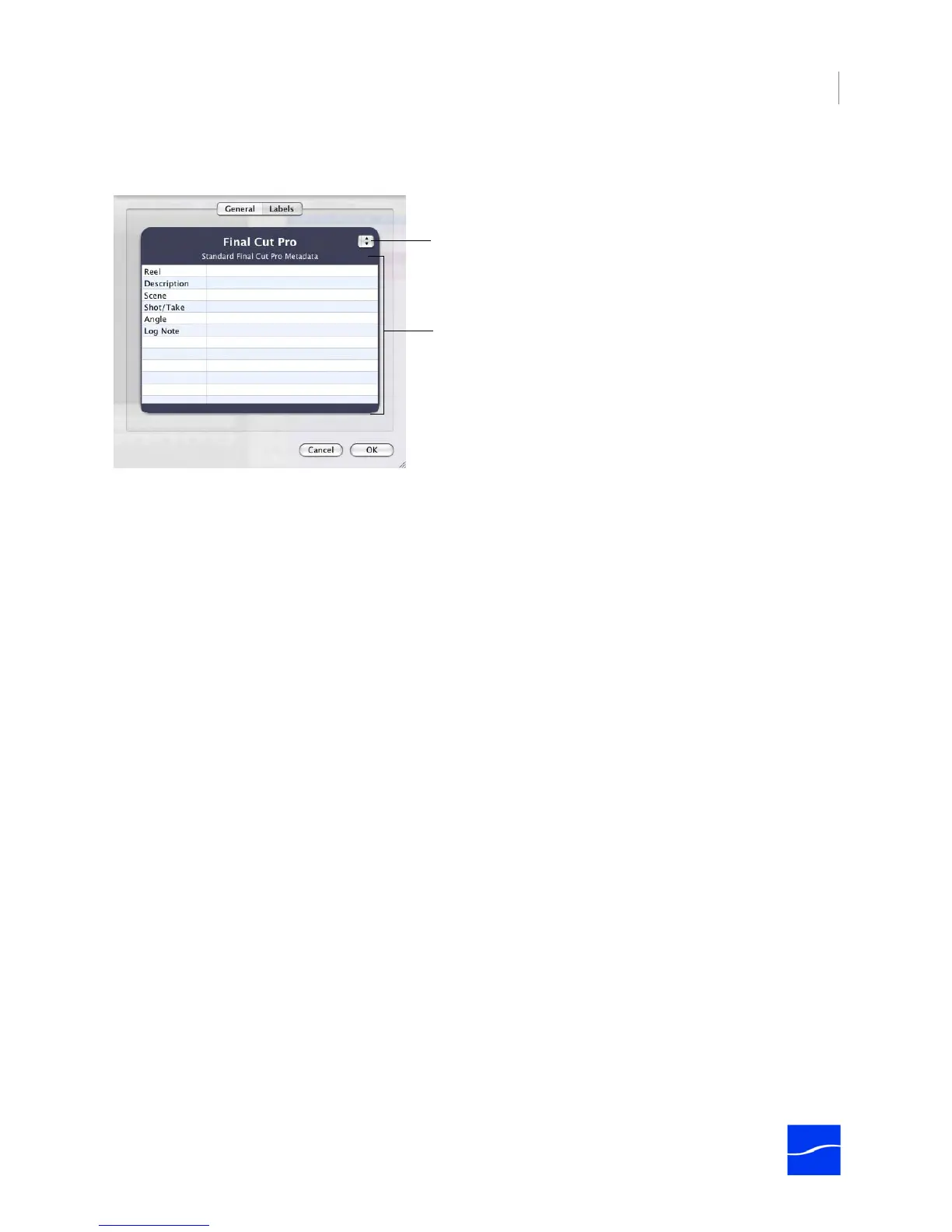
Figure 8–5. Clip event label values.
Label Set. Select the set you want to use from the menu on the right.
Values. Edit each value as appropriate for this clip.
Click OK to save these values or click Cancel to leave them unchanged.
Label Sets. Select the type of label set
you want to use for this clip.
Labels. The labels for the selected set
display in this table. Enter or update the
label values in the right column.



 To Next Page