Configuring Publishers
Pipeline User’s Guide
113
74-0085-05
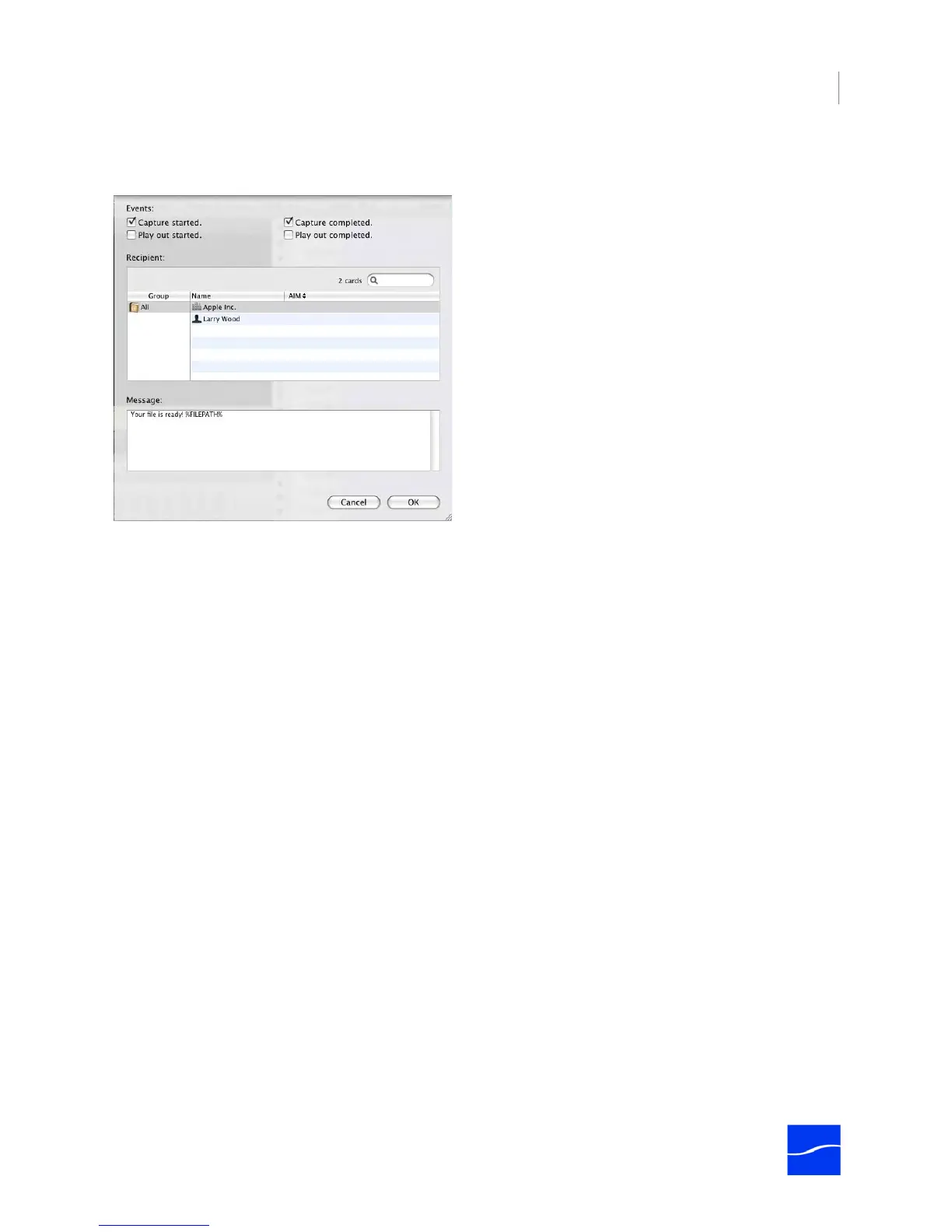
Configure the IM publisher to notify selected IM recipients that a specific event has occurred in a schedule.
Figure 7–13. IM publisher allows you to send messages to specific IM recipients.
While you can select any of the IM types displayed, the IM publishing plug-in only supports AIM and
Jabber, because these are the only types that iChat currently supports. Additionally, the sender and
receiver must have each other on their buddy lists using the same account type.
Events. Check one or more events that Pipeline Control should notify the recipient of.
User. Select an IM recipient screen name.
IM Type. Select the type of IM tool to filter the list of users by, and to advise Pipeline Control how to
communicate with the specific IM system.
Message. Enter the text to send, along with an optional FILEPATH token.
Check each event that you want the recipient to be notified of, and select a recipient from the list. Next,
enter the message you want to send and click OK. You can include tokens in the text and they will be
resolved before sending the message to the recipient.
You can use the FILEPATH token plus literal text in messages and in the message field. %FILEPATH% is
the fully-qualified specification of the directory path from the root store to the directory.
Tokens are reserved words that act as variables. When the event is triggered, each token is replaced with
actual names of the host, file path, and file name that is associated with the event.
Final Cut Pro Publisher
Set up and use a Final Cut Pro publisher when you want to generate a Final Cut Pro XML Interchange file
for each clip that is created while running a schedule. Using Final Cut Pro XML Interchange files makes
importing clips easier in Final Cut Pro, because you can store the video clip on a server designated for
video storage, and just share the XML files that point to the video. You can also set up Pipeline Control to
drop the XML files into a Final Cut Server watched folder, for automatic video ingest.
Final Cut Pro XML Interchange files are intended to be imported into Final Cut Pro or other applications
that are compatible. Use one of the following way to import these files:



 To Next Page