Chapter 7
Using Pipeline Control
118
March, 2009
Using the Preview Buttons
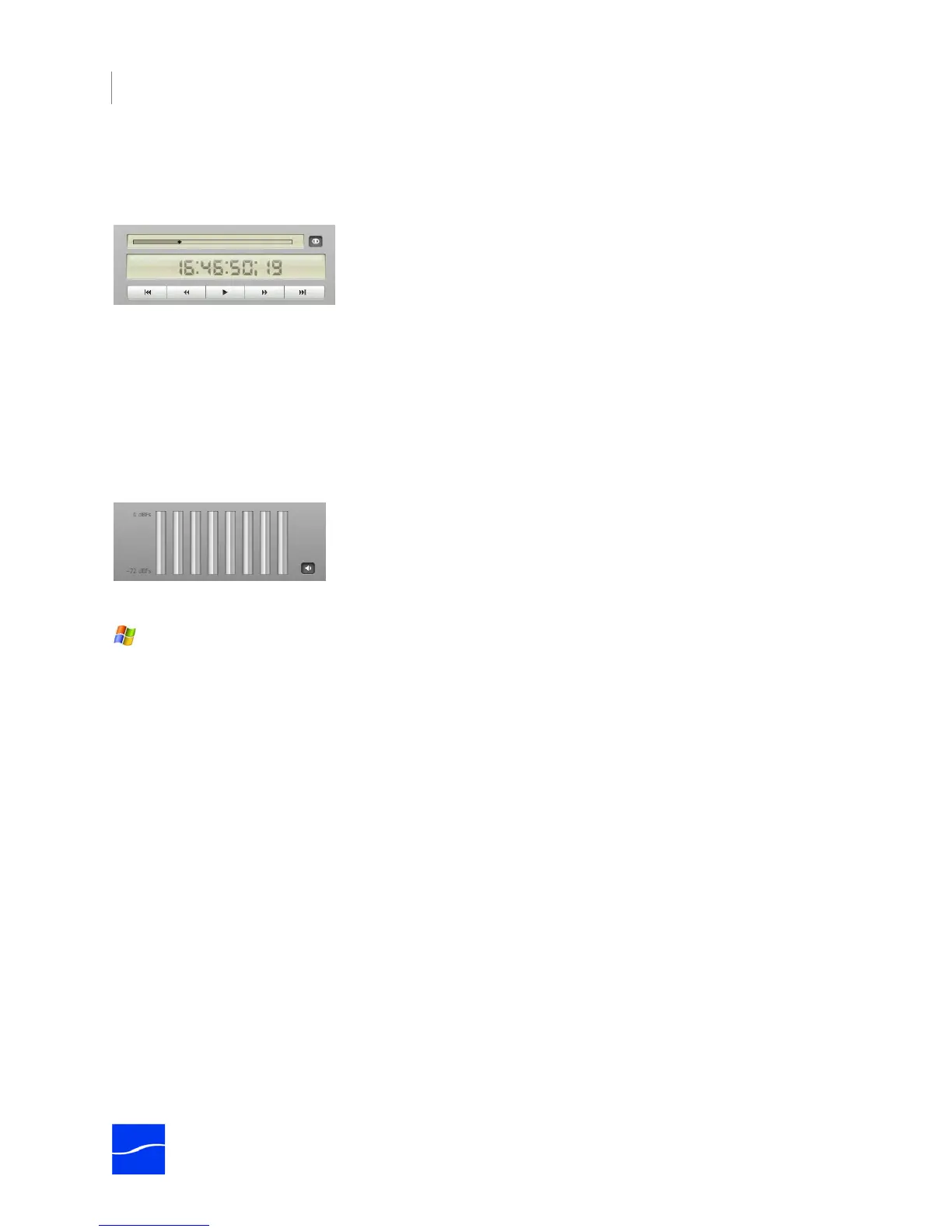
Use the Preview buttons to control video and audio preview.
Figure 7–20. You can preview video and/or audio of streaming media.
Click Preview Video to display the streaming video from the connected Pipeline in the Preview panel.
Click Preview Audio to play the audio track of the streaming video.
Disabling Preview (video and audio) decreases the CPU load during capture or playout.
Audio Volume Meters
The volume meters depict the volume of the currently playing audio (up to 8 channels).
Figure 7–21. Volume meters activate for each audio channel in the media.
The scale of the meter is -72 dBFS to 0S dBFs, in 6 dB increments.
You can adjust the sound volume of the preview using the volume slider.



 To Next Page