Using the Upgrade Panel
Pipeline User’s Guide
55
74-0085-05
USING THE UPGRADE PANEL
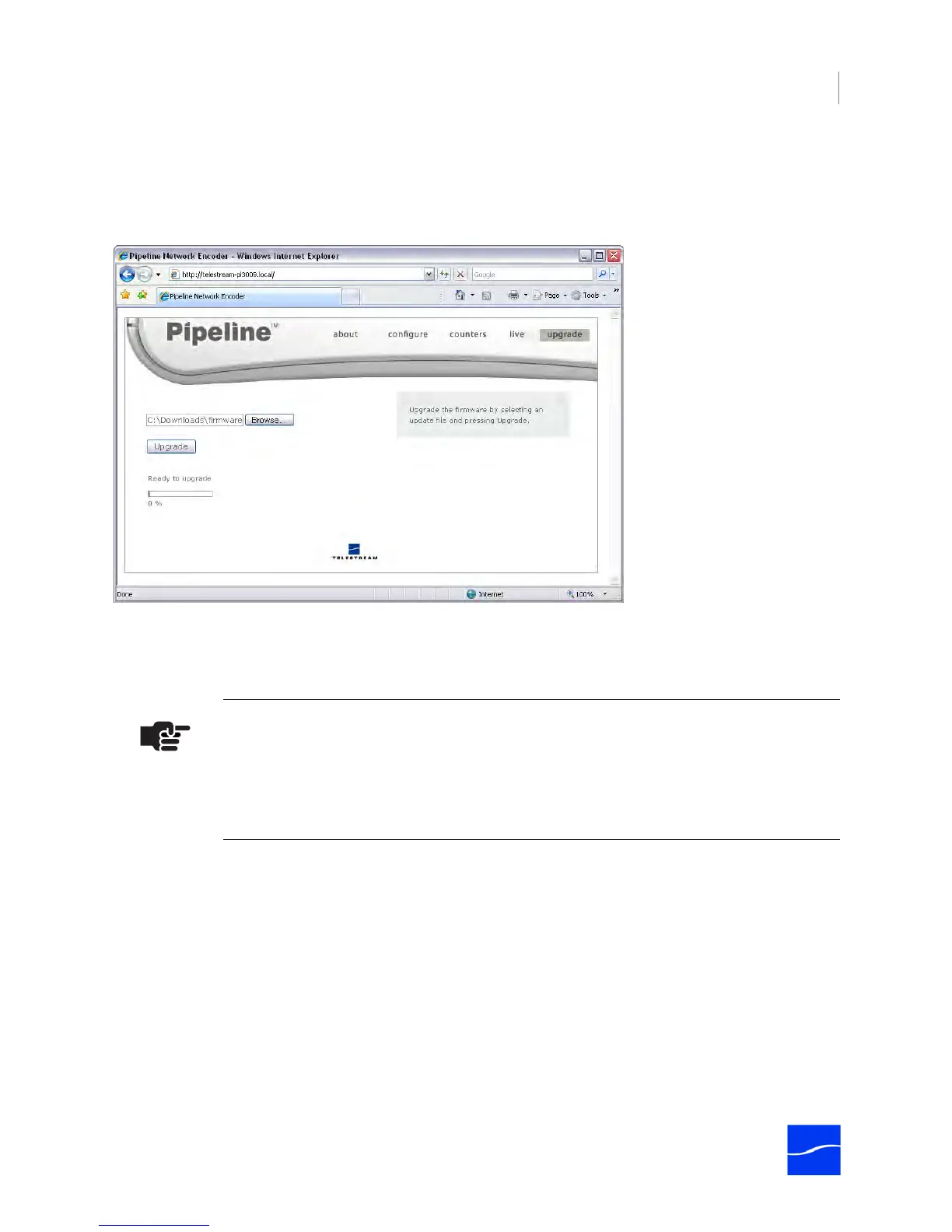
To display the Upgrade panel, click upgrade in the menubar at the top of the window:
Figure 4–13. Upgrade panel allows you to upgrade Pipeline firmware
Pipeline is designed so its firmware and Pipeline Direct Web application can be upgraded easily when new
revisions of Pipeline software are made available by Telestream. Pipeline Direct periodically attempts to
communicate with the Telestream Web site to determine if upgrades are available, and notify you of the
opportunity to upgrade Pipeline software.
If your Pipeline is blocked from the Internet or direct-connected to your computer, periodically check the
Pipeline support page to determine if there is newer software. (Registered users are notified of upgrades
via email.)
Pipeline firmware upgrades are periodically made available in the Pipeline section of the Telestream Web
site at www.telestream.net.
You can also access the Pipeline software updates from www.telestream.net. On the site, click Support
Home in the main menu at the top of the page, then select Pipeline downloads on the right side of the
page. Pipeline firmware updates are displayed in the center column.
To upgrade a Pipeline, follow these steps:
1. Connect to the target Pipeline and determine the current firmware version via the Configure panel
(Using the Configure Panel on page 40).
2. Log on to the Pipeline support page (http://www.telestream.net/support/support_pipeline.htm).
Note
To determine the current version of your Pipeline, log on and display the Configure
page. The version number is the value in the App field, which displays the firmware
version number: <Major Version>,<Minor Version><Build Number><Internal Use>. For
example: 1,1,33165,00 indicates Version 1.1, Build 33165.



 To Next Page