1 ADJUSTING AND CALIBRATING X-RAY BEAM Chapter E: CALIBRATIONS
100 Planmeca ProOne Technical manual
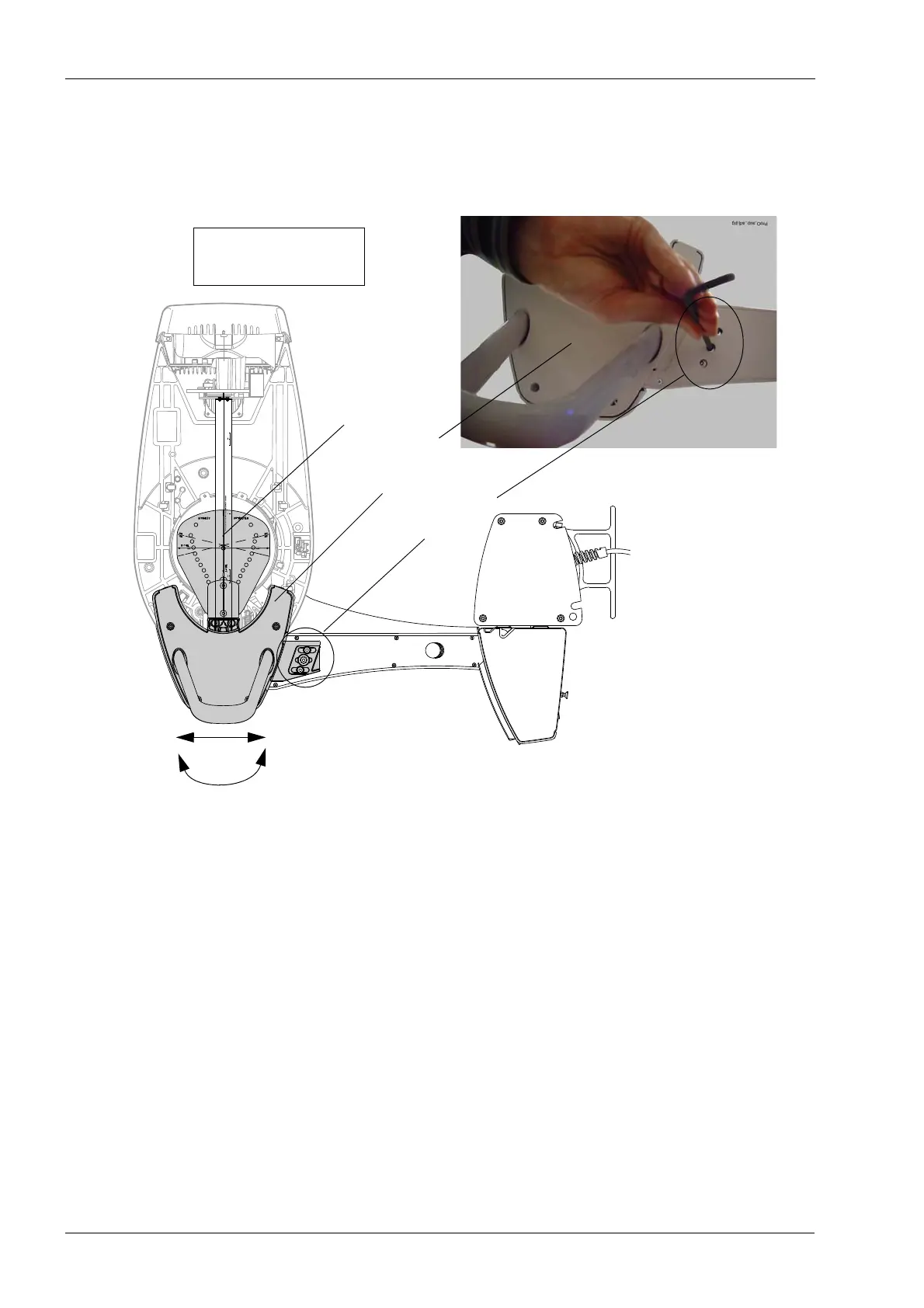
If the lines do not coincide, you will have to adjust the position of the patient support table.
To do this, first loosen the three fastening screws on the underside of the patient support
table using a 4 mm Allen key. Then manually adjust the table angle and position until the
y-line on the ball phantom is in the correct position.
Tighten the screws on the underside of the patient support table. Remove the alignment
pin from the C-arm top frame.
You can then proceed to Step 3.
Patient
Fastening
support table
C-arm in Y-position;
bottom view
screws
Lines must
coincide














 To Next Page