Chapter F: PARTS REPLACEMENT AND REPAIR 4 C-ARM AND UPPER ARM PARTS REPLACEMENT
Technical manual Planmeca ProOne 177
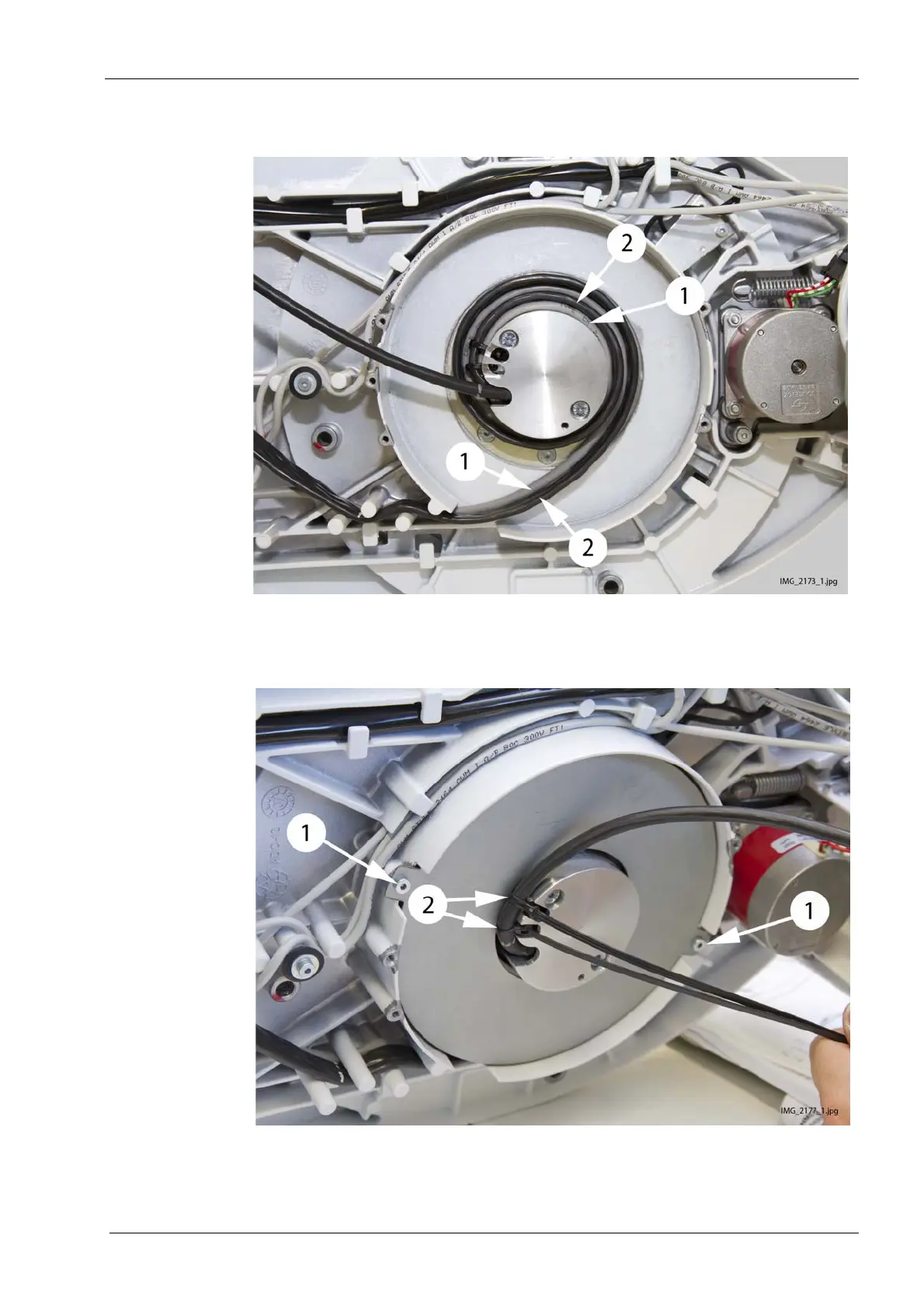
9. Rotate the C-arm camera cable (1) and PSU CAN cable (2) 1.5 turns around the
cable guide and out from the cable opening and through the cable guiding pins.
10. Attach the cable plate (1). Test the C-arm rotation. Insert two cable ties to the cable
guide. Route the C-arm power cable through the cable ties and tighten the cable ties
(2).


 To Next Page
 Loading...












