2 USER SETTINGS Chapter B: SETTINGS
38 Planmeca ProOne Technical manual
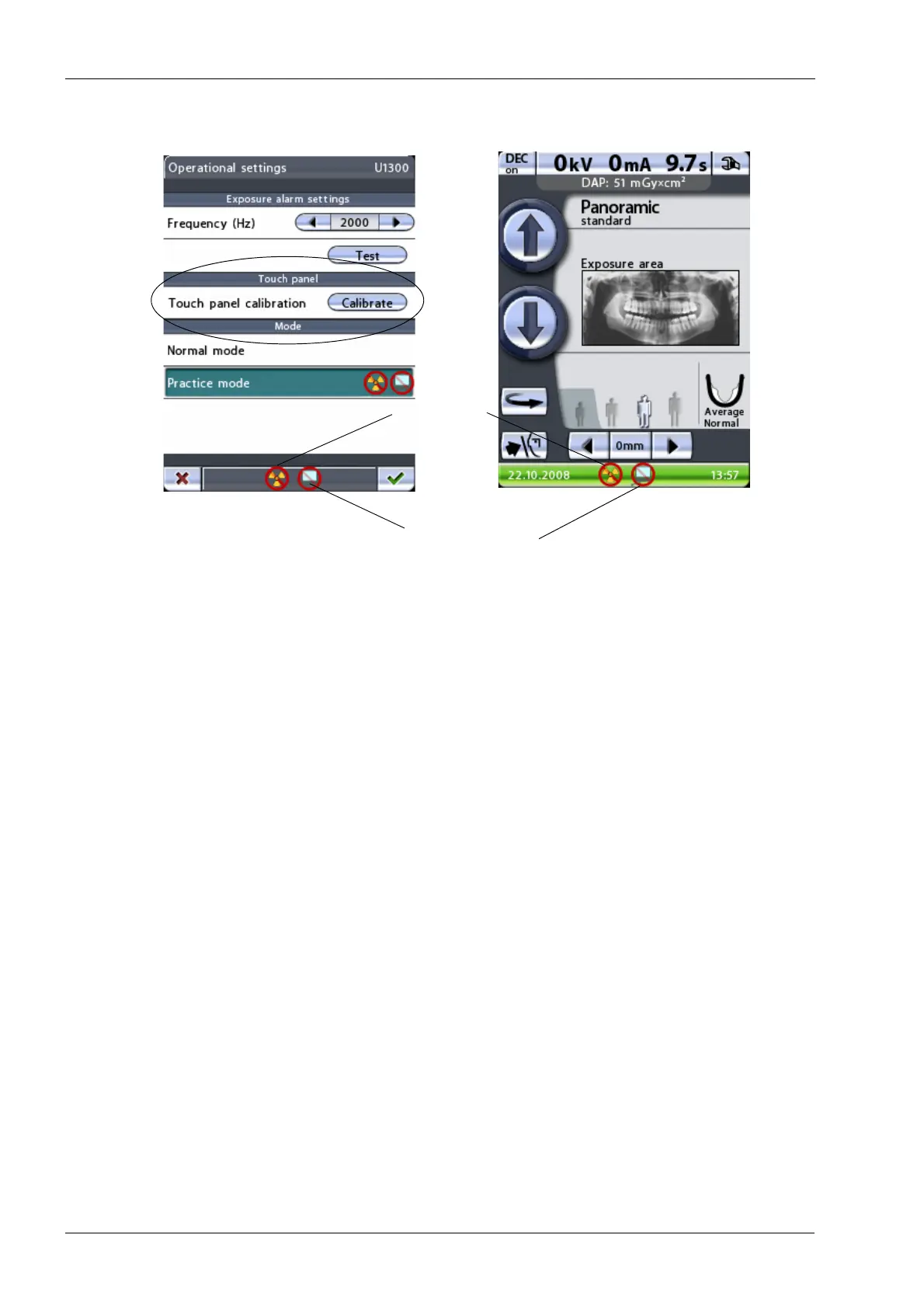
Accept your selection by touching the green check mark button in the bottom right corner
of the display. To exit the display without saving the changes, touch the red cross button in
the bottom left corner of the display.
No PC connection
No radiation













 To Next Page