Chapter B: SETTINGS 3 PROGRAM SETTINGS
Technical manual Planmeca ProOne 55
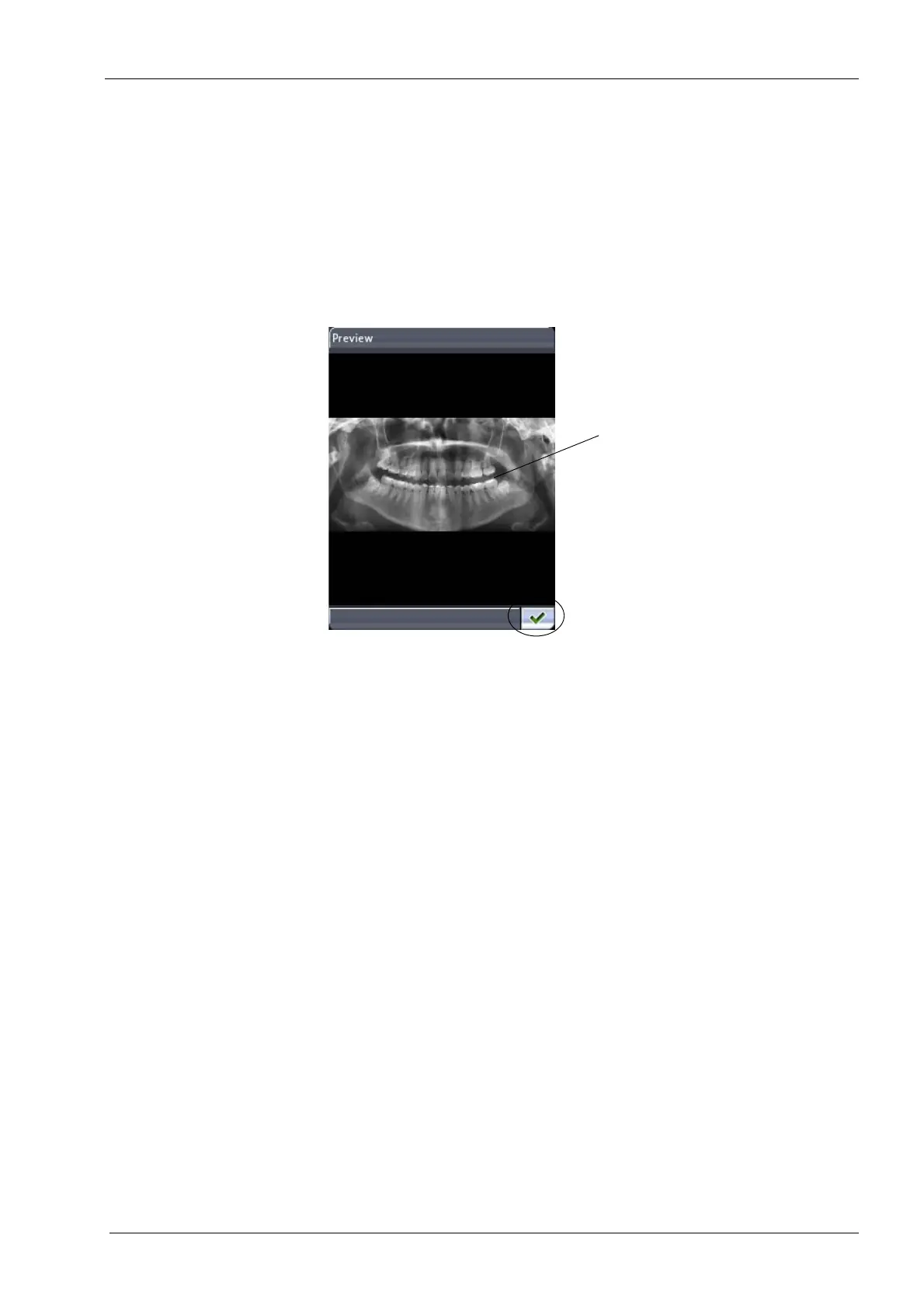
•Preview
Touch the
Preview
button if you want to see a preview of the selected image on the
control panel display.
The preview image can be zoomed in and out to resize it, or dragged to move the
image on the display. Touching the image will zoom in and show you the image in
more detail at the point that was touched. Touching the image again will zoom out and
bring you back to the original size. Dragging the zoomed image with your finger will
move the image in the desired direction on the display.
Touch the green check mark button in the bottom right corner of the
Preview
display
to return to the
Imaging without PC (P2600)
display.
• Send to PC
NOTE: Make sure that you have selected the right patient and the panoramic
exposure mode in the Romexis software program before you send an image. Refer to
the Romexis User’s Manual.
Touch the
Send to PC
button to send the selected image to the Romexis software
program. A message confirming that the image was sent will appear on the display.
Remember to accept the image in the Romexis software program.
• Delete
Touch the
Delete
button if you want to delete the selected image from the USB
memory stick. A message asking you to confirm the action will pop up. Touch the
No
button to cancel the action, or select
Yes
to delete the image.
NOTE: Ensure that you have sent the image to the PC before you delete it. Deleted
images cannot be recovered.
Unplug the USB memory stick as follows:
Switch the X-ray unit off. Remove the cover that protects the terminals by unscrewing the
two screws at the bottom and then unlatching the cover at the top. Remove the USB
memory stick from the USB port.
Reattach the protective cover by first latching the cover in place at the top and then
fastening the two screws at the bottom. You can then switch the X-ray unit back on.
The USB memory stick must be unplugged by a service technician only.
Drag = Move zoomed image
Exit preview
Touch = Zoom in
Touch again = Zoom out
along display














 To Next Page