Chapter 4: Programs
Connecting to a Terminal Server
91
Psion EP10 Hand-Held Computer User Manual
4.26.1 Connecting to a Terminal Server
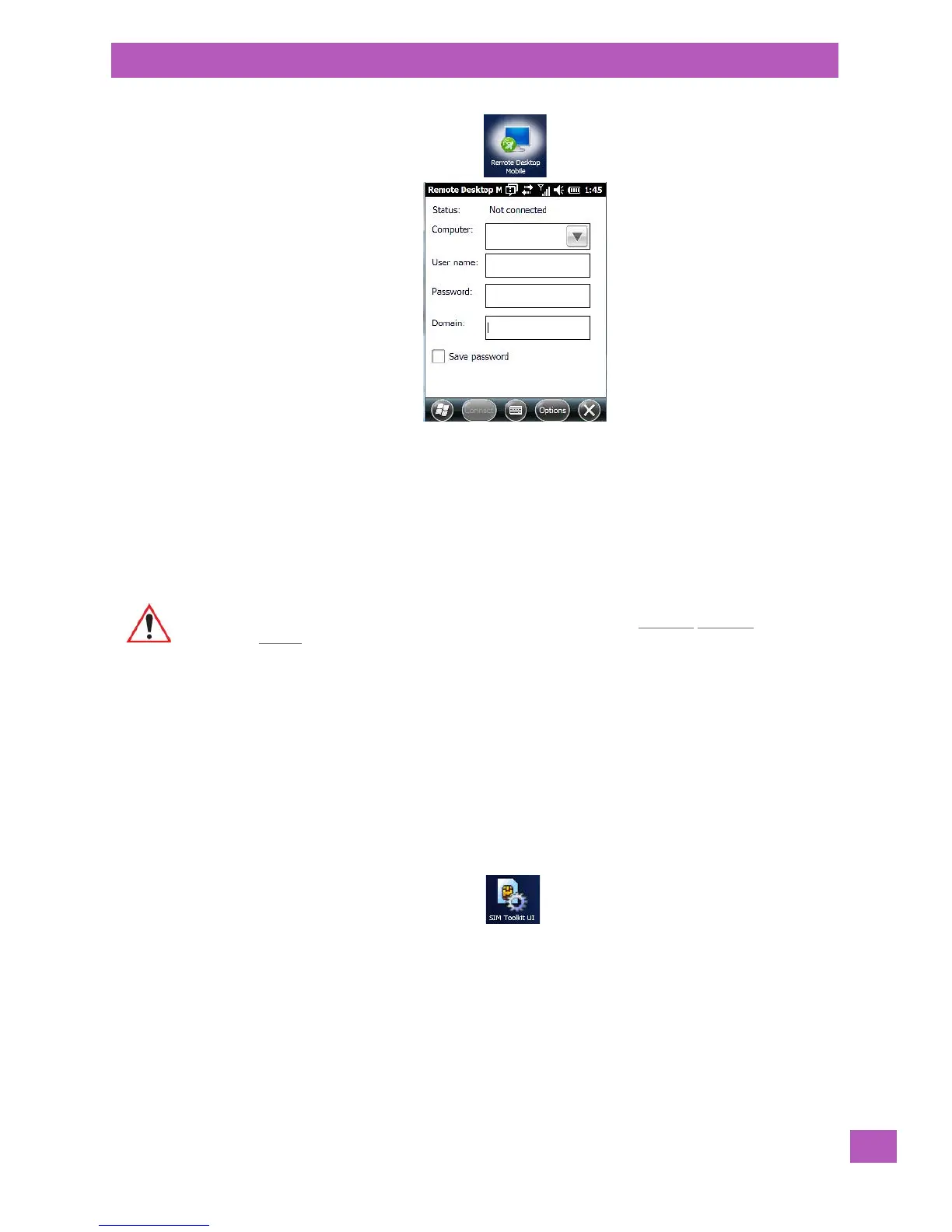
• Tap on Start>Remote Desktop Mobile
•In the Remote Desktop screen, choose a Computer from the drop-down menu.
•Type your User name, Password, and Domain (if required). Tap on Connect.
4.26.2 Disconnecting Without Ending a Session
•In the Remote Desktop Connection window, tap on Start>Shutdown.
• Tap on Disconnect>OK.
4.26.3 Ending a Session
•In the Terminal Services Client screen, tap on Start>Shutdown.
• Tap on Log Off>OK.
4.27 SIM Toolkit UI
SIM Toolkit UI is an ETSI/SMG standard for Value Added Services and e-commerce using GSM phones.
The EP10 operator can, for example, check bank accounts and pay bills using a SIM Toolkit-enabled phone
with an appropriate SIM Toolkit-specific SIM card which will provide much of the information required to
conclude a transaction over GSM.
If this service is available in your organization, the system administrator can provide the set up information
for your service.
Important: These commands are accessed from the Start menu in the Terminal Services
screen used to access the PC’s commands. Do NOT use the Start menu on your
EP10.



 To Next Page