Chapter 4: Programs
Creating a Note using the Soft Keyboard
Psion EP10 Hand-Held Computer User Manual
74
4.14.1 Creating a Note using the Soft Keyboard
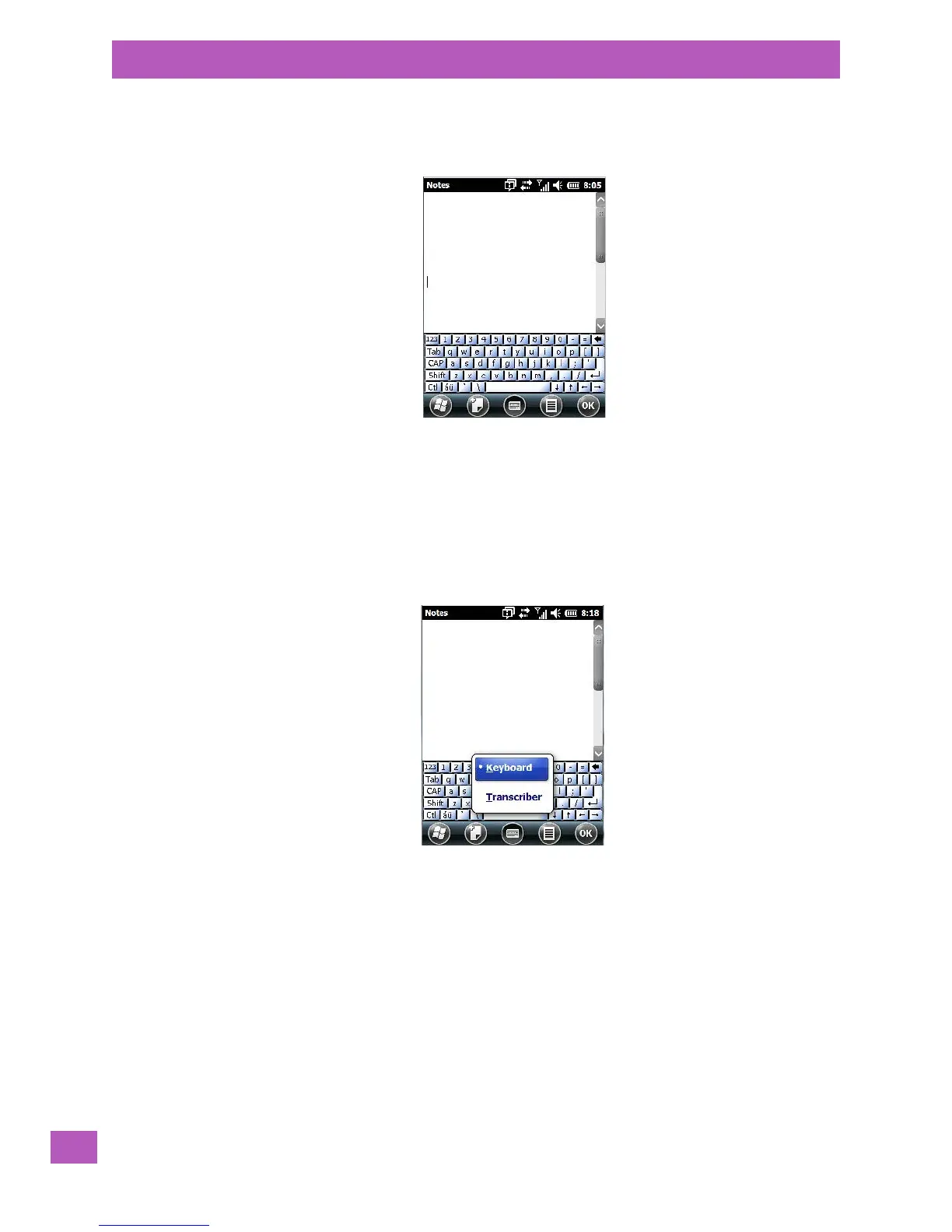
The soft keyboard icon is available by default. It is a replica of a standard keyboard. Use your stylus to type
letters, numbers, symbols and so on.
• When you’ve completed your note, tap on OK.
Your note is automatically saved. The file name is the first line of the note if you used the keyboard – other-
wise, it’s named Note1, Note2 and so on.
4.14.2 Creating and Converting Handwritten Notes to Text
To create a handwritten note using the transcriber:
• Tap and hold the stylus on the soft keyboard icon to display the pop-up menu.
•Choose Transcriber from the menu.
When you choose Transcriber, you can write notes in your own handwriting. The EP10 will converts the
notes into typed text for you.
A Transcriber Intro screen is displayed to provide information to help you work with the Transcriber.



 To Next Page