Chapter 4: Programs
Editing a Photo
71
Psion EP10 Hand-Held Computer User Manual
4.10.5 Editing a Photo
• Tap on a thumbnail photo to open it.
• Tap on Menu>Edit.
The Rotate command is now displayed in the softkey bar. Additional editing tools are listed in the Menu.
4.10.6 Creating a Slide Show
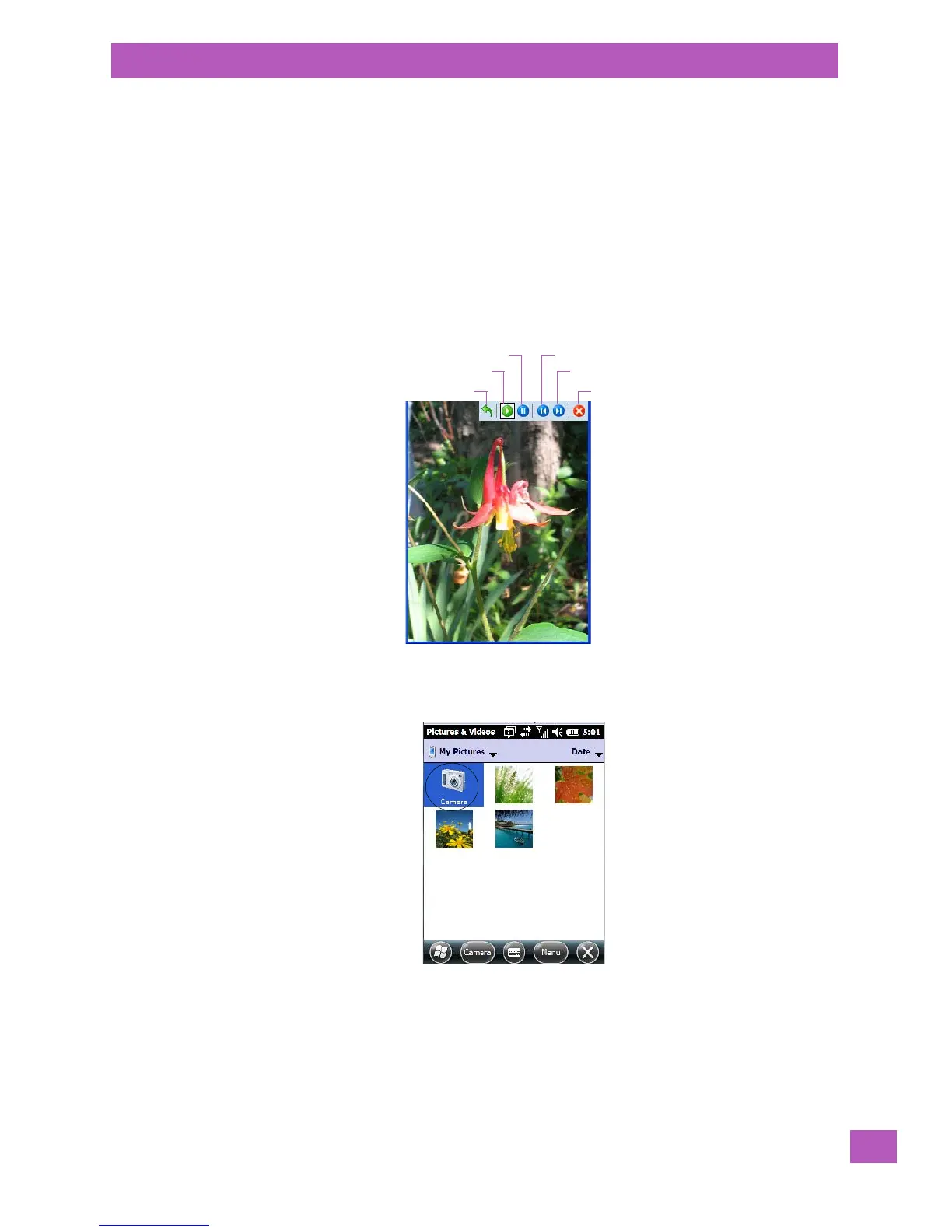
To view a slide show:
• Tap on the Menu>Play Slide Show.
The slide show begins – in slide show mode, photos are displayed for about five seconds, one after
the other.
• To display the slide show tool bar, tap anywhere on the photo.
4.10.7 Using the Video Recorder
• Tap on the Camera icon.
• In the bottom-right corner of the camera screen, tap on Menu>Video.
Flip View
Play
Pause Previous
Next
Close



 To Next Page