Chapter 5: Settings
Regional Settings
173
Psion EP10 Hand-Held Computer User Manual
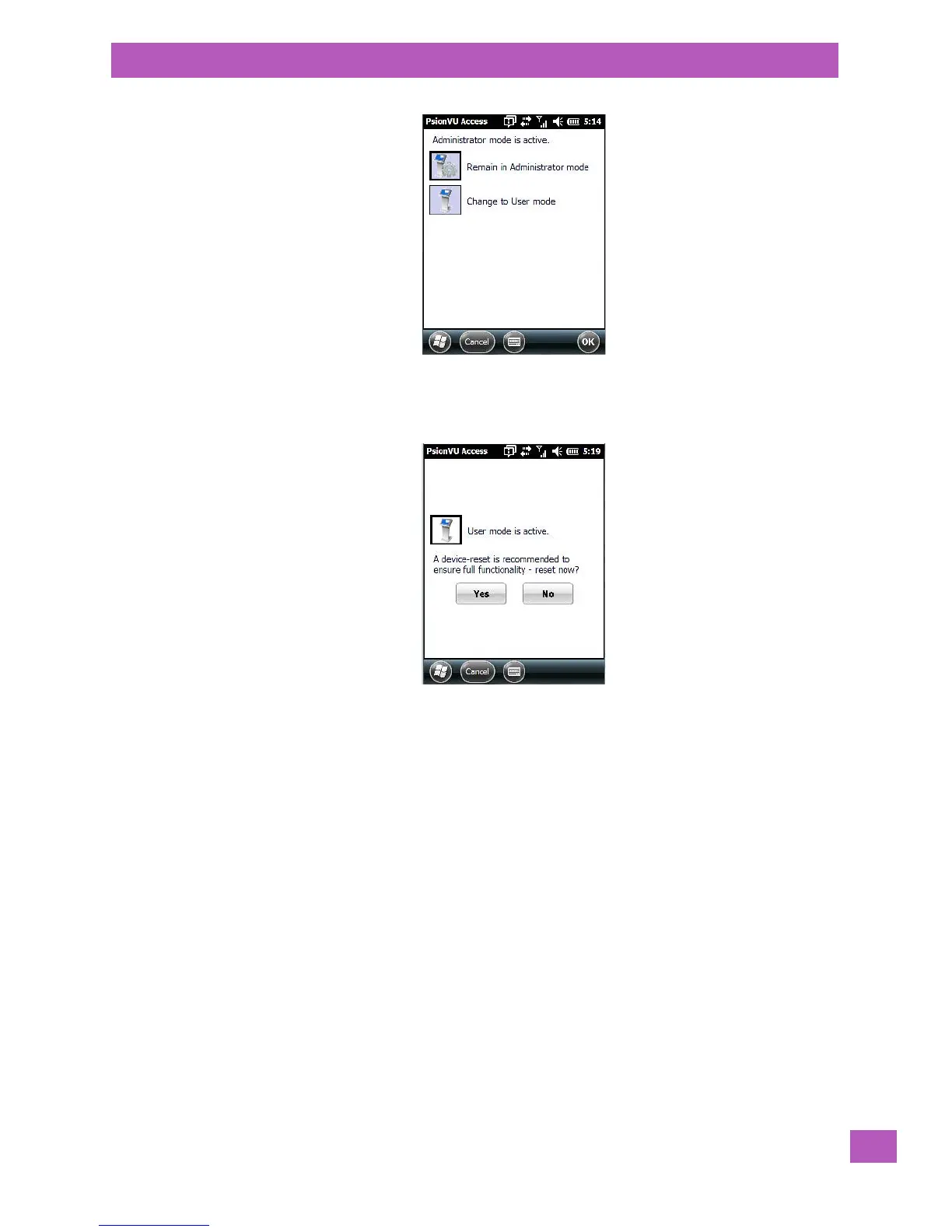
• Tap on Change to User mode.
You’ll need to reset the EP10 so that the changes you specified can take effect.
• Tap on Yes to reset the EP10 and activate your changes.
5.11.19 Regional Settings
To display the Regional Settings screen, tap on Start>Settings, and then tap on the System icon followed
by the Regional Settings icon.



 To Next Page