Chapter 5: Settings
Managed Programs
159
Psion EP10 Hand-Held Computer User Manual
Show All Modules
By default, inactive owners are not shown. By checking this checkbox, all owners, both active and inactive,
are displayed.
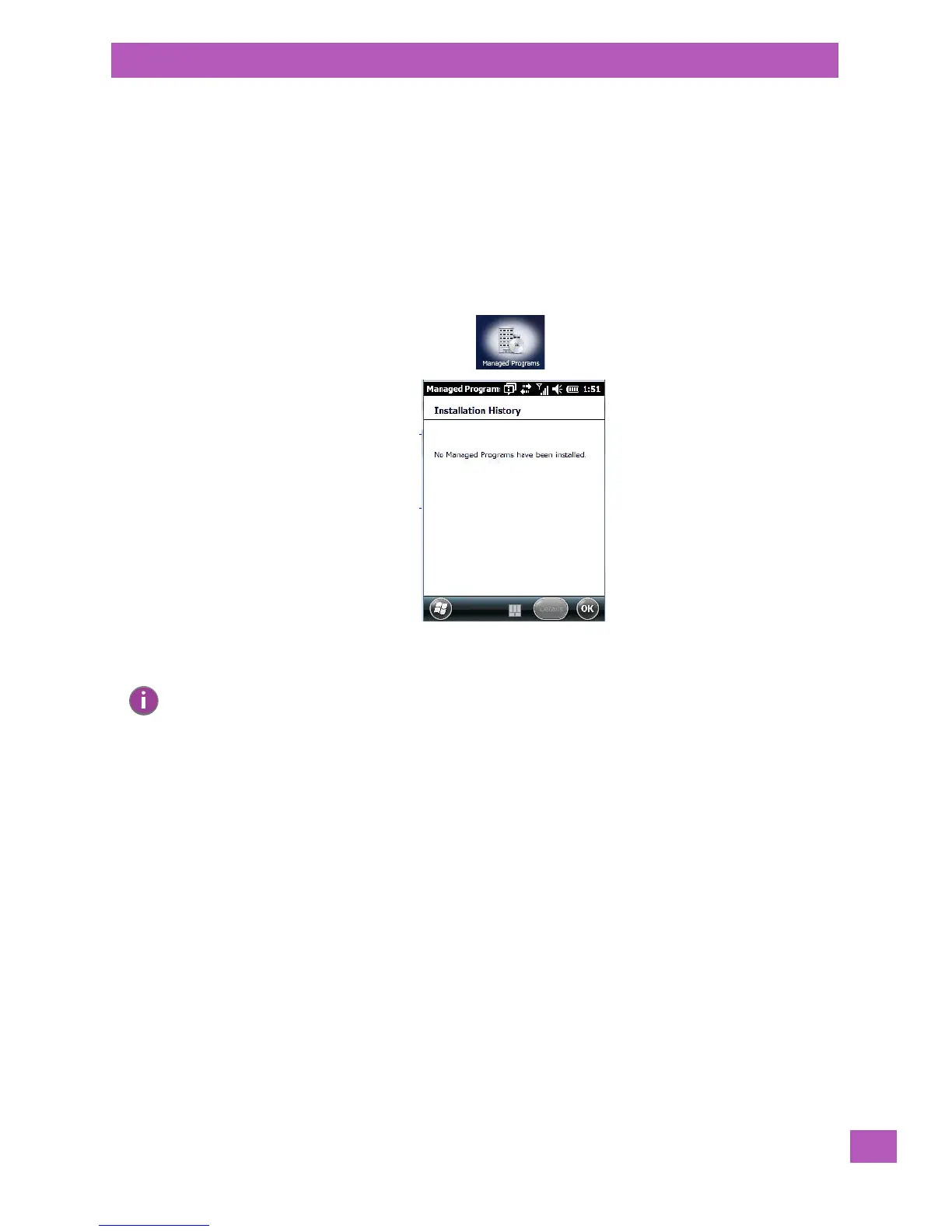
5.11.14 Managed Programs
Managed Programs lets you view, download and install applications that are deployed by the System Center
Mobile Device Manager (a server-side solution that helps enable IT to have control of their device deploy-
ment with respect to security, management and access to the corporate network).
To access Managed Programs:
• Tap on Start>Settings>System tab>Managed Programs icon.
5.11.15 Memory
This applet allows you to view memory use and storage card memory allocation. To display the options for
this applet:
• Tap on Start>Settings. Tap on the System tab followed by the Memory icon.
Note: Your system administrator can provide the details you’ll need to use Managed
Programs effectively.



 To Next Page