Chapter 4: Programs
Moving Photos to the EP10
Psion EP10 Hand-Held Computer User Manual
70
4.10.2 Moving Photos to the EP10
• Connect your device to your PC with ActiveSync.
• Locate the pictures on your PC, and drag photos from their folder to the Mobile Device (EP10). The
EP10 can be found under Computer (My Computer on PCs running Windows XP).
4.10.3 Opening a Photo
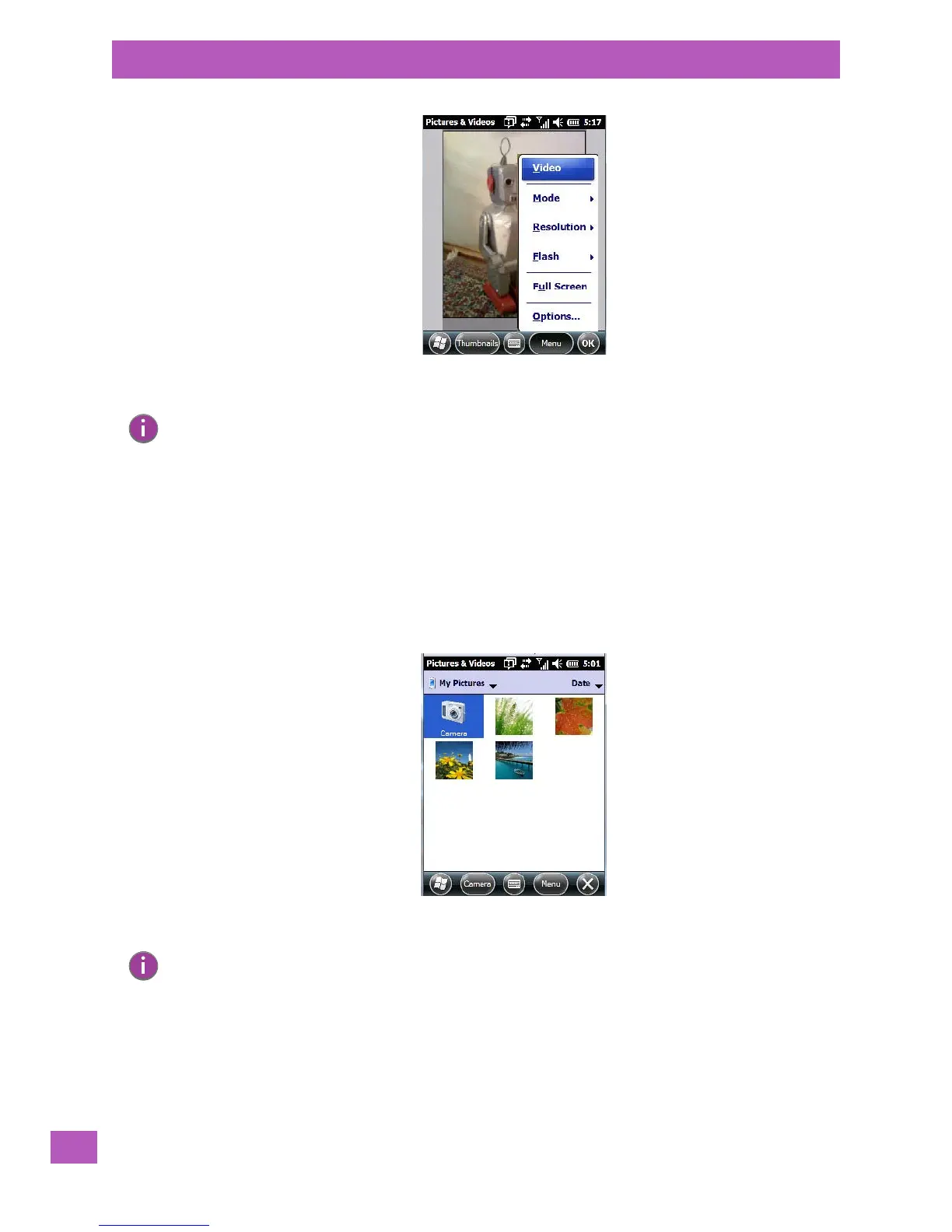
• To open a photo, tap on Start>Pictures & Videos. You’ll see a thumbnail of your photos.
• Tap on a thumbnail to open the photo.
4.10.4 Deleting a Photo
• Press and hold the stylus on the thumbnail photo you want to delete to display a pop-up menu. Tap on
Delete.
• Confirm your choice when prompted.
Note: ‘Video’ is a toggle command. When the ‘Still’ camera is activated, ‘Video’ is available in this
menu. When the video recorder is activated, ‘Still’ (camera) is available in this menu.
Note: If you’ve stored your photos on a storage card, you’ll need to tap on the storage card icon to
display your photos.



 To Next Page