Chapter 5: Settings
Compass
147
Psion EP10 Hand-Held Computer User Manual
• To view details about a certificate – who issued the certificate, to whom it was issued, the issue date
and the expiry date – tap on a certificate in the list.
• To delete a certificate, tap and hold the stylus on a certificate. In the pop-up menu, tap on the Delete
command.
5.11.4 Compass
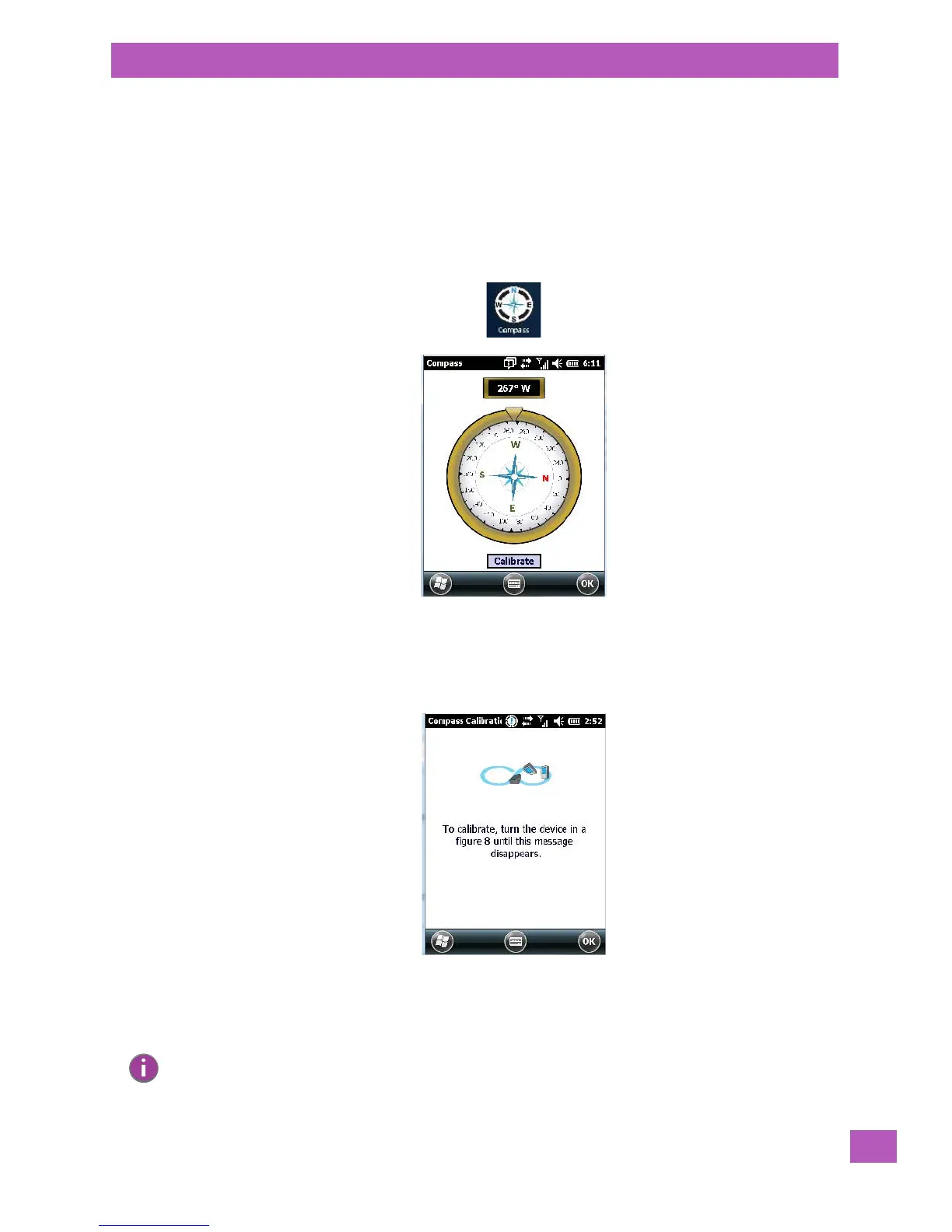
Like all compasses, the EP10 compass indicates the direction in which the unit is pointed.
• Tap on Start>Settings, and then tap on the System icon.
• Tap on the Compass icon.
If you find that the compass is inaccurate, you may need to calibrate it.
• Tap on the Calibrate button and follow the directions to calibrate the compass. Make certain that you
perform the figure ‘8’ indicated in the instructions in a fairly wide loop to better ensure successful
calibration.
When the compass calibration is complete, a message appears on the EP10 screen indicating successful cal-
ibration.
Note: The accuracy of the digital compass is affected by the following:
a) close proximity to large magnets or metal structures, and
b) internal scanner/imager activation.



 To Next Page