Appendix C: Imagers Applet
Creating a Custom Preset
Psion EP10 Hand-Held Computer User Manual
C-12
C.4.10 Creating a Custom Preset
A new custom preset is created by modifying a preset – either a predefined preset or an existing custom
preset. To create a custom preset:
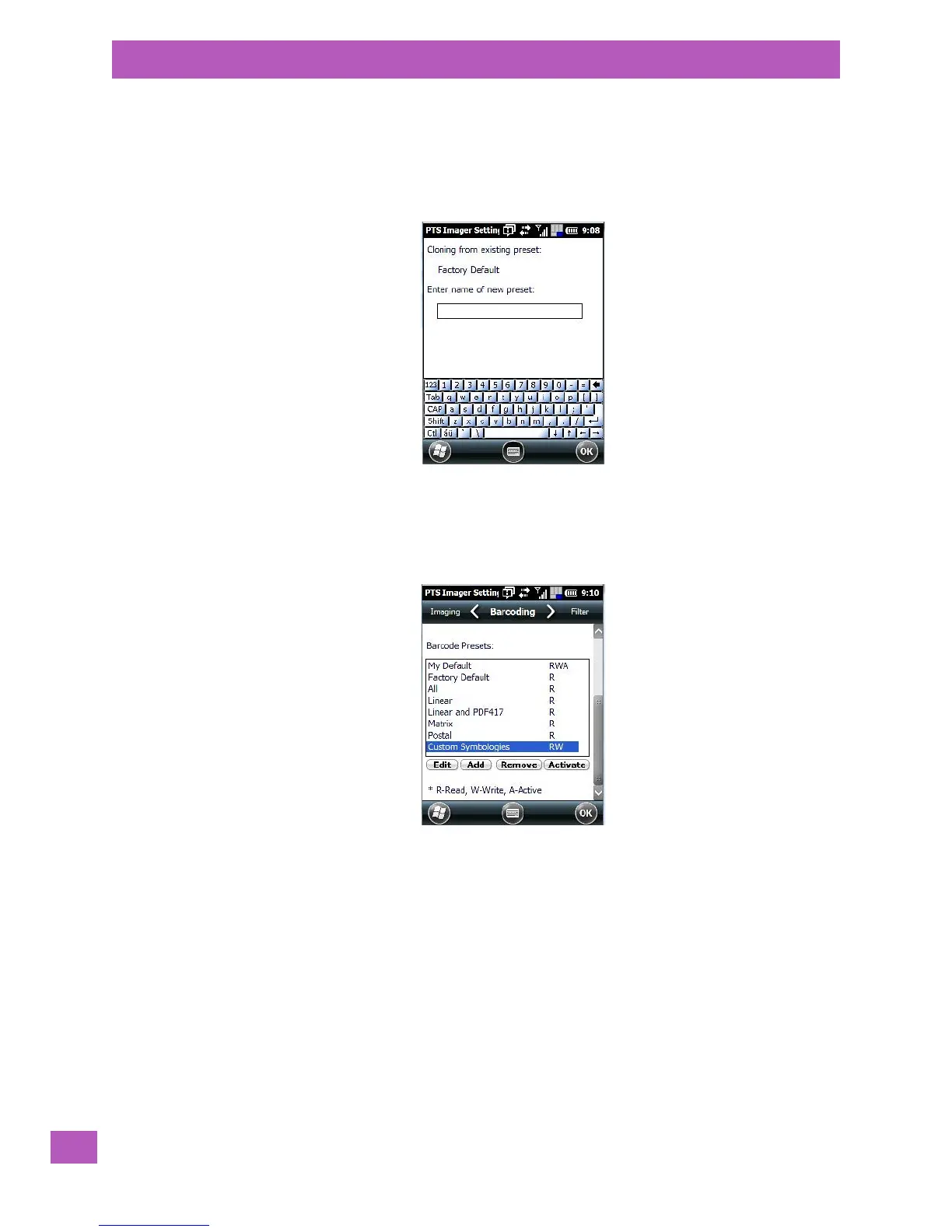
• Highlight a preset, and tap on the Add button.
A screen like the sample following is displayed.
•Type the name of the new preset in the dialog box.
•Tap on OK to save your changes.
The preset list is displayed; the new custom preset appears at the end of the list. It is marked as read
and write.
C.4.11 Modifying a Custom Preset
The parameter values in a custom preset can be modified. It is recommended that very few changes be
made to a custom preset. To ensure that it will work reliably, it should be as close as possible to the original
predefined preset. To change a parameter value:
• Highlight the custom preset, and tap on the Edit button.



 To Next Page