Chapter 4: Programs
Windows Media
Psion EP10 Hand-Held Computer User Manual
72
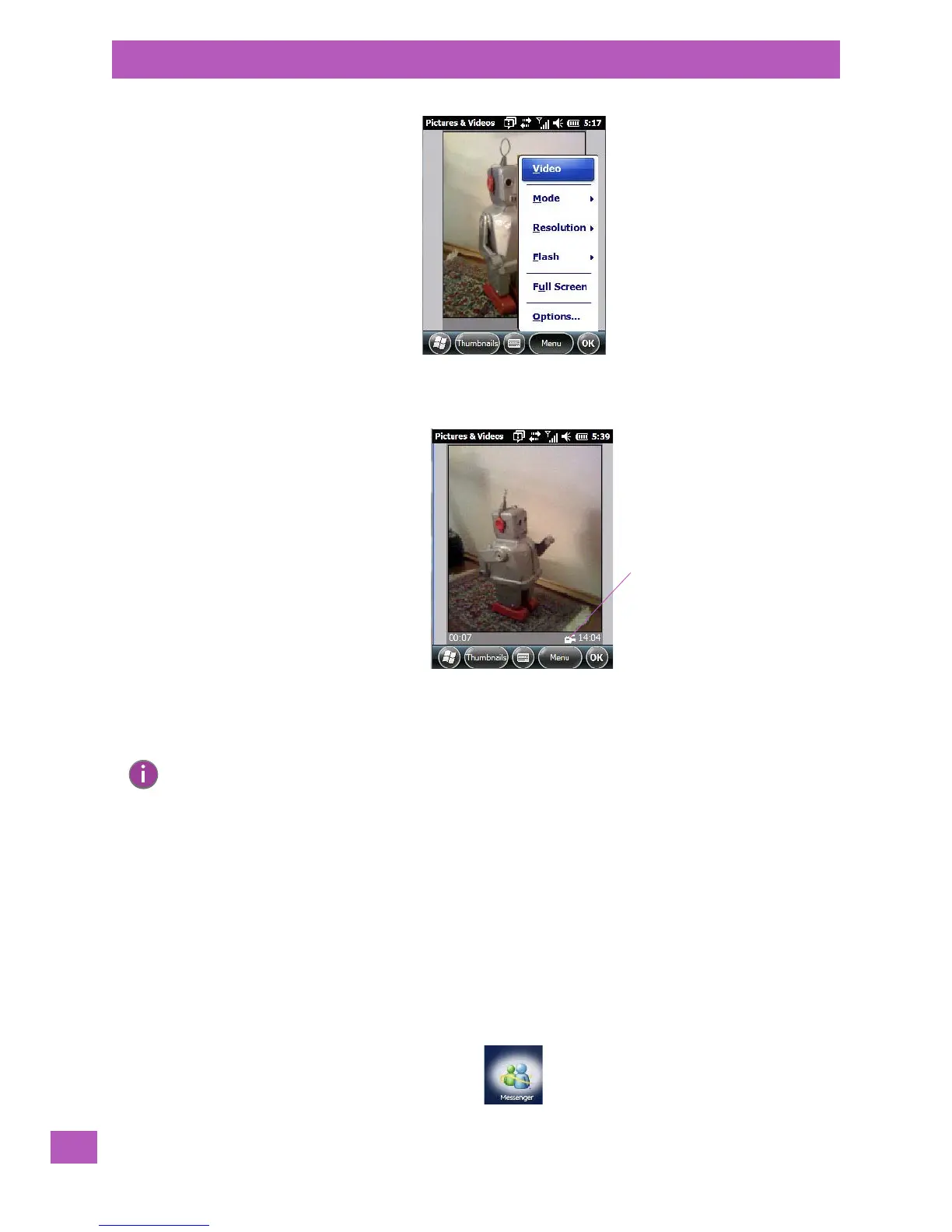
•Press [ENTER] to begin recording.
• To end the video, press [ENTER] again, or tap on the Stop softkey.
4.11 Windows Media
Windows Media allows you to play music and videos on your EP10. You can use Windows Media to play
digital audio and video files that are stored on your EP10 or on the web.
• To work with this applet, tap on Start>Windows Media.
For details about using this applet, refer to:
http://www.microsoft.com/windowsphone/en-us/howto/wp6/music/windows-media-player-mobile.aspx
4.12 Messenger (Windows Live)
Windows Live Messenger is an instant messaging service. Refer to the Microsoft web site for details.
Video Recorder Icon
Indicates that video
is active.
Note: When the ‘Video’ recorder is activated, a Menu is available to tailor the operation of the
recorder, the quality of the recording, and so on.



 To Next Page