Appendix A: Wireless Wide Area Network (WWAN)
Sprint Connection
A-9
Psion EP10 Hand-Held Computer User Manual
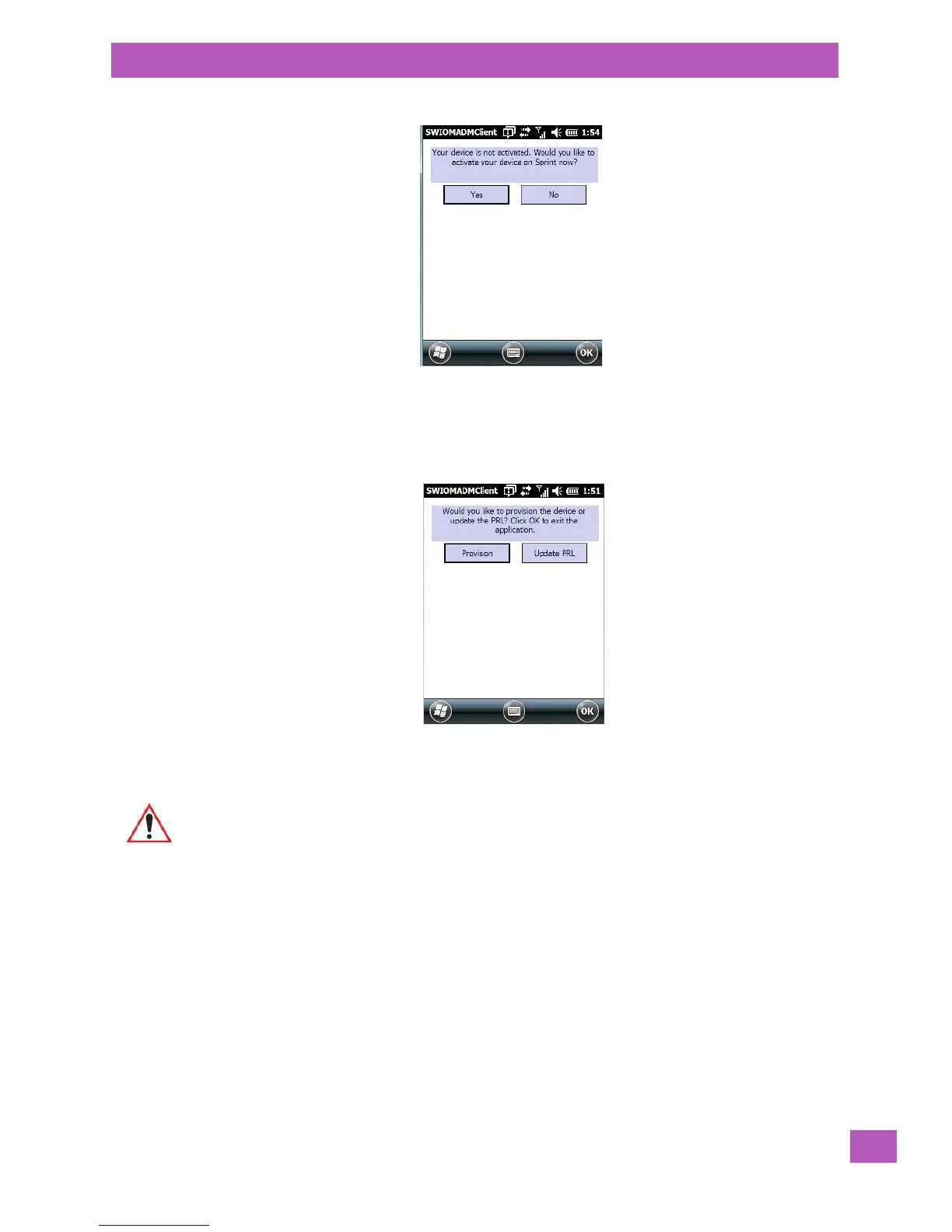
This screen appears when your service has not yet been initialized.
• Tap on Yes to begin preparing the service for initialization.
The next screen asks whether you’d like to Provision your device. Since a SIM card is not present in units
equipped with CDMA radios, network settings need to be loaded into the modem. This process is referred to
by Sprint as provisioning.
• Tap on Provision to load network settings onto the modem, and activate your service.
The data connection is set up automatically on boot up.
A.4.1.1 Repairing a Network Connection
If your data connection is accidentally deleted, you can use this screen to set up your connection.
Important: Since the network settings are updated wirelessly, make certain that you have
good network coverage when you tap on Provision.



 To Next Page