Appendix A: Wireless Wide Area Network (WWAN)
Verizon Connection
A-11
Psion EP10 Hand-Held Computer User Manual
A.4.2 Verizon Connection
To create your Verizon data connection:
• Tap on the a Navigation bar at the top of the screen to display the hotkeys. Tap on the Phone Set-
tings hotkey.
•In the Phone Settings bubble, tap on Settings.
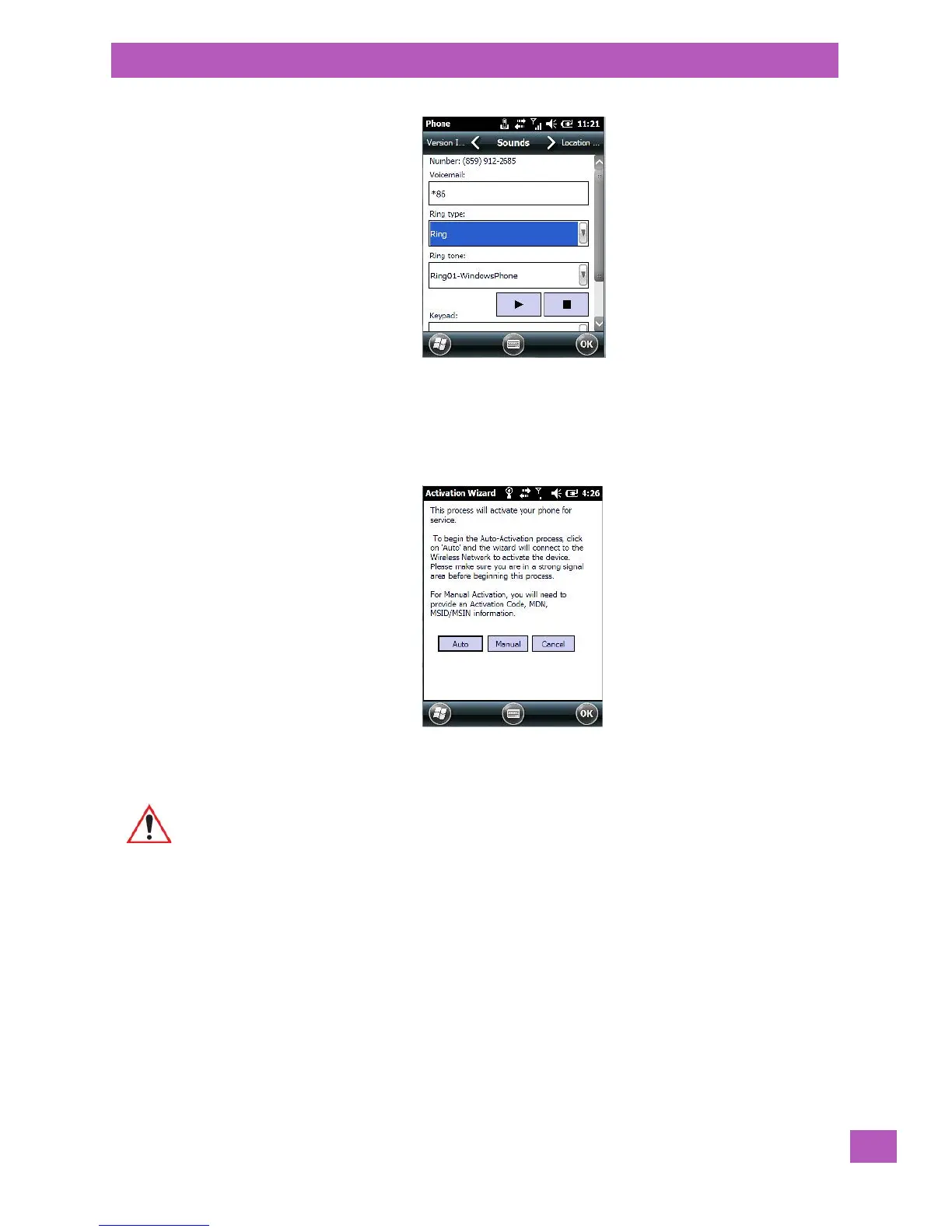
This screen is displayed only when your service has not yet been activated.
• Tap on Auto to set up the data connection.
A.4.2.1 Repairing a Data Connection
If your data connection is accidentally deleted, you can use this screen to set up your connection.
Important: Since the network settings are updated wirelessly, make certain that you have
good network coverage before tapping on ‘Auto’.



 To Next Page