Chapter 5: Settings
Buttons
137
Psion EP10 Hand-Held Computer User Manual
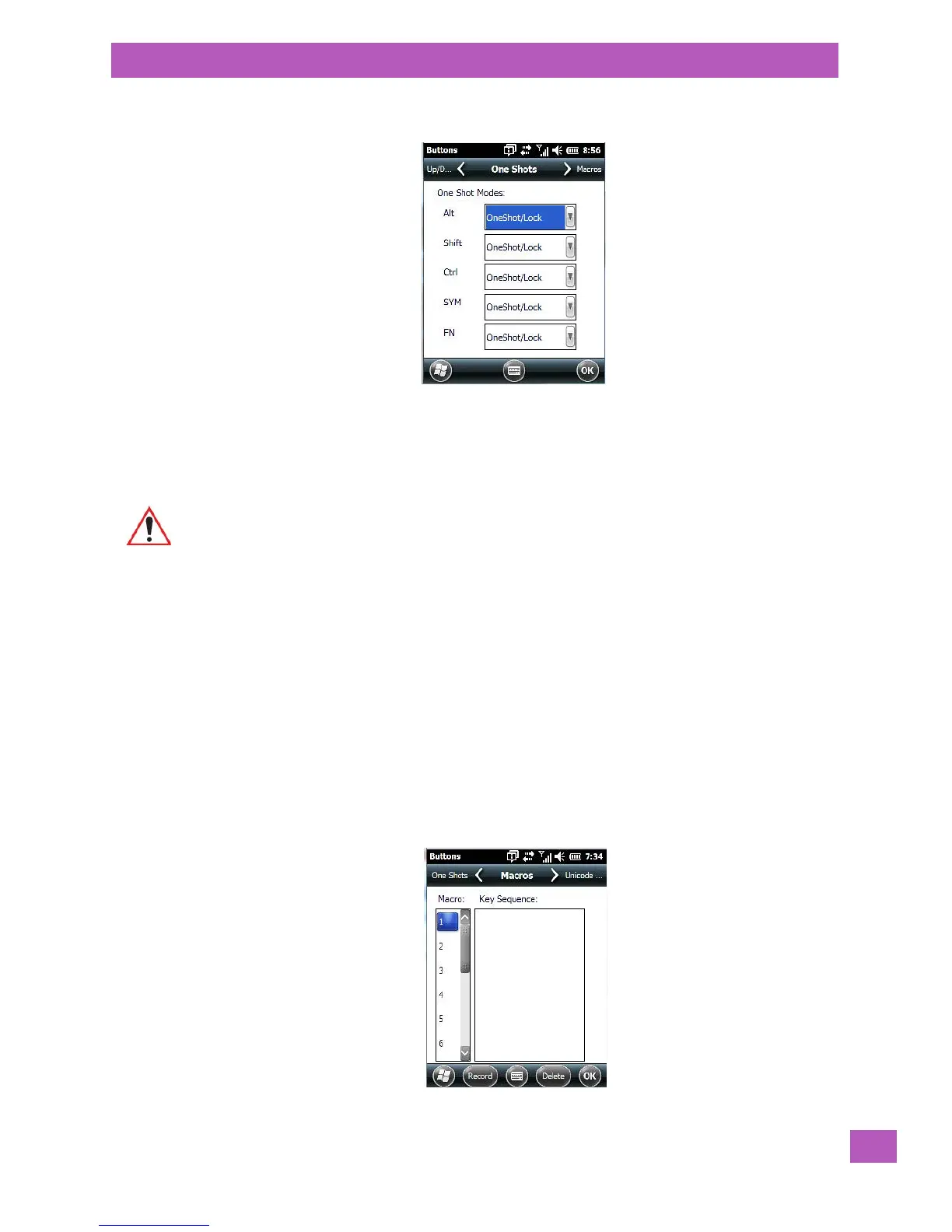
5.9.2.3 OneShots
The options in this tab allow you to determine how modifier keys on your EP10 behave. For each modifier
key – [ALT], [SHIFT], [CTRL], [SYM] and [BLUE/FN] – you have the following options in the drop-down menu:
Lock, OneShot, and OneShot/Lock.
Lock
If you choose Lock from the drop-down menu, pressing a modifier key once locks it ‘on’ until you press the
modifier key a second time to unlock or turn it off.
OneShot
If you choose OneShot, the modifier key remains active only until the next key is pressed.
OneShot/Lock
OneShot/Lock allows you to combine these functions. When you choose this option and you press the mod-
ifier key once, it remains active only until the next key is pressed.
If you press the modifier key twice, it is locked ‘on’, remaining active until the modifier key is pressed a third
time to turn it ‘off’.
5.9.2.4 Macro Keys
Important: Once you’ve assigned a OneShot mode to a modifier key, you need to tap on the OK
button at the top of the tab to activate your selection.



 To Next Page