Chapter 4: Programs
Programs
49
Psion EP10 Hand-Held Computer User Manual
4.1 Programs
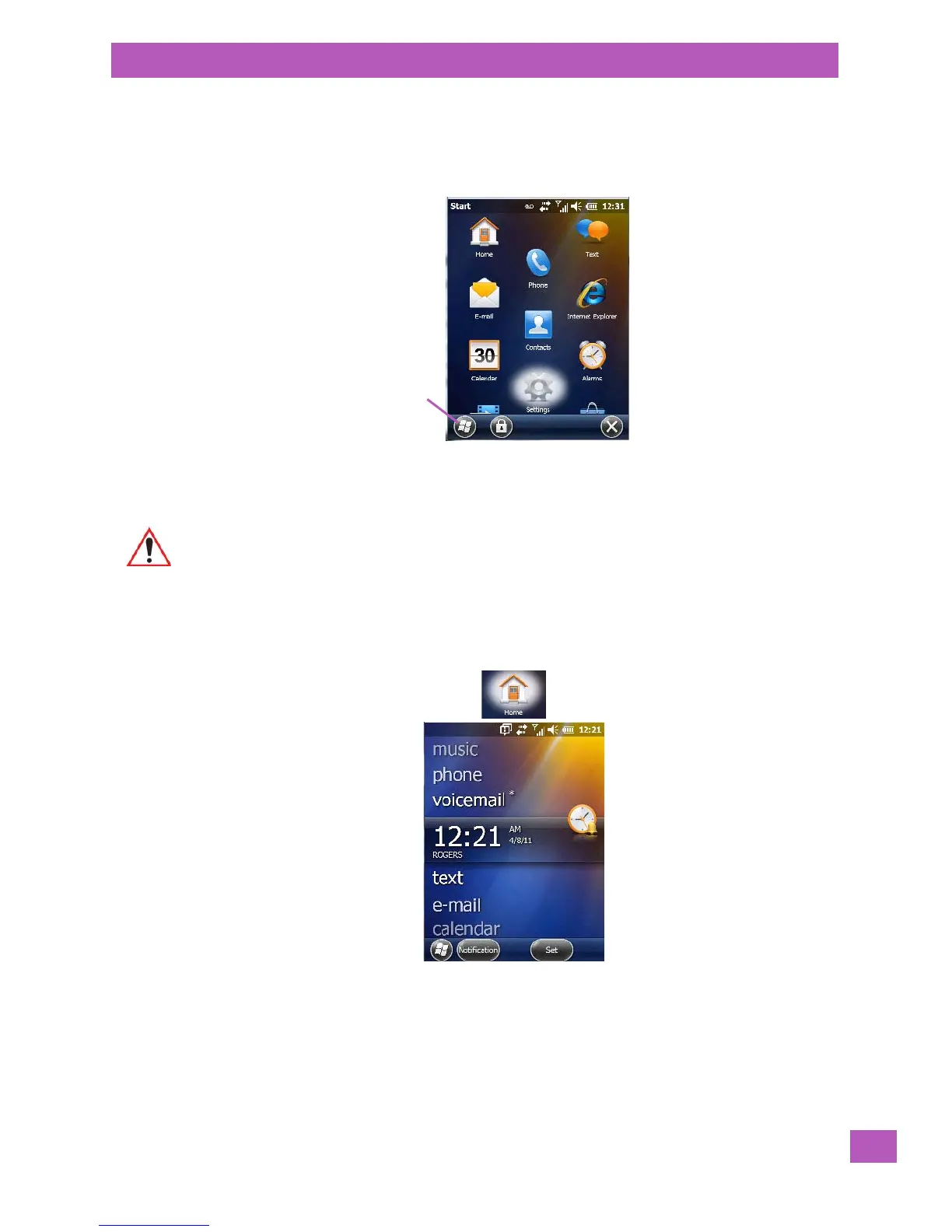
EP10 programs are all available from the Start screen.
• Tap on the Start button in the lower-left corner of the Tod ay screen to display the Start screen.
Tapping on an icon in this screen launches the associated applet.
4.2 Home
Tapping on the Home icon in the Start screen displays the Today screen.
4.3 The Phone
EP10s are equipped with phone capabilities as a standard option.
Important: For details about the options contained under the ‘Settings’ icon, refer to
Chapter 5: “Settings”.



 To Next Page