Chapter 3: Getting to Know the EP10
Calendar of Upcoming Appointments
37
Psion EP10 Hand-Held Computer User Manual
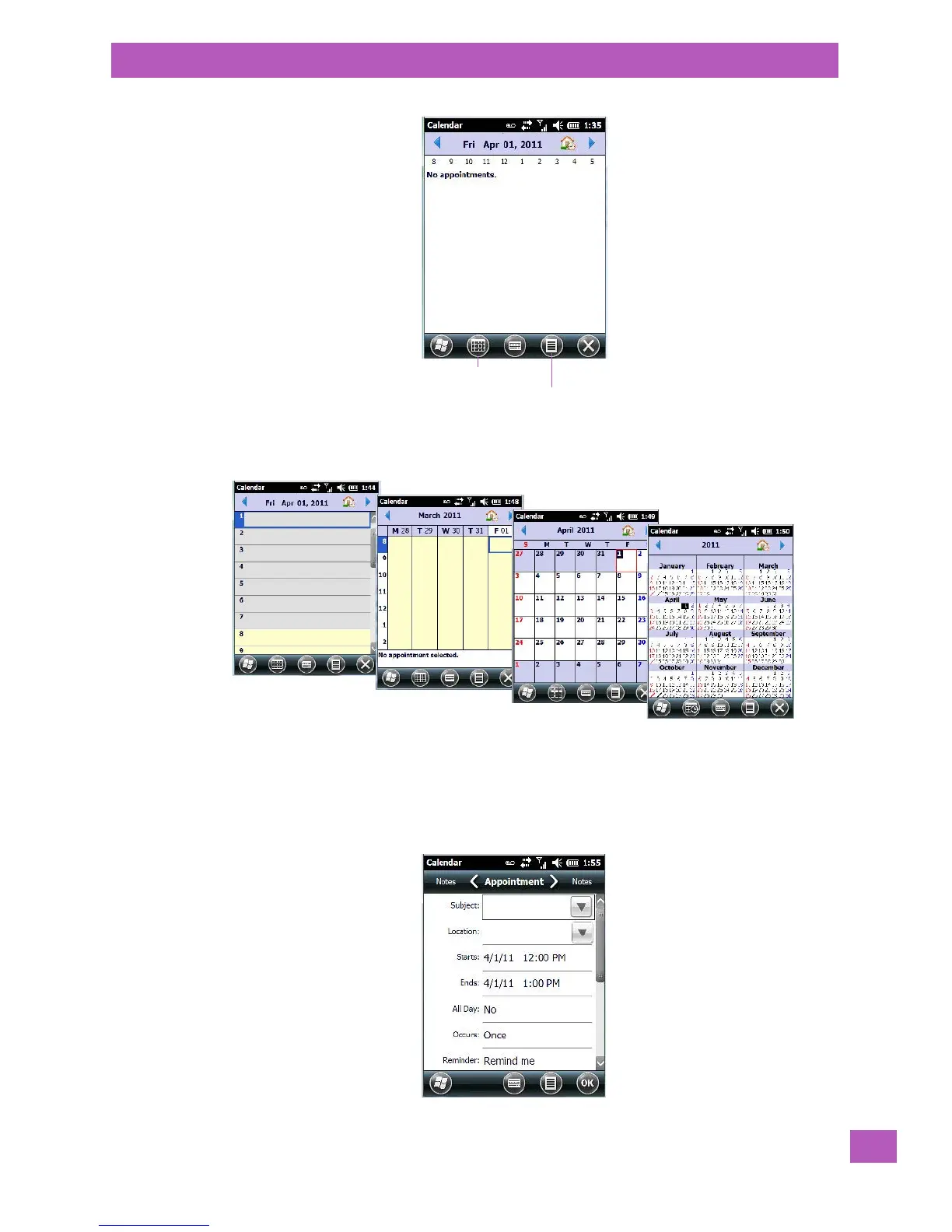
The default calendar displays any scheduled appointments. To choose the format of your calendar:
• Tap on the Calendar softkey – this key scrolls through the calendar formats.
3.10.4.1 Creating and Editing Appointments
•In the Calendar screen, tap on the Menu softkey in the softkey bar, and then tap on New Appointment.
Figure 3.4 Appointment Detail Screen
Calendar softkey
Menu softkey



 To Next Page