Chapter 4: Programs
Recording Notes
Psion EP10 Hand-Held Computer User Manual
76
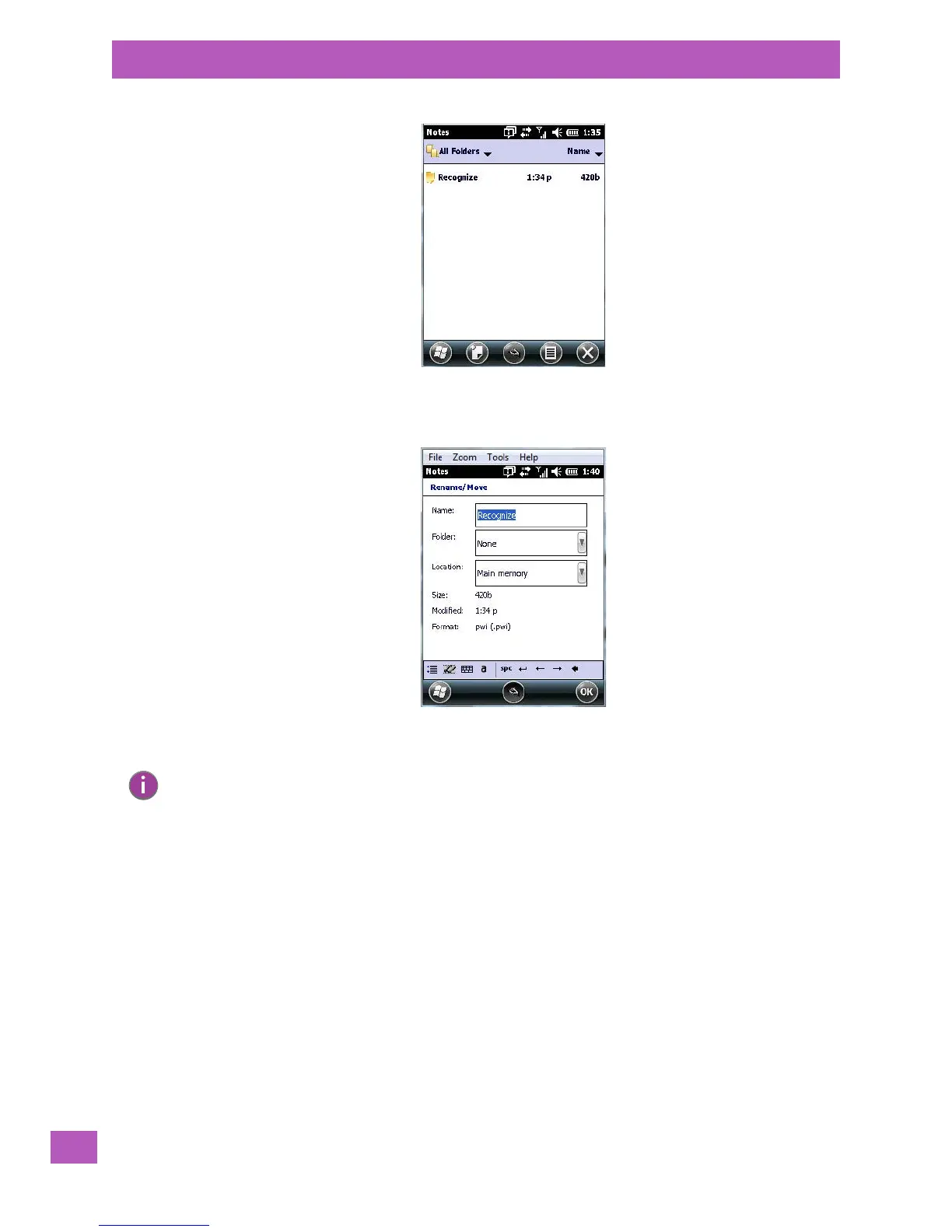
• Press and hold the stylus on the file name in the Notes screen that you want to rename. In the pop-up
menu, choose Rename/Move.
•In the Name field, type the new name.
You can also move the note to a new Folder and/or a new Location.
• When you’ve made the changes you need, tap on OK.
4.14.4 Recording Notes
It is sometimes easier to record a note than to write it down just to make certain that you’ve captured an
idea before it drifts away. To make an audio recording:
•Tap on the New Note softkey to open a fresh note.
•Tap on Menu>View Recording Toolbar.
Note: Remember that if you want to use the soft keyboard to type a new name, you’ll need to tap
and hold the stylus on the Transcriber icon, and choose Keyboard from the popup menu.



 To Next Page