Chapter 5: Settings
TweakIT
Psion EP10 Hand-Held Computer User Manual
190
5.11.26.4 Deleting a Profile
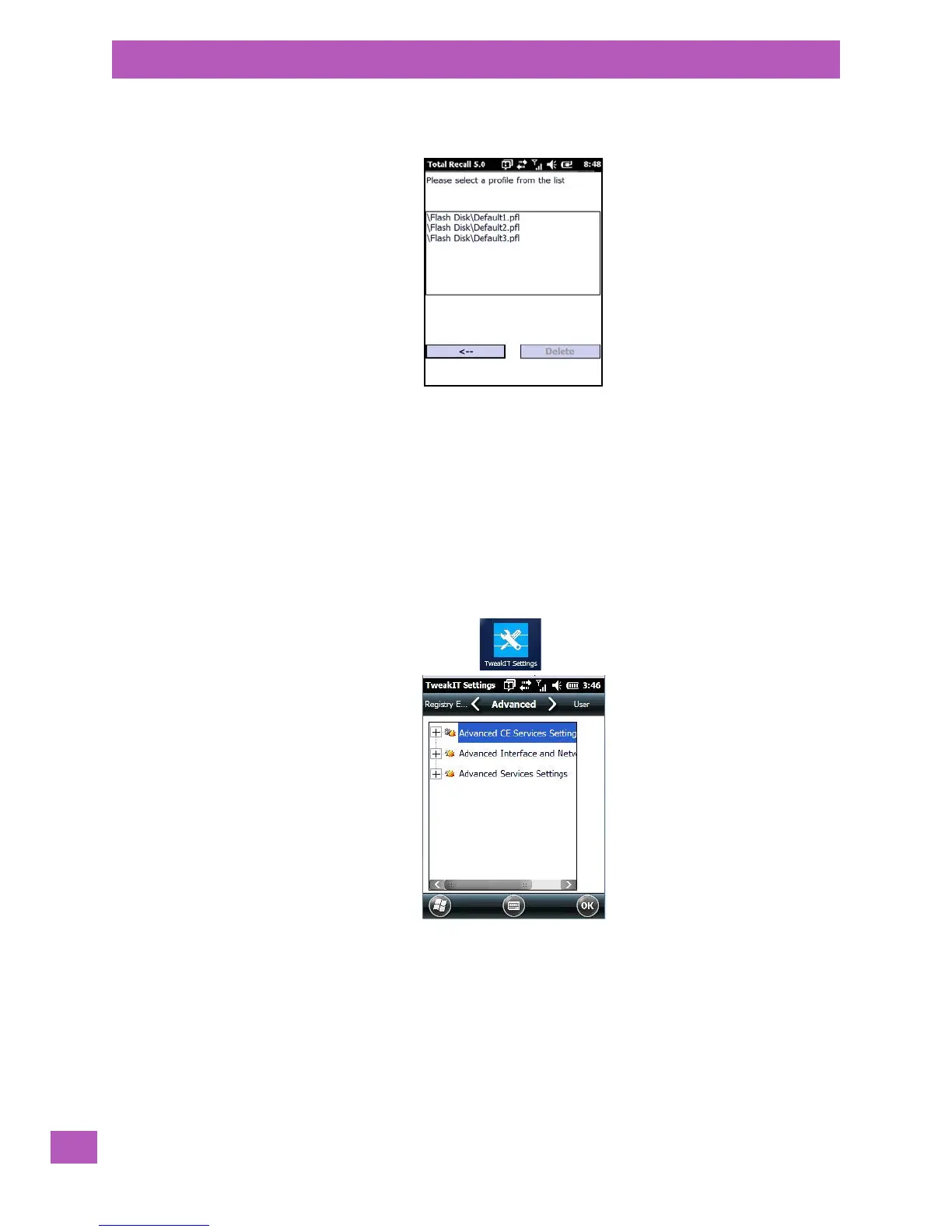
•In the Total Recall home screen, tap on Delete Profile.
• Highlight the backup you want to delete, and tap on the [-->](Next) button.
A warning pop-up screen appears asking if you’re certain that you want to delete this file.
•Tap on the Ye s to delete the file.
5.11.27 TweakIT
•Tap on Start>Settings>System.
•Tap on the TweakIT Settings icon.
This utility allows you to ‘tweak’ or adjust system settings such as the interface, network and servers.
5.11.27.1 Advanced Tab – Advanced CE Services Settings



 To Next Page