Chapter 4: Programs
Managing Phone Settings
Psion EP10 Hand-Held Computer User Manual
58
This screen is used to configure your WWAN data connection to the ISP.
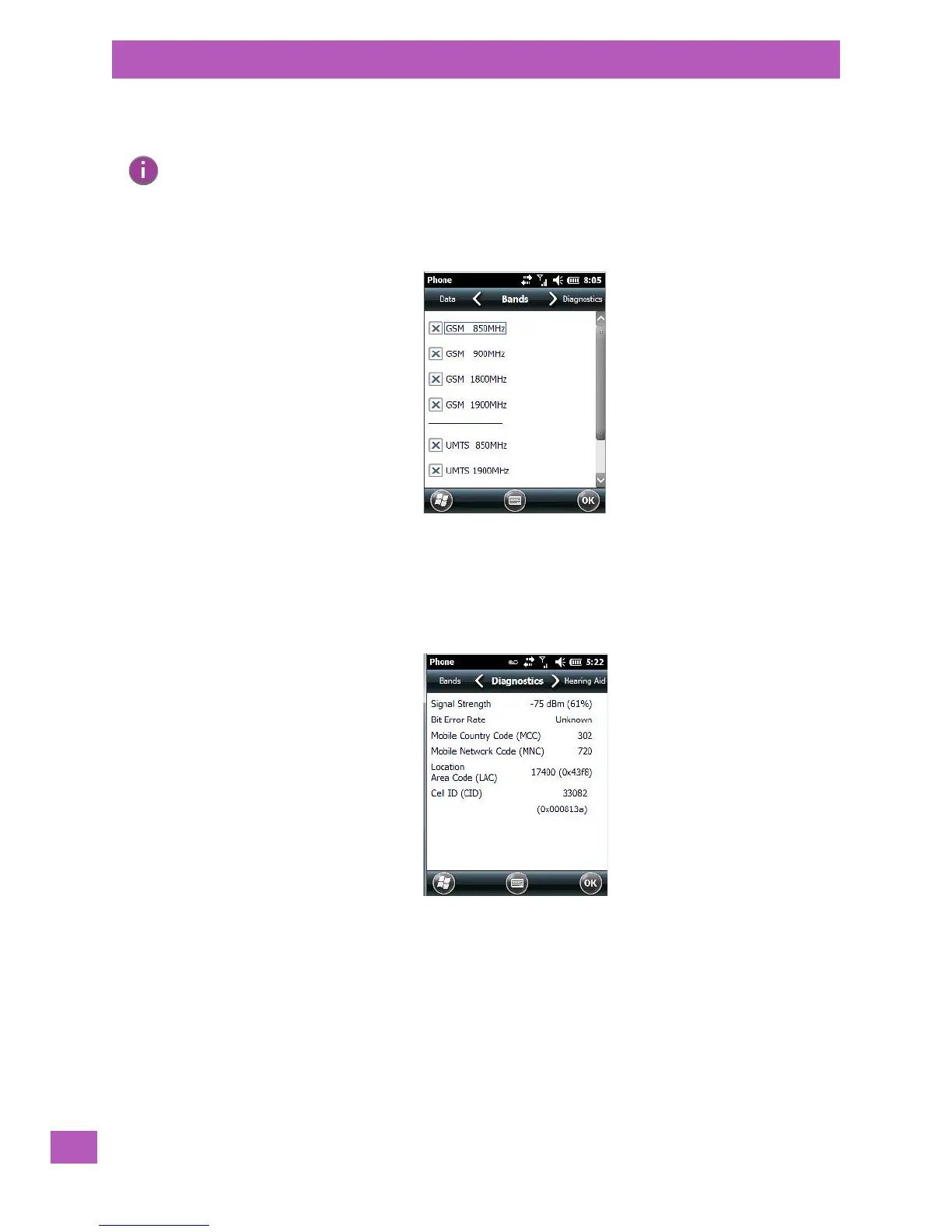
4.3.3.6 Phone: Bands Tab
By default, all frequency bands are enabled. Bands should not be disabled without knowledge about
which bands are used by your network; an incorrect setting will prevent the WWAN modem from finding
the network.
4.3.3.7 Phone: Diagnostics Tab
The Diagnostics tab lists details about each network found. The information in this screen may be useful to
support personnel if they are attempting to diagnose a problem with your network.
4.3.3.8 Phone: Hearing Aid Tab
This tab allows you to enable the hearing aid service.
Note: For details about setting up your data connection, refer to “Establishing a Packet Data Con-
nection” on page A-3 or “Establishing a CDMA Radio Modem Connection” on page A-8
depending on the type of radio installed in your EP10.



 To Next Page