Chapter 3: Getting to Know the EP10
Copying a File
Psion EP10 Hand-Held Computer User Manual
42
3.13.3 Copying a File
• Press and hold the stylus on the file you want to copy. A ring of dots is displayed followed by a
pop-up menu.
•Tap on Copy in the pop-up menu.
• Navigate to the location where you want to copy the file.
• Press and hold the stylus in a blank area of the screen – away from other icons – until a pop-up menu
is displayed.
•Tap Paste to copy the file to the new location.
3.13.4 Deleting a File
• Press and hold the stylus on the file or folder you want to delete until a pop-up menu is displayed.
•Tap Delete to remove the file.
3.14 Using Menus
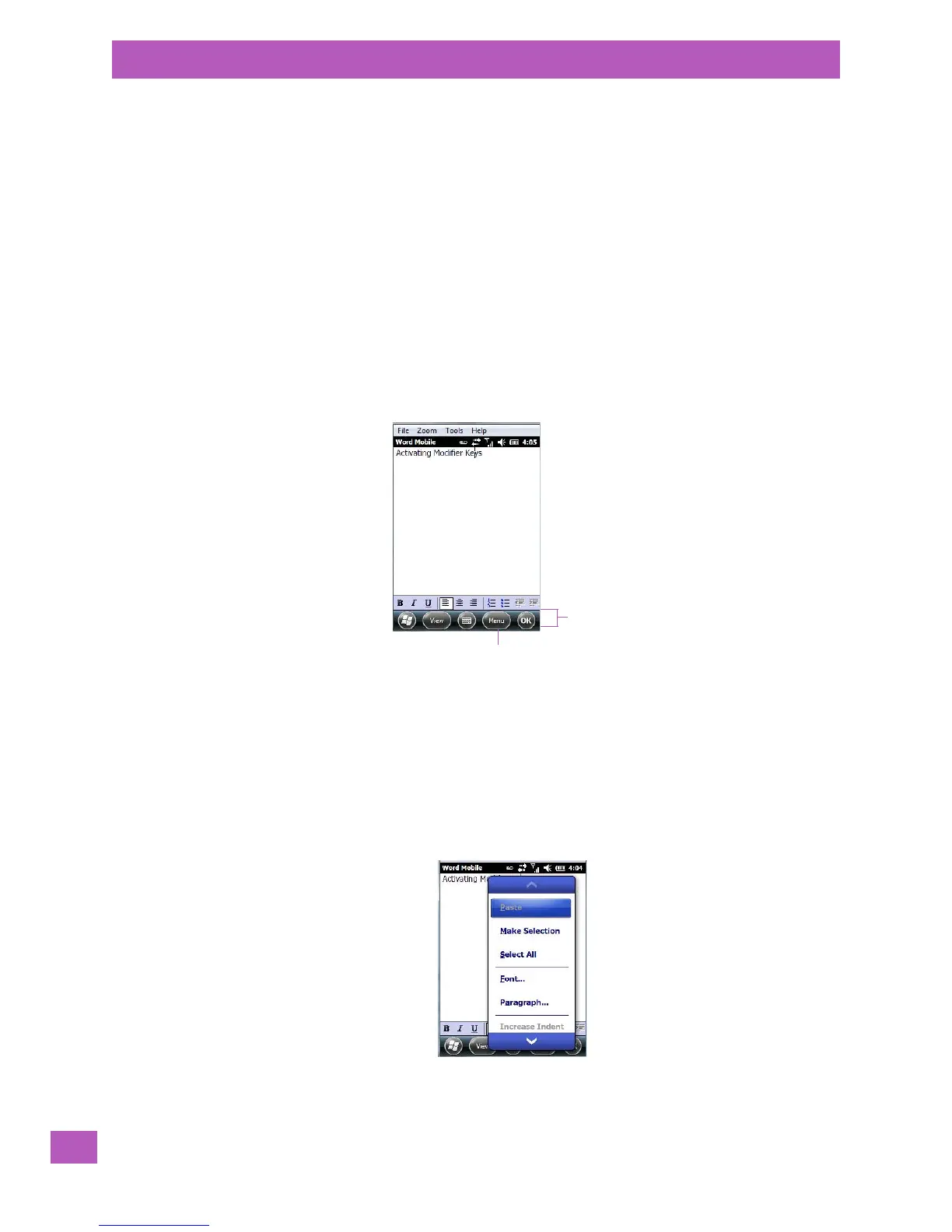
In Windows Embedded 6.5, the menu is located in the softkey bar at the bottom of the screen.
To execute a command:
•Tap on Menu to display the commands associated with it, and then tap on the command you want
to execute.
3.14.1 Pop-Up Menus
Pop-up menus are available in many screens and programs. They offer quick access to a group of useful
commands in addition to those available in the menu bar. To display a pop-up menu:
• Gently press and hold the stylus on the screen. A ring of dots is displayed on the screen followed by a
pop-up menu.
•Tap on the command you want to execute.



 To Next Page