Chapter 5: Settings
Backlight – Screen and Keypad
143
Psion EP10 Hand-Held Computer User Manual
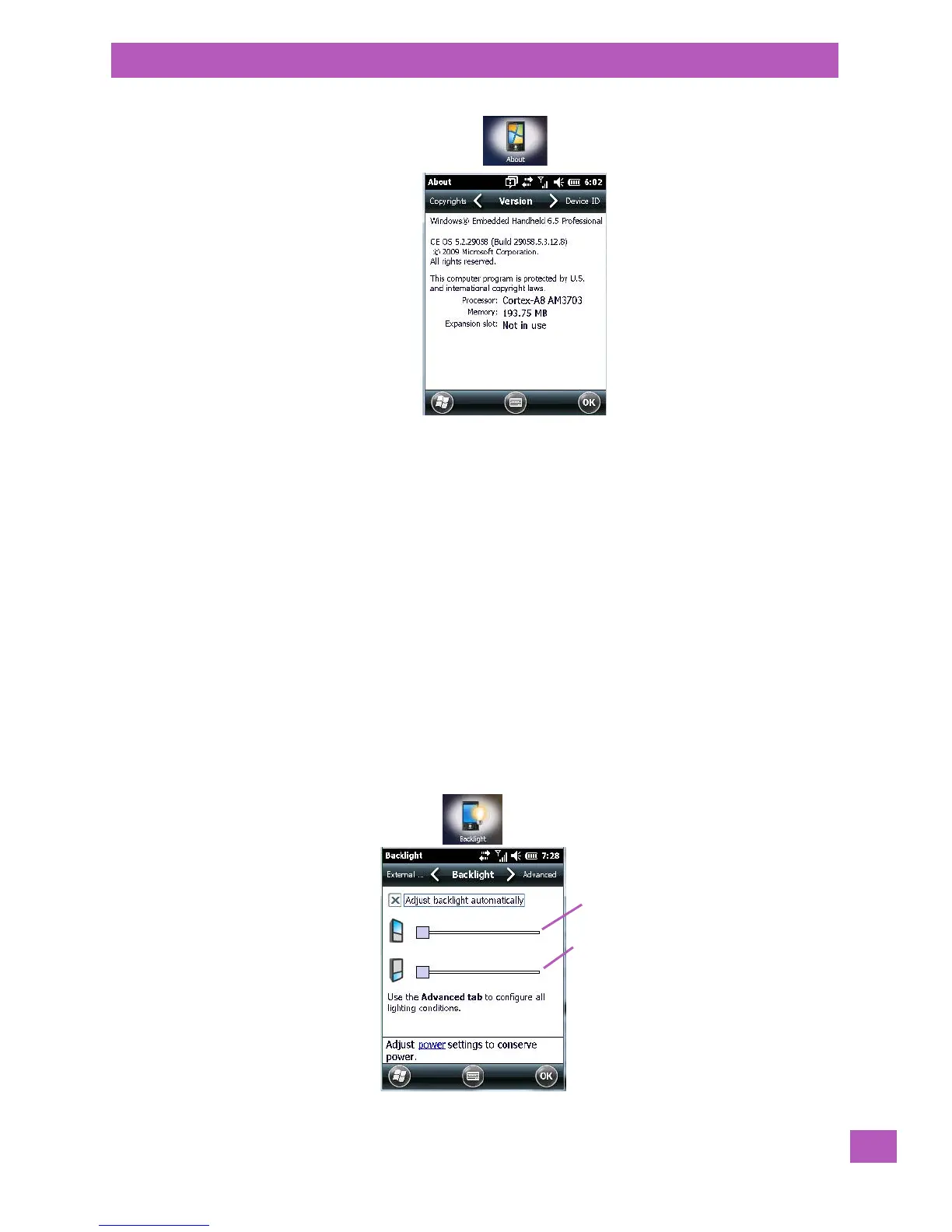
Version Tab
This tab outlines the Windows Embedded 6.5 Professional version, processor information, memory size and
a description of the expansion card, if one is in use.
Device ID Tab
This tab provides fields in which you can assign a Device name and Description (optional) for the EP10. This
name is used by the EP10 to identify itself to other devices.
Keep in mind that this must be a unique name across a network. If you are unable to connect to a network
because another device with the same name is already connected, you’ll need to assign a new name here.
Copyrights
The Copyrights tab lists the copyright information for the software loaded on your EP10.
5.11.2 Backlight – Screen and Keypad
Tapping on Start>Settings>System tab followed by the Backlight icon allows you to determine the backlight
and power properties of the EP10.
5.11.2.1 Backlight Tab
Screen
backlight
Keypad
backlight



 To Next Page