Chapter 5: Settings
Wi-Fi Config – Setting Up the 802.11a/b/g/n Radio
Psion EP10 Hand-Held Computer User Manual
130
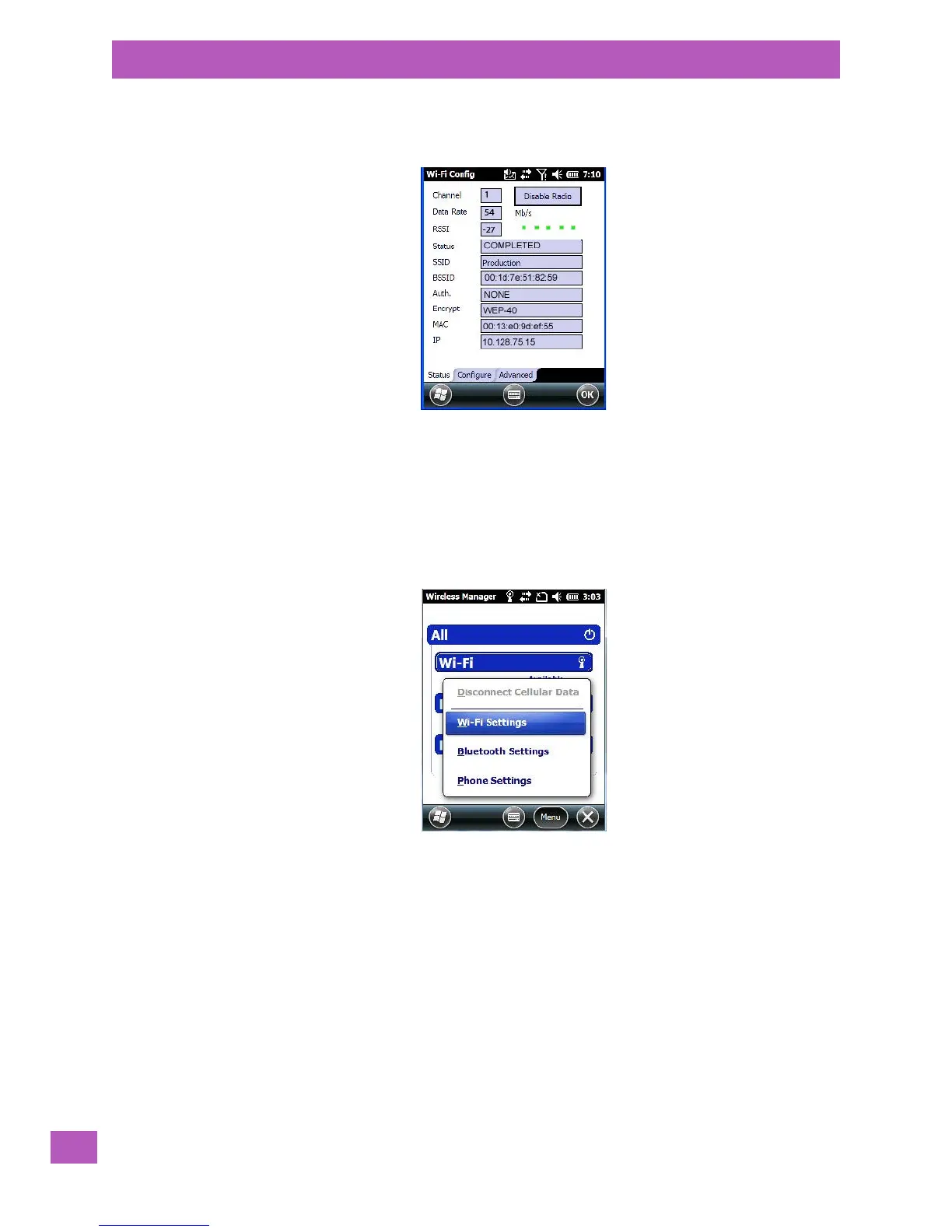
The Status tab is displayed. The Status field displays ASSOCIATING while the 802.11a/b/g/n radio attempts
to connect to the network. Once the association is complete, the Status tab is populated with the appropri-
ate information about your network.
5.8.9.3 Configuring TCP/IP
If your network is not using a DHCP server, you will need to assign an IP address.
5.8.9.3.1 IP Address and Name Servers
To assign an IP Address for the EP10:
•Tap on Start>Settings>Connections icon>Wireless Manager icon.
•Tap on the Menu button, and choose Wi-Fi Settings.
•In the Wi-Fi screen, use the scroll bar at the top of the screen to scroll to the Network Adapters tab.



 To Next Page