Chapter 5: Settings
Wi-Fi Config – Setting Up the 802.11a/b/g/n Radio
129
Psion EP10 Hand-Held Computer User Manual
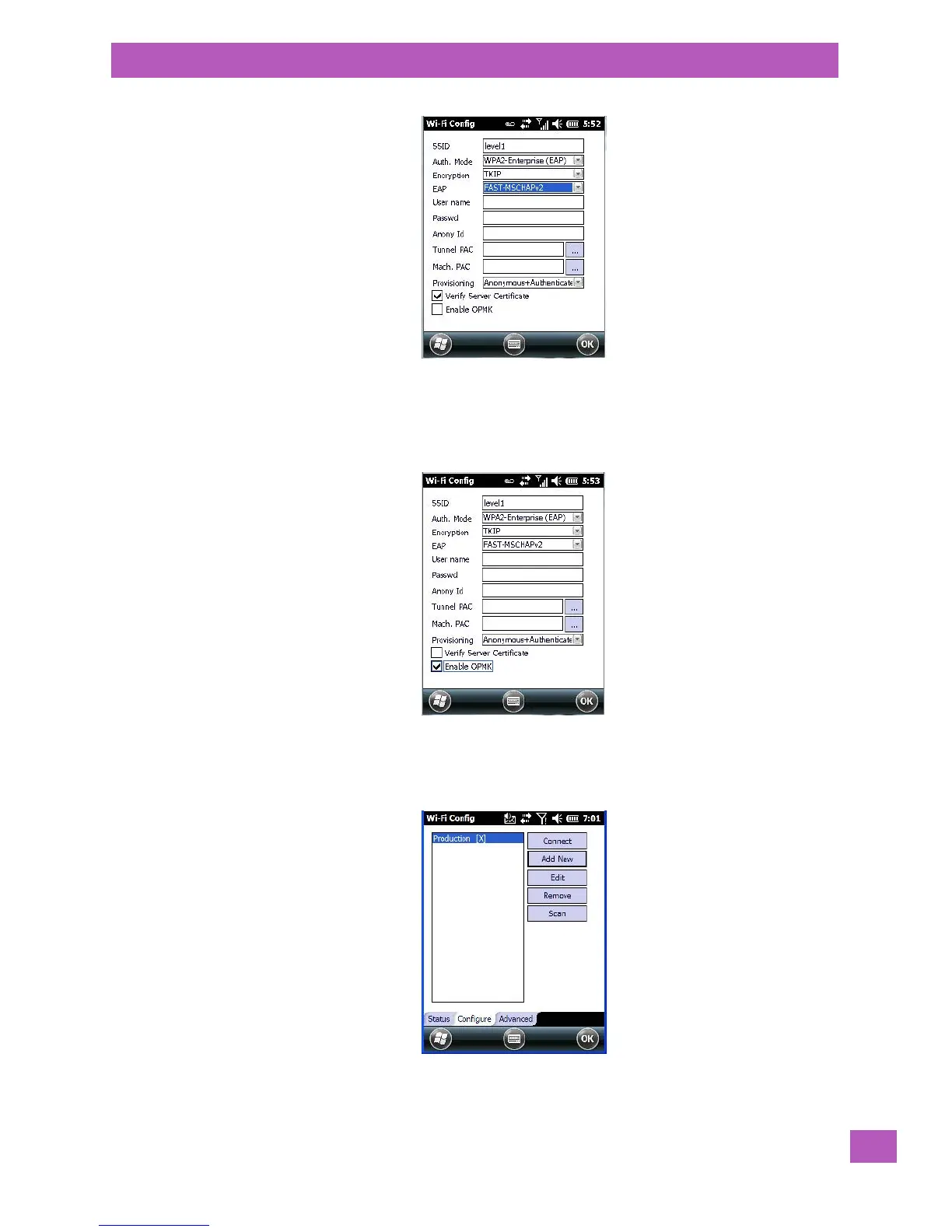
5.8.9.2.6 Enable OPMK
When used with compatible wireless infrastructure, Opportunistic Key Caching (OPMK) reduces the number
of full authentications required when roaming. This option is only visible when WPA2-Enterprise (EAP) au-
thentication mode is chosen.
5.8.9.2.7 Connecting the Wireless Network
Your configured network is listed in the Configure tab. An [X] next to a network indicates that this is the
network to which EP10 will connect.
• Tap on the Connect button to activate your network.



 To Next Page