Appendix A: Wireless Wide Area Network (WWAN)
Disconnecting from a Network
A-5
Psion EP10 Hand-Held Computer User Manual
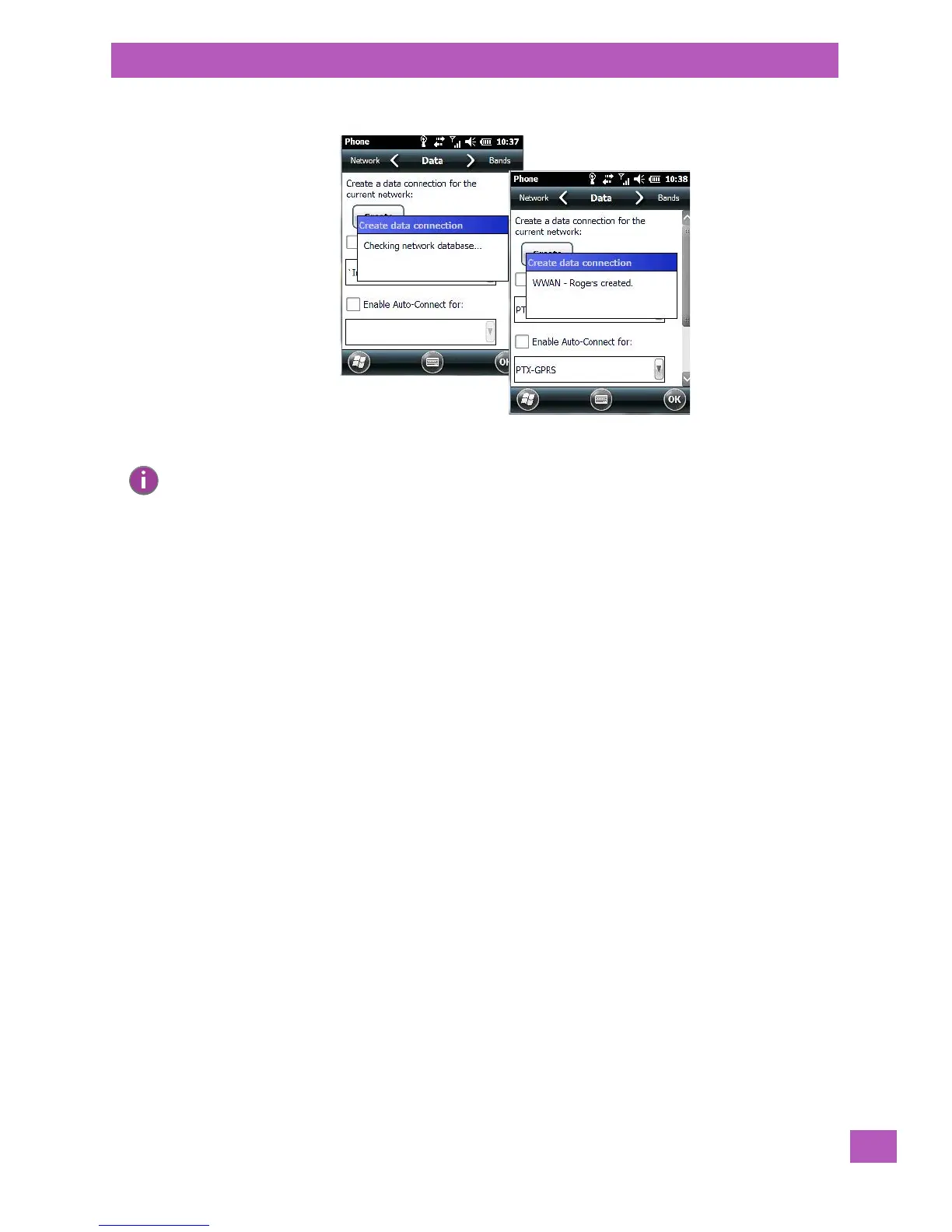
A home data connection is automatically set up.
• To connect to the Internet, tap on the Start>Internet Explorer icon.
A.3.1 Disconnecting from a Network
To disconnect from the network:
• Tap on the navigation bar at the top of the screen, and then tap on the Phone Settings hotkey. In the
pop-up Phone bubble, tap on Wireless Manager.
• Tap on the Menu button in the taskbar at the bottom of the Wireless Manager screen, and choose Dis-
connect Cellular Data.
A.3.2 Advanced GSM/GPRS Data Configuration
In most cases, when a GSM/GPRS radio and SIM are installed in your hand-held, setup is automatic. Follow
the steps outlined under the heading “Establishing a Packet Data Connection” on page A-3 to make a con-
nection. The information in this section is for advanced setup purposes.
Manual configuration should only be necessary if:
• One or more parameters in the database are incorrect or a new operator is not yet in the database.
(The database should be corrected for subsequent software releases.)
• An operator has assigned individual GPRS user names and passwords.
• A very large site has its own Access Point Name (APN). Such connections must be
configured manually.
• A customer has subscribed for a static IP address. By definition this must be configured manually.
A.3.2.1 Manually Adding a New Modem Connection
• Tap on Start>Settings>Connections folder icon. Tap on the Connections icon.
Note: Any application that needs Internet access will establish a packet data connection – for
example, e-mail.



 To Next Page