Appendix A: Wireless Wide Area Network (WWAN)
Advanced GSM/GPRS Data Configuration
A-7
Psion EP10 Hand-Held Computer User Manual
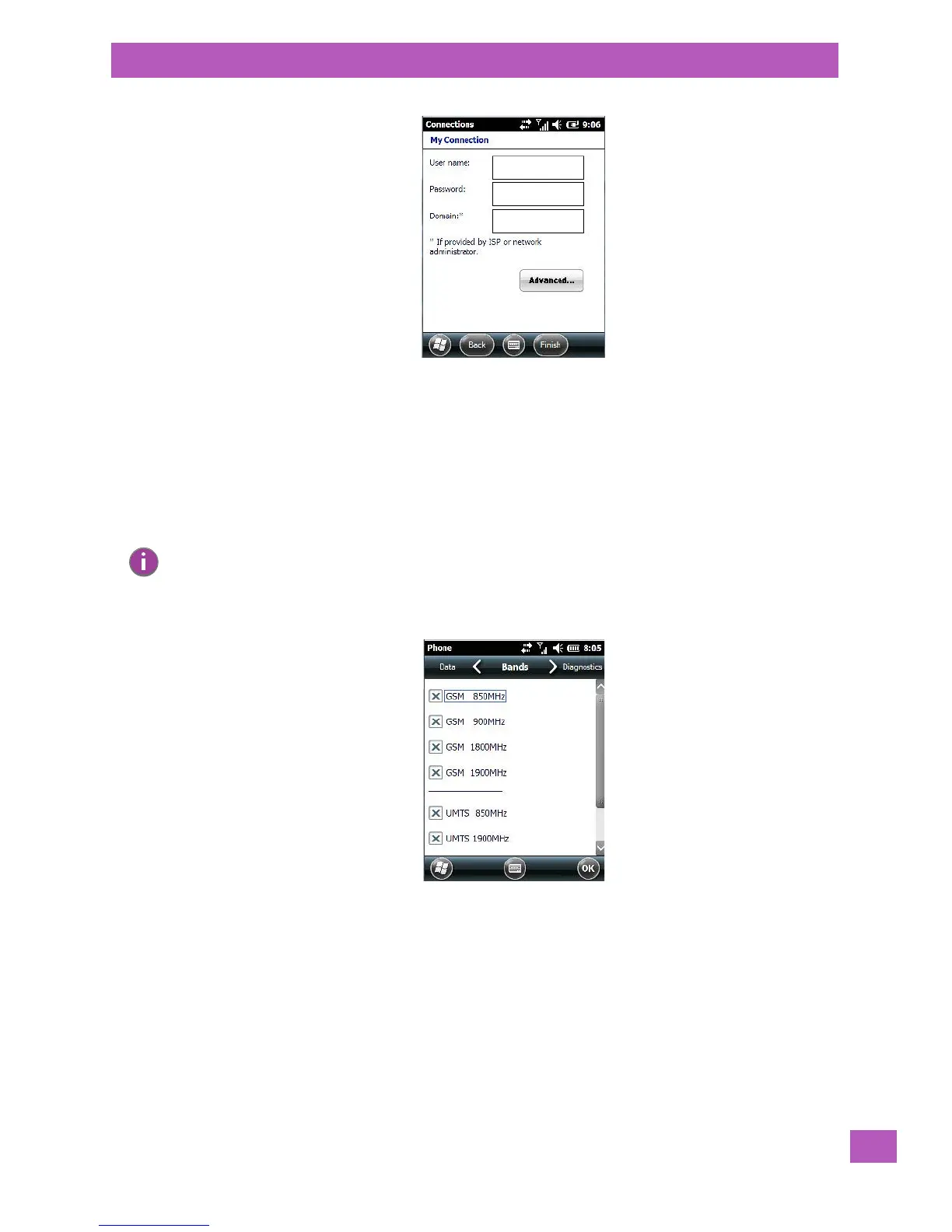
• If required, type a User name and Password.
• If you need to specify TCP/IP and Server information (i.e., you are using a static IP address) tap on the
Advanced... button to complete the necessary details.
• Tap on Finish to create a new connection.
A.3.2.2 The Security Tab – Entering a PIN Number
This option allows you to assign a PIN (Personal Identification Number) so that your SIM card is protected
from unauthorized use.
A.3.2.3 Bands
By default, all frequency bands are enabled. Bands should not be disabled without knowledge
about which bands are used by your network; an incorrect setting will prevent the WWAN modem from
finding the network.
Note: For details about assigning a PIN number, refer to “Phone: Security Tab” on page 55.



 To Next Page